Claiming a Resource
Contents4 sections
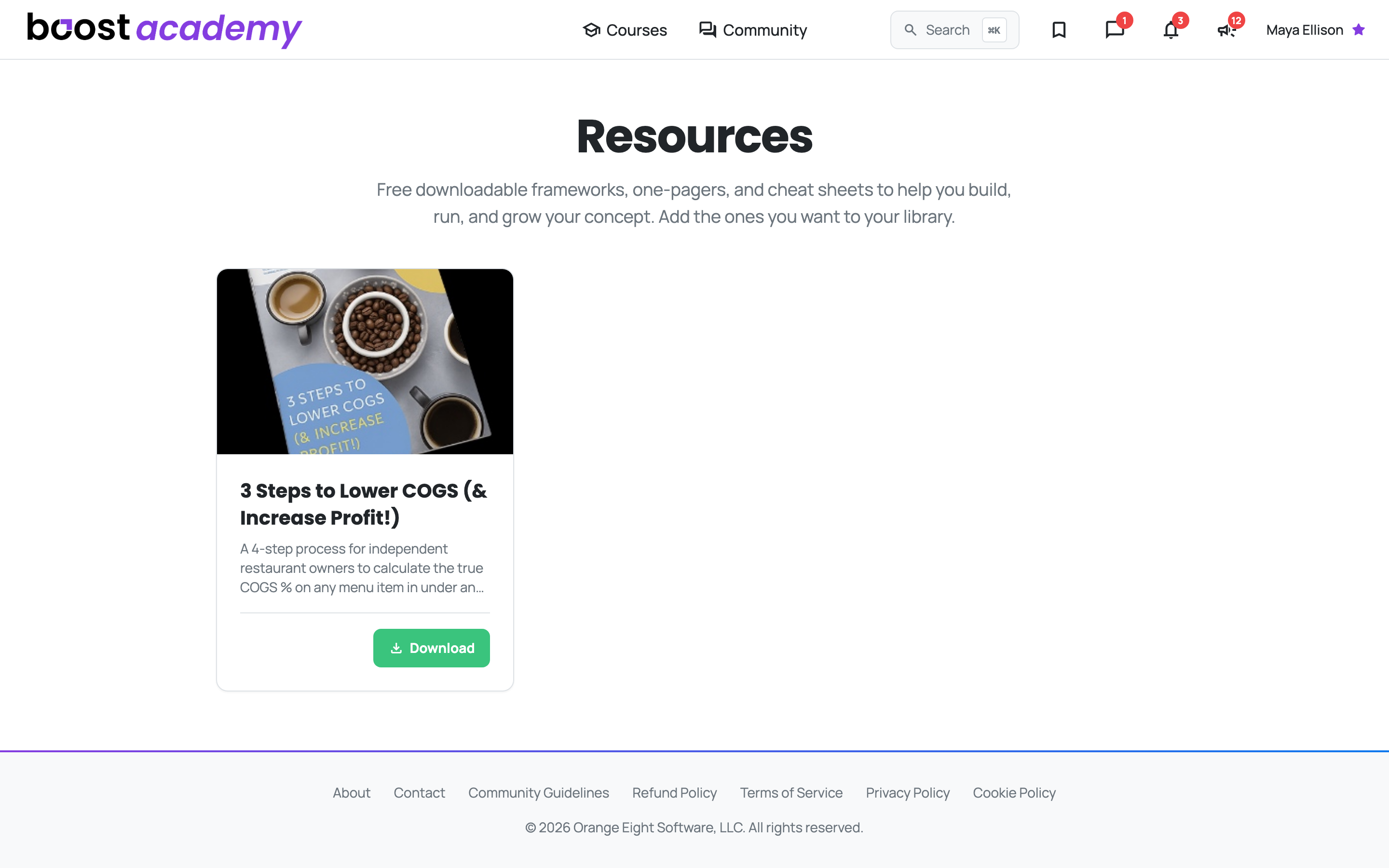
Something You Can Hand to a Shift Lead: Resources collects the downloadable frameworks, one-pagers, and cheat sheets. Unlike a course, these are not for you to watch, they are for you to print, fill in, or put in front of the person running the close.
Adding one to your library
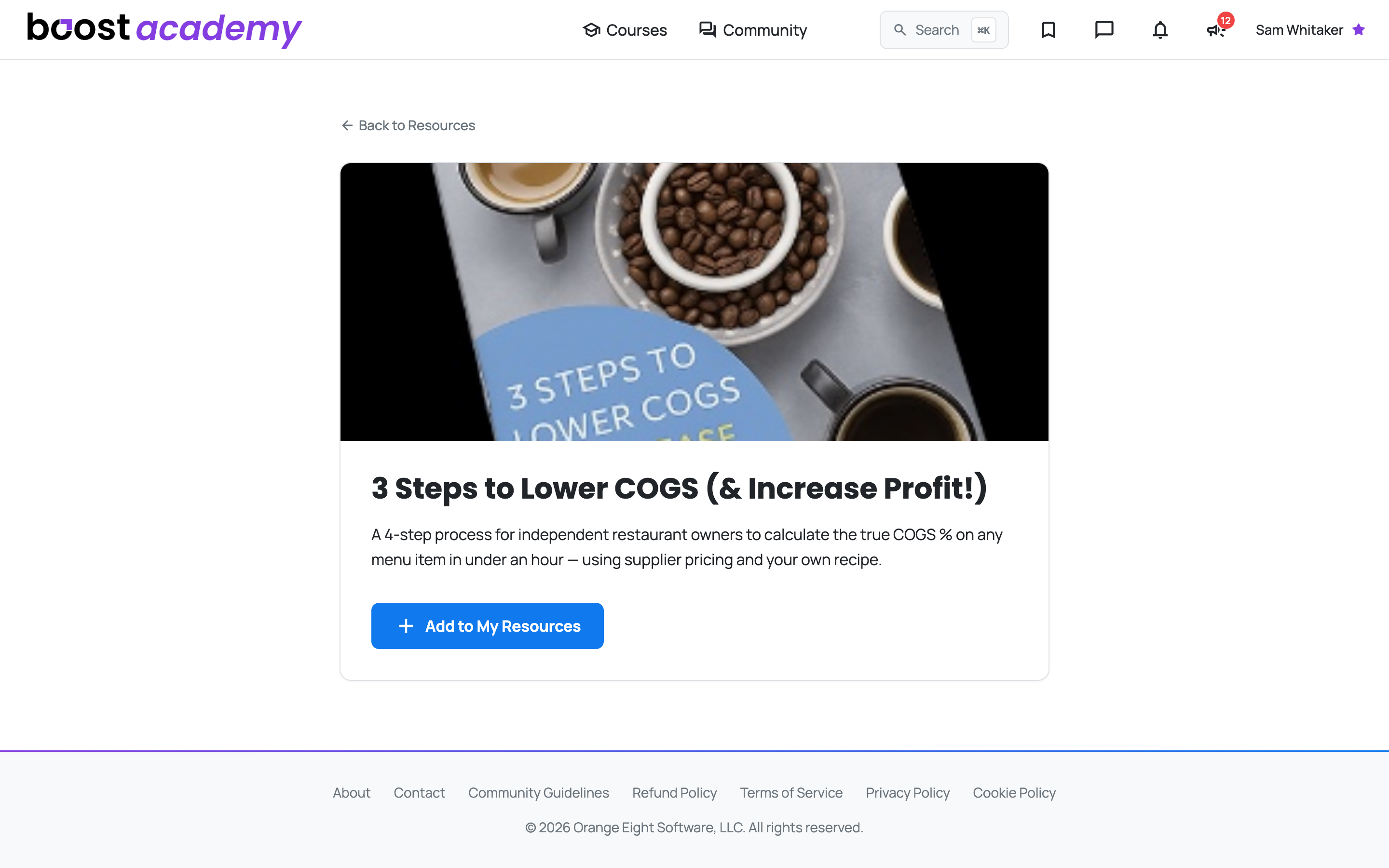
Claim It, Then Download It: Open a resource and the button reads Add to My Resources. Click that and it is claimed to your account, which unlocks the download.
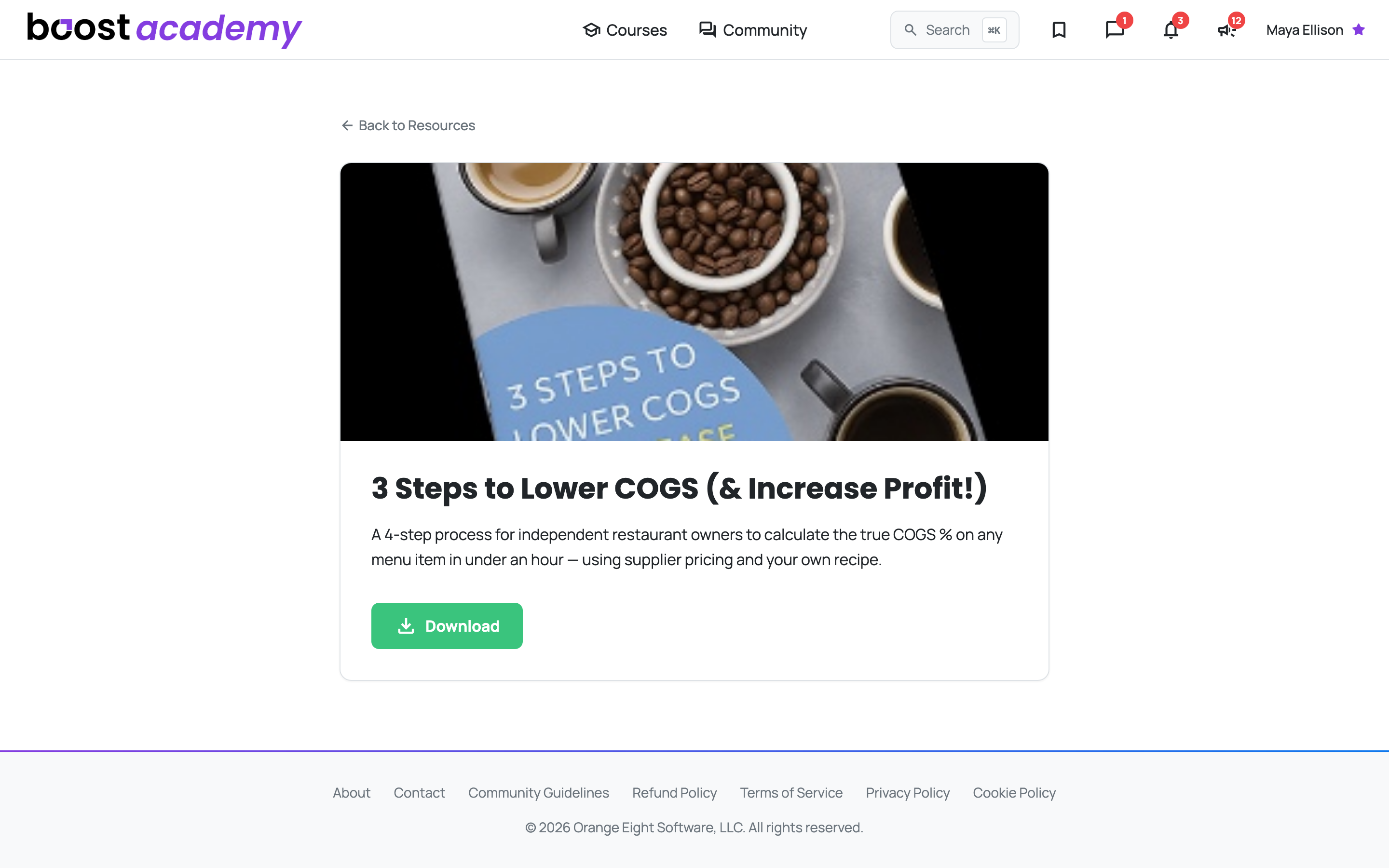
Once claimed, the button becomes the download itself, labelled for whatever the resource actually is.
Some Come With a Walkthrough: Where a resource has an intro video attached, it appears once you have claimed it. Worth the two minutes before you hand the thing to someone else, so you can explain it rather than just forwarding it.
Not Signed In? You will see Log in to Get this Resource instead. Logging in brings you straight back to the resource rather than dropping you somewhere else.
Reserved for Academy Plus? A few resources are set aside for Academy Plus members. On those, the button reads Included with Academy Plus and takes you to the pricing page instead of claiming.
Where else resources turn up
Workshop Worksheets Live Here Too: A Workshop's worksheets are ordinary library resources, so Open on a Workshop's Resources tab brings you to the same page you would reach from Resources in the main navigation, with the same claim and download.
Finding it again
My Resources: Everything you have claimed is listed under My Resources on your Account page, with the date you added it. That matters more than it sounds, because the month you actually need the COGS worksheet is rarely the month you downloaded it.
Ready to dig in?
Log in to Boost Academy, open Resources, and claim the one that matches what you are fixing this month.
Access: All members. A small number of resources are Academy Plus only.