

The Underground library
Contents4 sections
Some things you keep, not take: the food-cost template you open every month, the cheat sheet by the register, the latte spec your new barista needs on day one. That is the library, and it lives on the Operator Underground.
Find the library
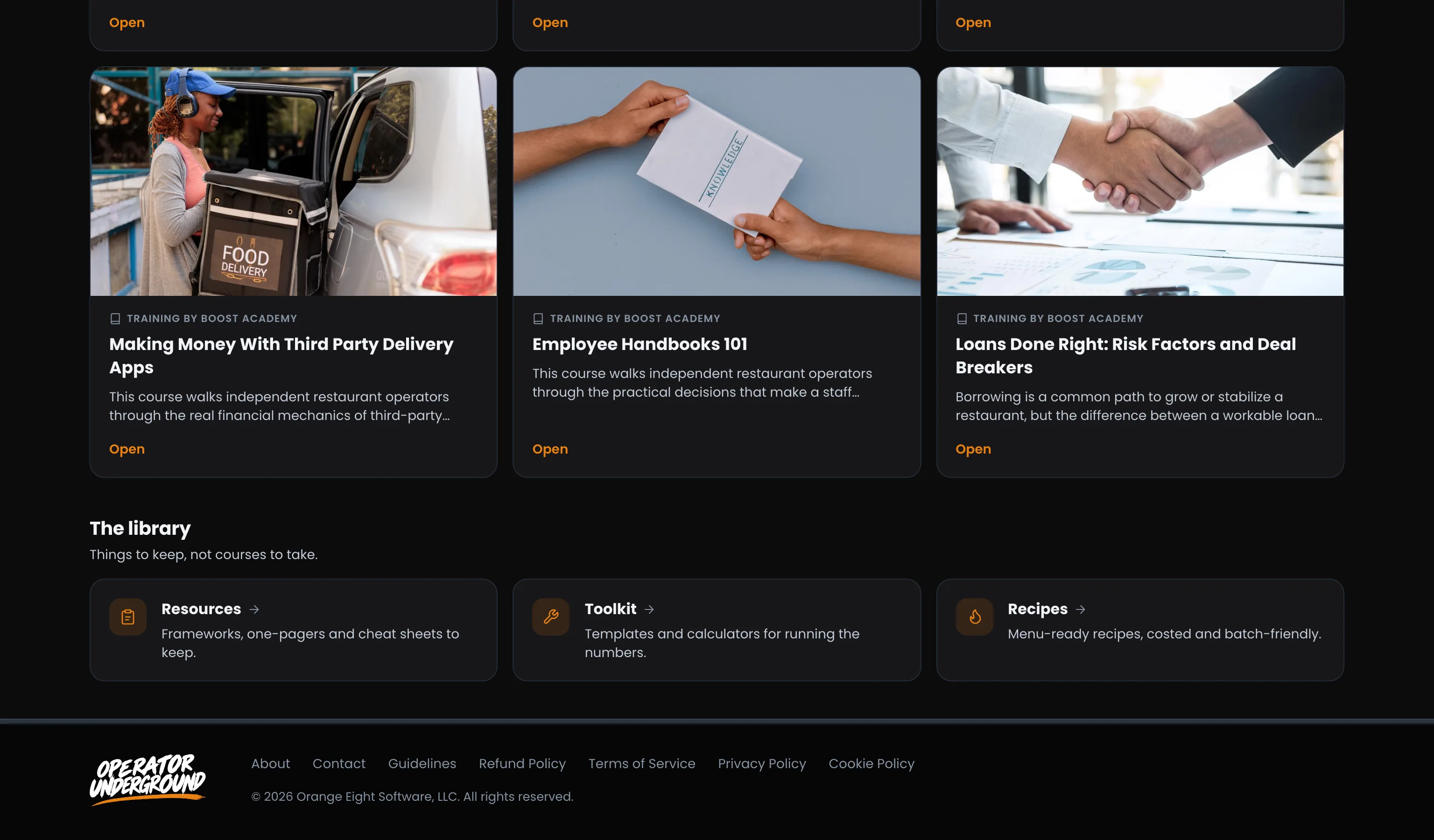
Right Where You Learn: Open Training and scroll to The library at the bottom. It has three shelves: Resources, Toolkit and Recipes. Each shelf's page has tabs across the top to jump to the other two.
Resources
Frameworks You Keep: Resources are frameworks, one-pagers and cheat sheets for building, running and growing a shop. Add the ones you want and they stay yours.
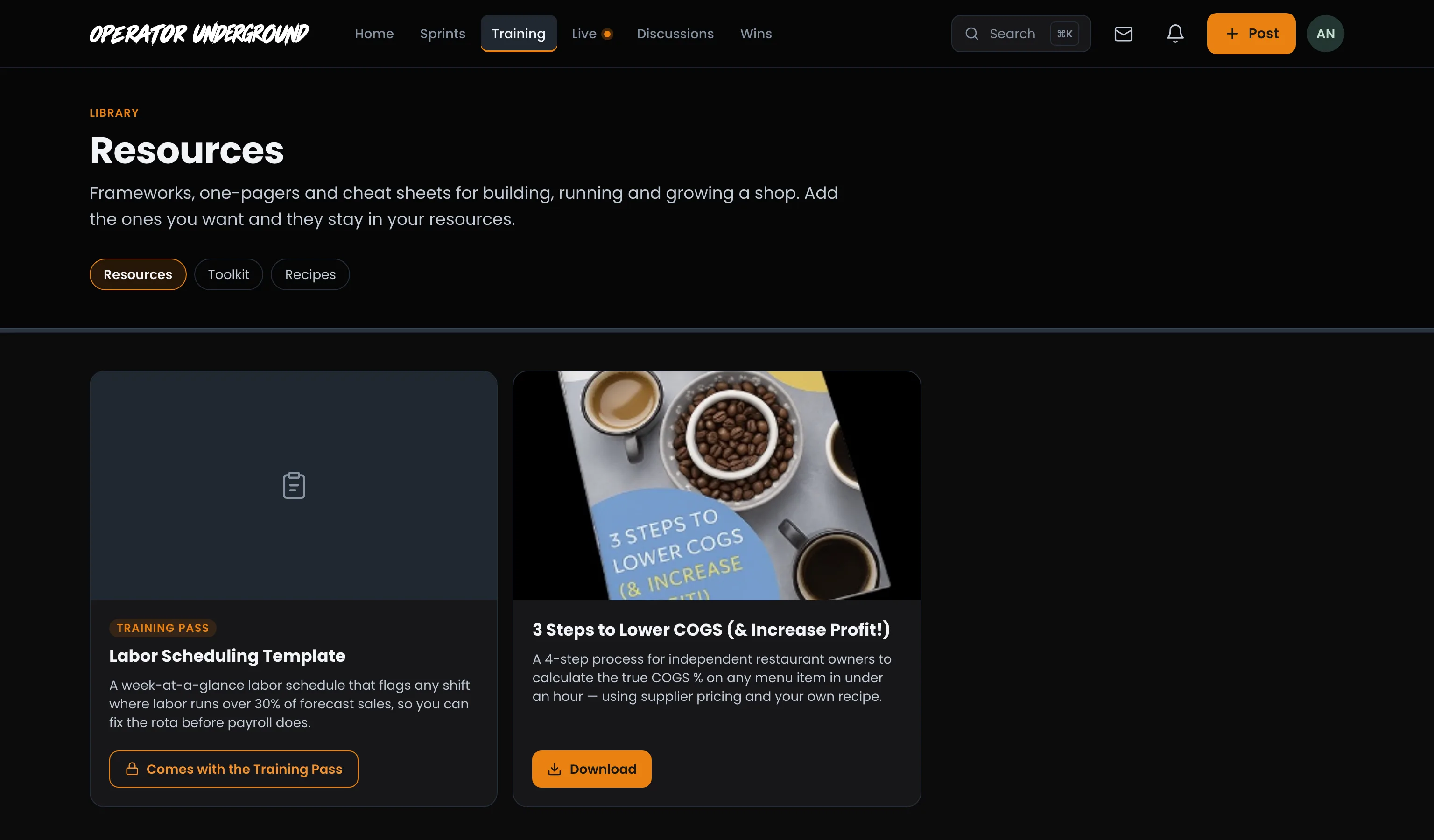
- Open a resource to read what it covers.
- Press Add to my resources.
- The button turns into Download. If the resource has a short intro video, it plays once the resource is yours.
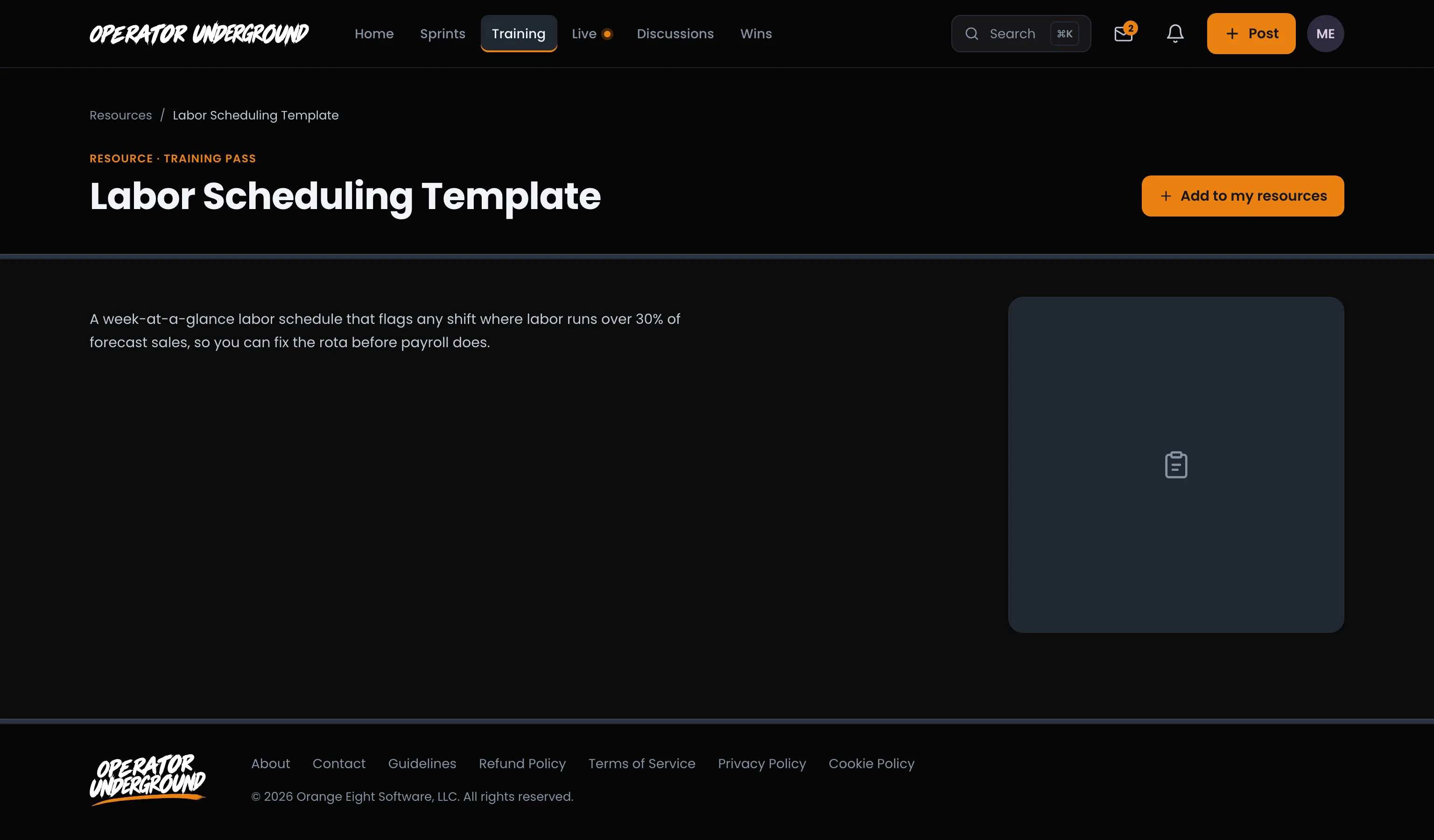
Training Pass Resources: A resource marked Training Pass shows Comes with the Training Pass if you don't have the pass, and the button takes you to the Training Pass page. With the pass, it works like any other resource.
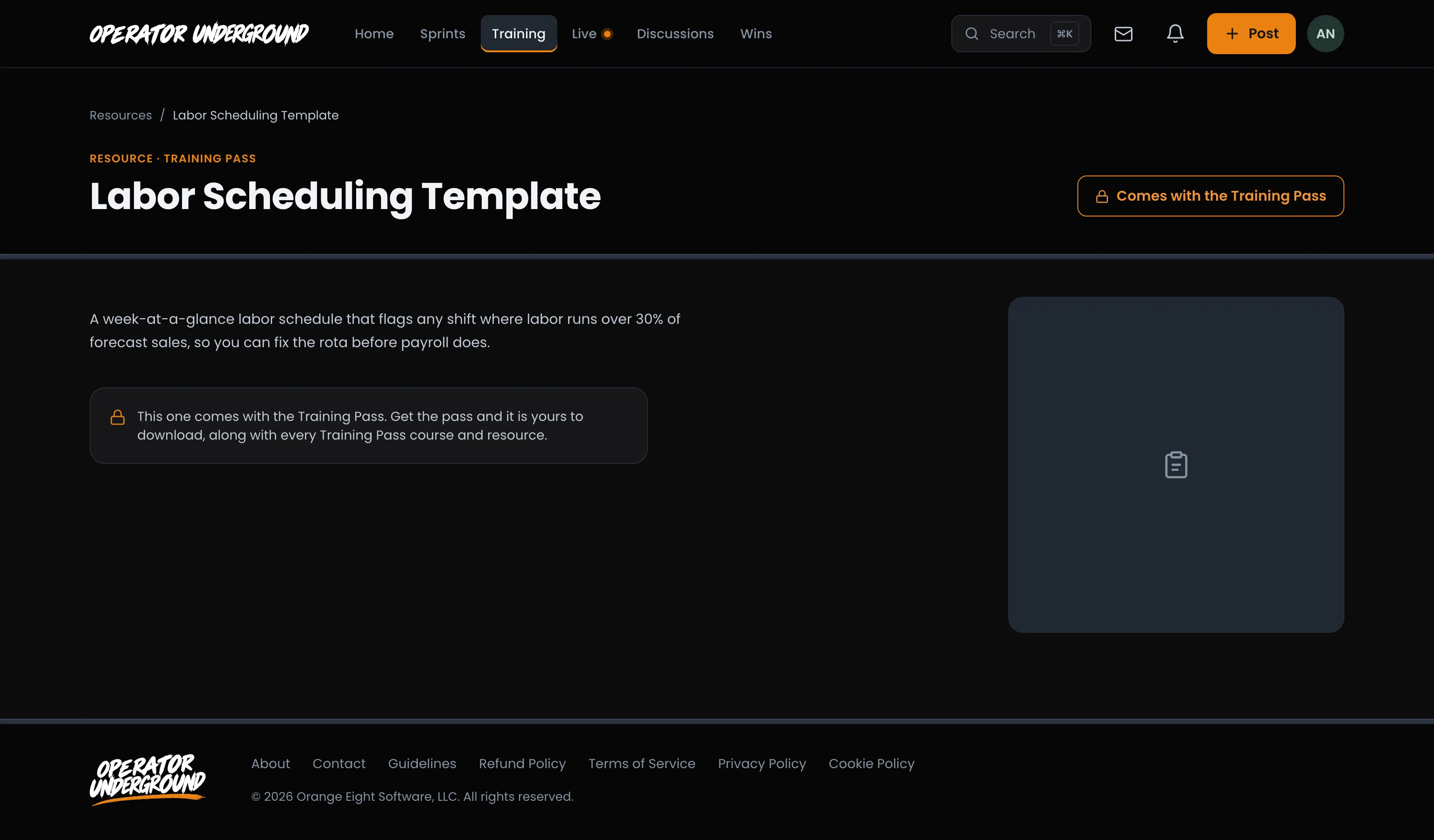
Signed out, the button reads Sign in to get it and brings you back to the resource after you sign in.
The Founder's Toolkit
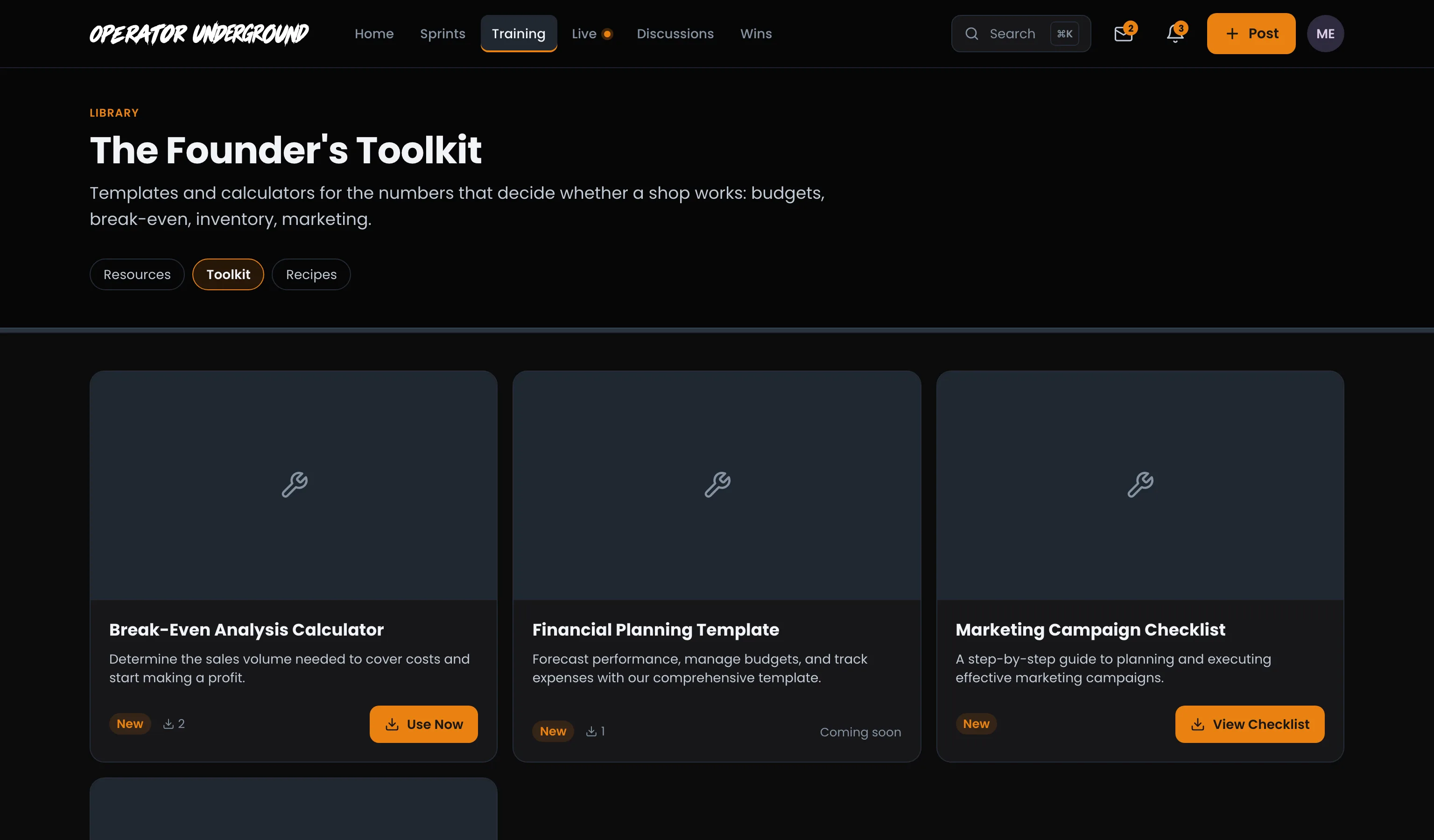
Run the Numbers That Decide Everything: Toolkit holds templates and calculators for budgets, break-even, inventory and marketing. Each tool shows its rating (New until it has a few ratings) and how many times it has been used. Press a tool's name or its button to open its page, where you get the tool itself:
- A calculator runs right on its page. The break-even calculator takes your monthly fixed costs, average ticket, variable cost and days open, and shows the sales and tickets you need each month and each day to cover them. Add your current monthly sales and it shows your profit and margin of safety too.
- A template has a Download button on its page.
- A tool kept somewhere else opens it in a new tab.
A tool that isn't ready to hand over yet says so on its page.
Used one? Go to Discussions at the bottom of the page and post what you changed and the number it moved.
Recipes
Specs Your Team Can Run in a Rush: Recipes are menu-ready, with exact quantities and steps a line cook or barista can follow.
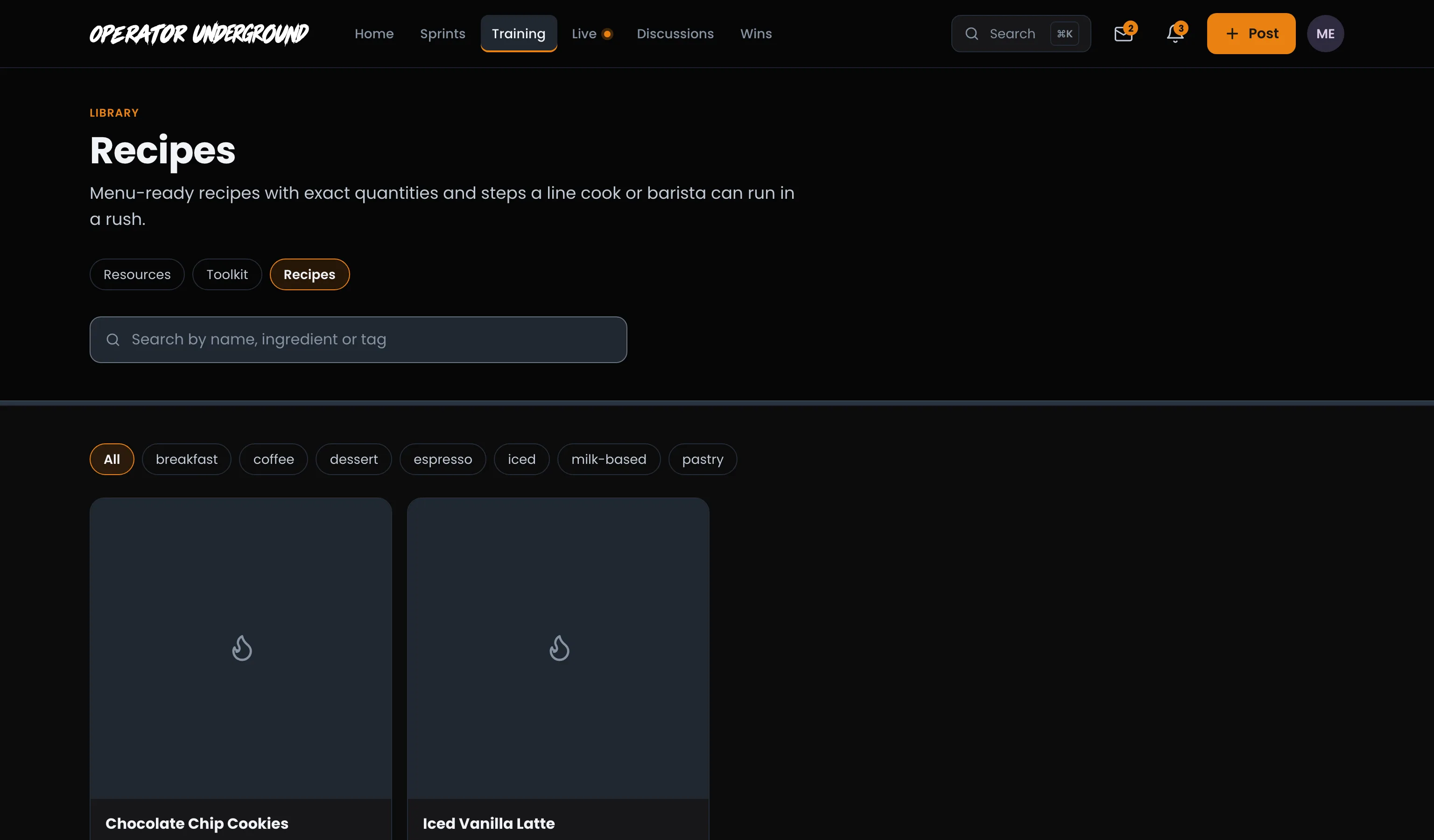
- Search by name, ingredient or tag.
- Press a tag to show just those recipes. The tag stays in the page's link, so you can share a filtered list.
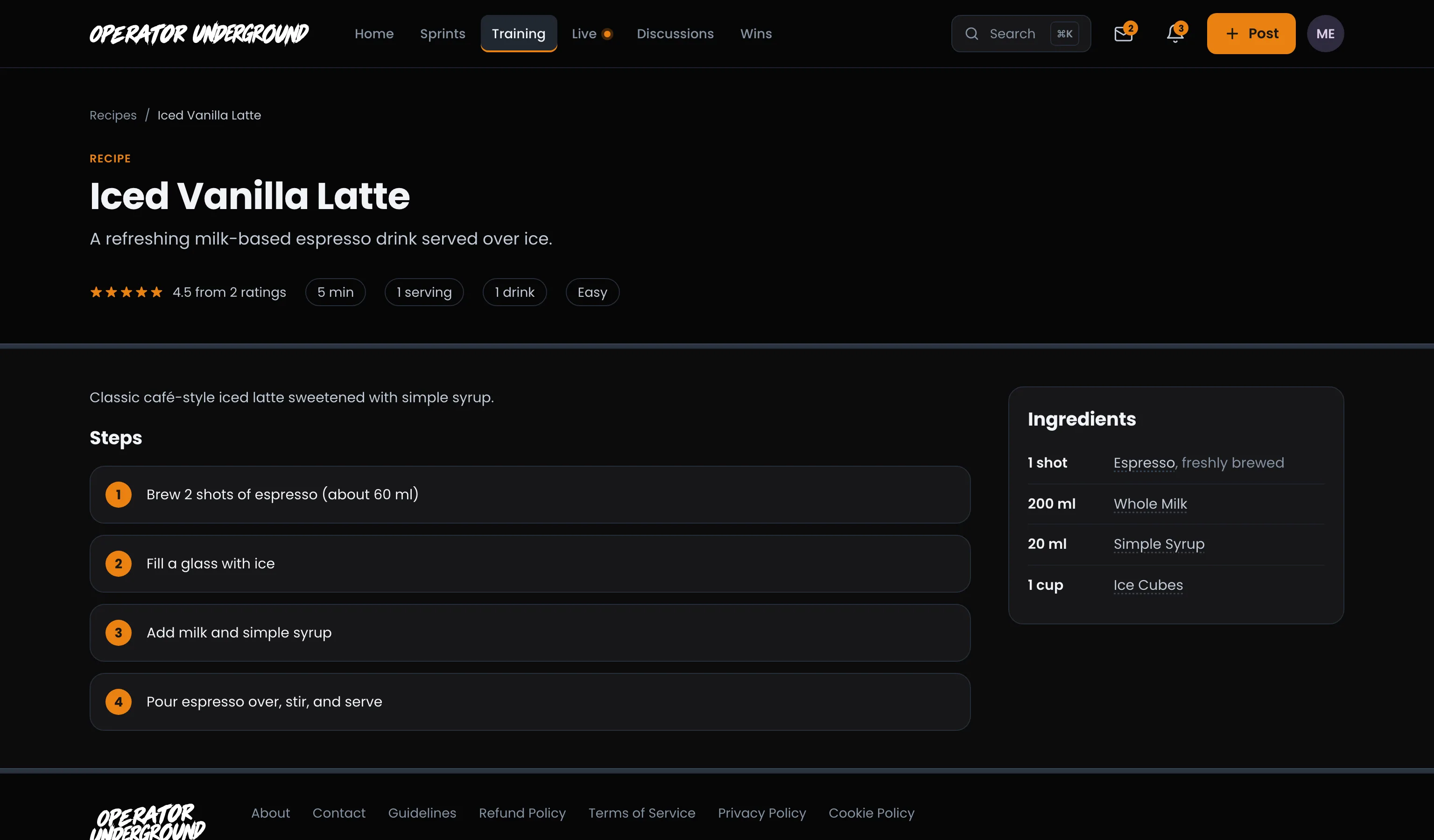
Open a recipe for its rating, quick facts like time and servings, the numbered steps, and the ingredients with their amounts. Press an ingredient to see every other recipe that uses it.
Ready to dig in? Sign in to the Operator Underground, open Training and head to The library.
Access: All members. Some resources come with the Training Pass.