Creating Your Account
Contents4 sections
Free Means Free, Not a Trial: A free Boost Academy account is a permanent tier, not a countdown. It gets you the free knowledge courses and the community boards for as long as you want them, with no card required to start.
Signing up
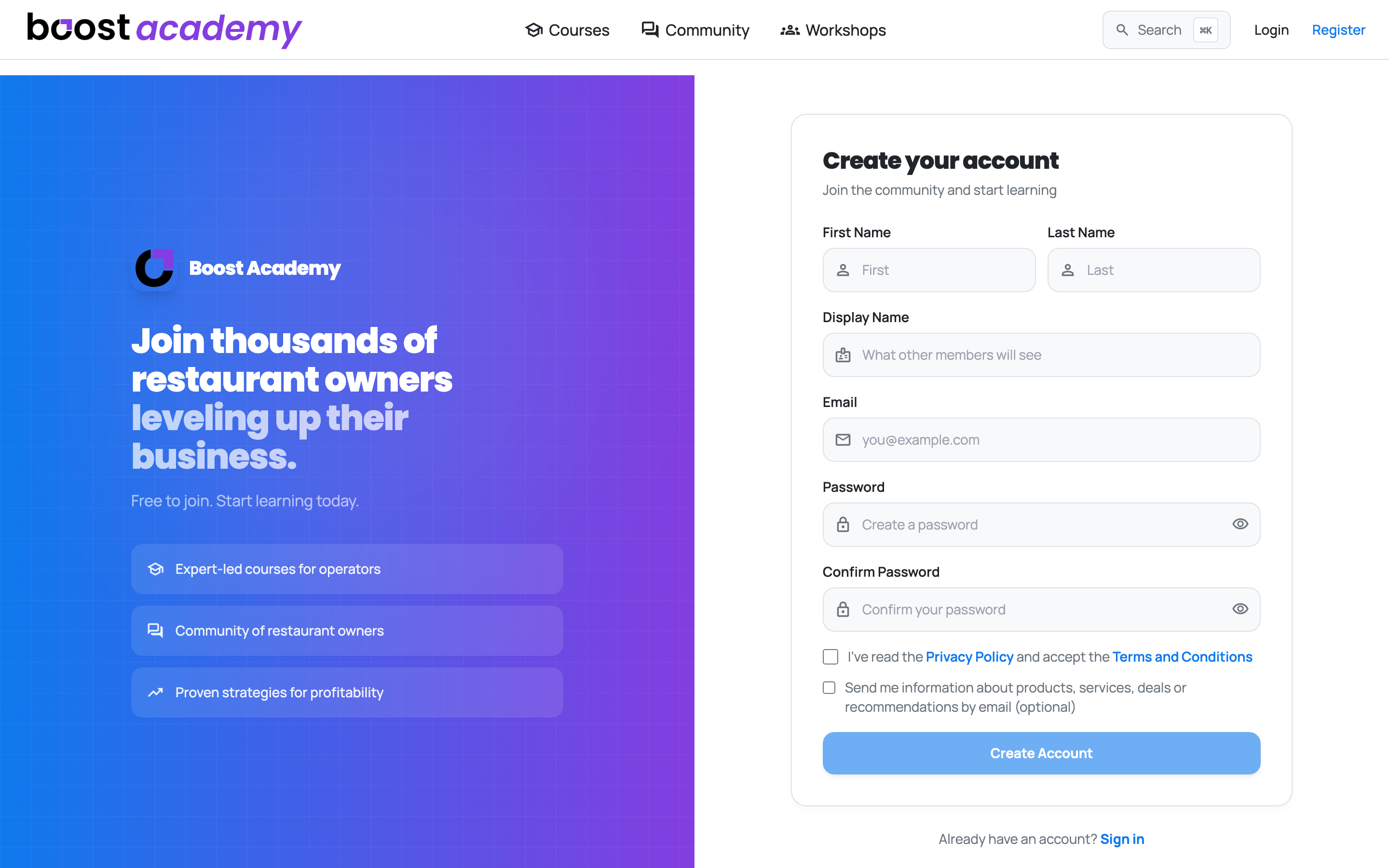
Register From the Top Bar: The Register link sits in the top bar whenever you are signed out. You will need an email address and a password, and that is it.
Emails Are Yours to Choose: The email box under the terms checkbox is optional and starts unticked. Tick it and you are signed up for both streams we send: the newsletter, and product updates when something new lands. Leave it unticked and you stay off both. Either one can be changed later under Account > Notifications, in the Marketing Emails panel, and the change takes effect right away.
Confirm Your Email and You Are In: Click the link in your welcome email and you go straight into Boost Academy, already signed in. No bouncing back to a login screen to retype the password you just set. If a link has expired, the page gives you a way through to login rather than leaving you on a dead end.
Already have an account
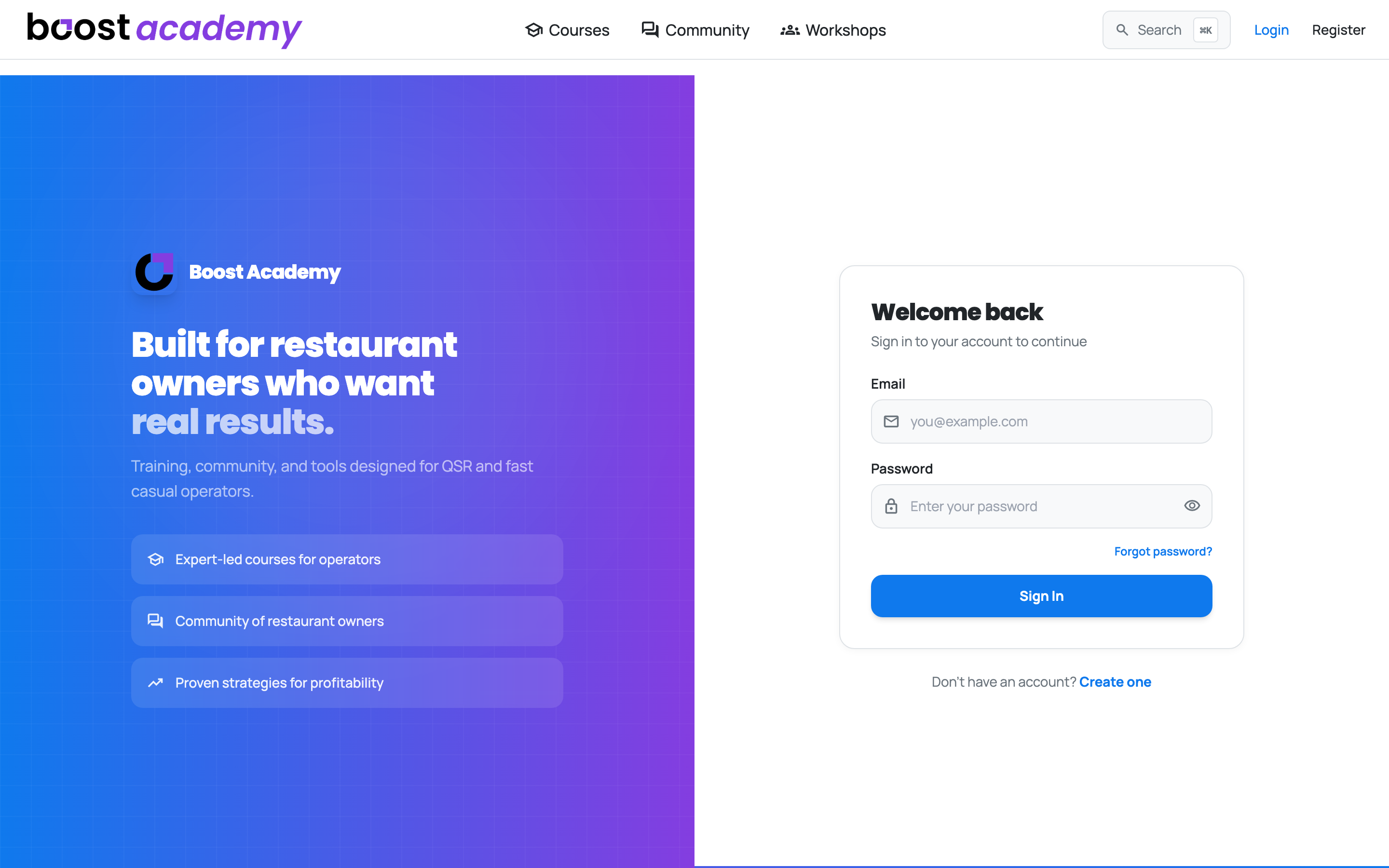
Login Is Next to Register: If you arrived from a course page or a community thread, signing in sends you back to where you were rather than dropping you on the home page. The same holds if you register partway through buying something.
Forgot Your Password? There is a link for it on the login page. It emails you a reset, and following that link signs you in.
What happens next
A Few Quick Questions: New accounts get a short setup that asks what stage of ownership you are at, which formats you operate, and your concept. It shapes the courses and recipes you are shown, and every step can be skipped and changed later from Account.
Ready to dig in?
Head to Boost Academy and create your account.
Access: Anyone. Registration is free.