

Signing In Without a Password
Contents4 sections
One Less Thing to Keep Track Of: Boost Academy has no passwords. Signing in means opening a link we email you, or typing the six digits in that same email, so there is nothing to invent at signup, nothing to forget on a busy Friday, and nothing to reset at 6am.
Signing in on the web
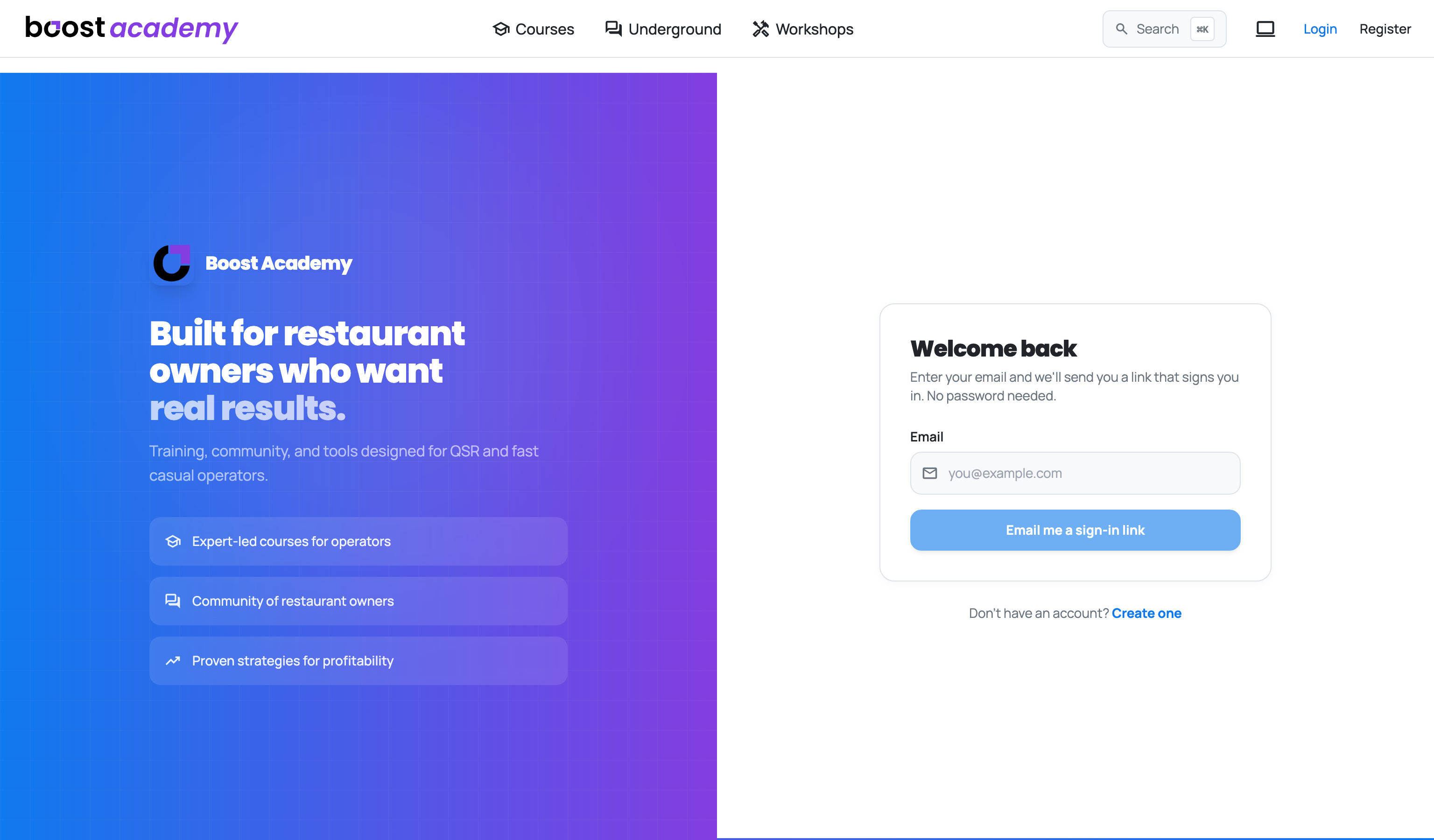
Your Email Is the Whole Form: Go to Login, enter the address on your account, and press Email me a sign-in link. Check your inbox and open the link, and you are in.
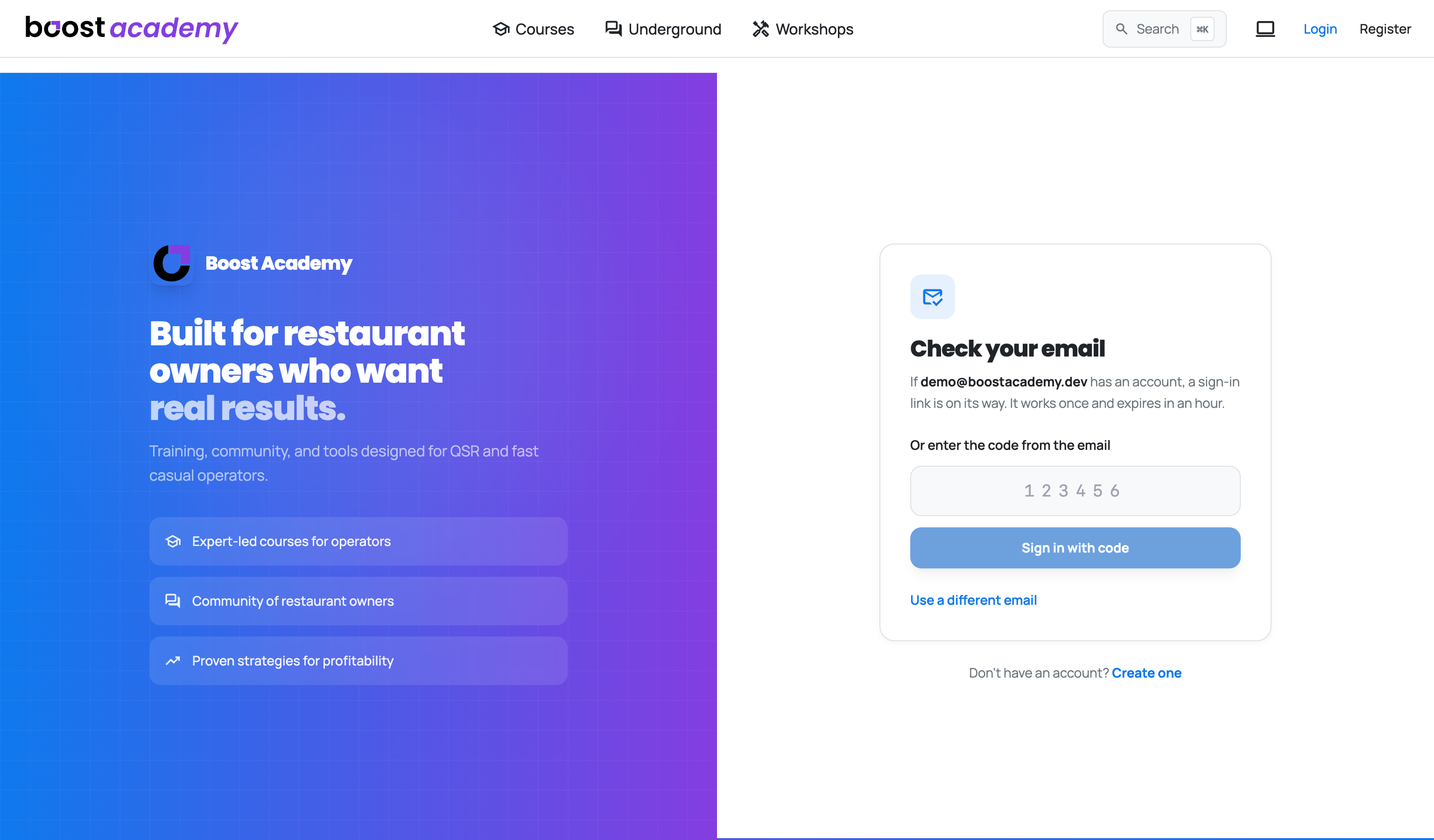
Or Type the Six Digits: Asked on the laptop in the office and read the mail on your phone? The link would sign you in on the phone, which is not where you were working. Type the code under Or enter the code from the email instead, press Sign in with code, and the browser you started in is the one that signs in.
Open It Wherever You Like: Ask for the link on the laptop in the office and open it on your phone in the walk-in if that is easier. It signs you in on whichever device opens it.
Tip
Signing in from a course or a discussion sends you back to it afterwards, rather than dropping you on the home page.
Signing in on the app
The Same Six Digits: The code in that email works in the Operator Underground app too, on the same account, so there is nothing different to learn. Tap Email me a code, type the six digits, and you are in. No copying links between your mail app and the app.
Good to know
- Each link and code works once and expires after an hour. If yours has expired, ask for another.
- Asking for a link does not tell anyone whether an address has an account, so the page says the same thing either way.
- There is no password to change, so Account no longer has a password screen.
- Already signed in as someone else on that browser, say a shared office laptop? A link for a different account asks first. Switch accounts? names both addresses, and you choose Stay signed in as the current one or Switch to the new one.
- Following a link from the Operator Underground to Boost Academy? You arrive signed in, so there is no second email to wait for. Going the other way, from Boost Academy to the Underground, you sign in there yourself the first time (or join, if you are new to it).
Ready to dig in?
Head to Boost Academy, enter your email, and open the link we send you.
Access: All members