Getting Help and Contacting Support
Contents4 sections
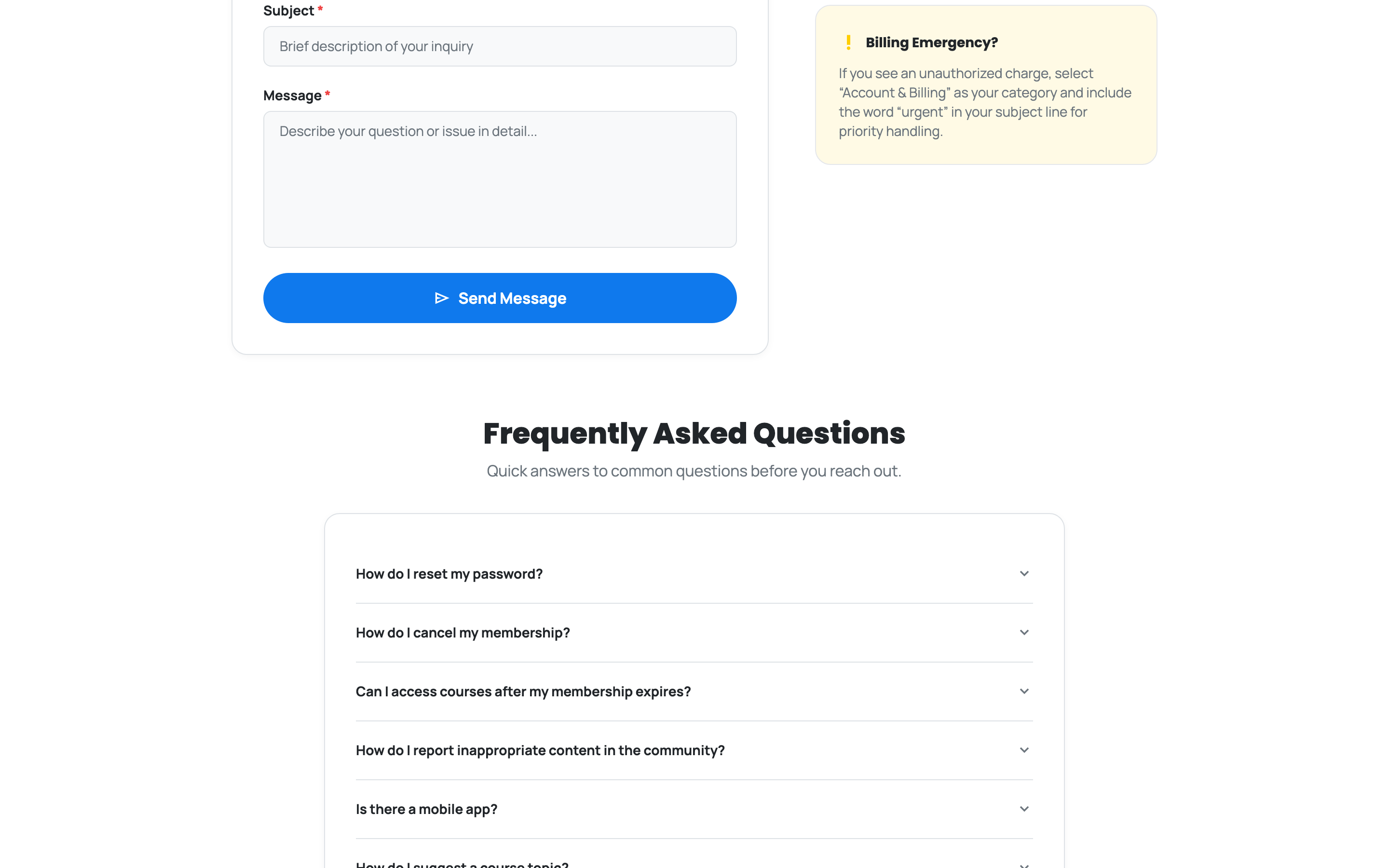
Try the FAQ First, It Is Usually Faster: The bottom of the Contact page answers the questions support gets most, and reading one is quicker than waiting on a reply. It covers resetting your password, cancelling a membership, what happens to your courses when a membership ends, reporting content in the community, whether there is a mobile app, and how to suggest a course topic.
Sending a message
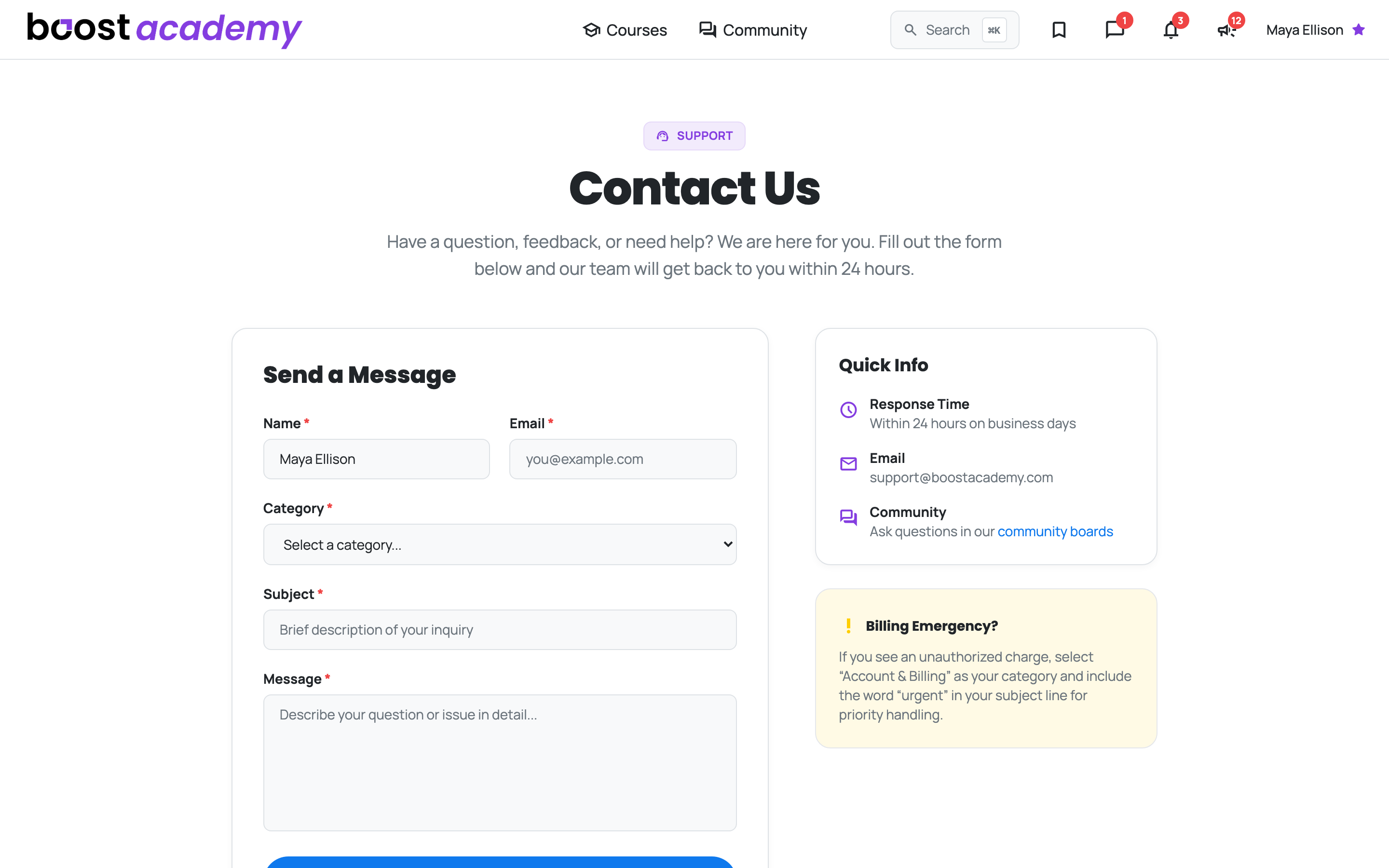
Pick the Right Category and You Get to the Right Person: If the FAQ does not cover it, the form takes a category, a subject, and your message. The categories are account and billing, courses and content, community and moderation, technical issues and bugs, feature requests, partnerships, and other.
Signed in, your details are already filled in, so it is genuinely a subject and a message.
You Will Hear Back Within 24 Hours on business days. The page also lists the support email address if you would rather write from your own inbox.
If it is a billing problem
One Case Worth Flagging Loudly: If you see a charge you do not recognise, choose Account & Billing as the category and put the word urgent in your subject line. That routes it for priority handling instead of sitting in the normal queue.
The other place to ask
Somebody Has Probably Solved It: For anything about running the business rather than running the platform, the Community boards will get you a better answer than support will, and usually faster.
Ready to dig in?
Log in to Boost Academy and open Contact from the footer.
Access: All members