

Your Boost Academy Account
Contents3 sections
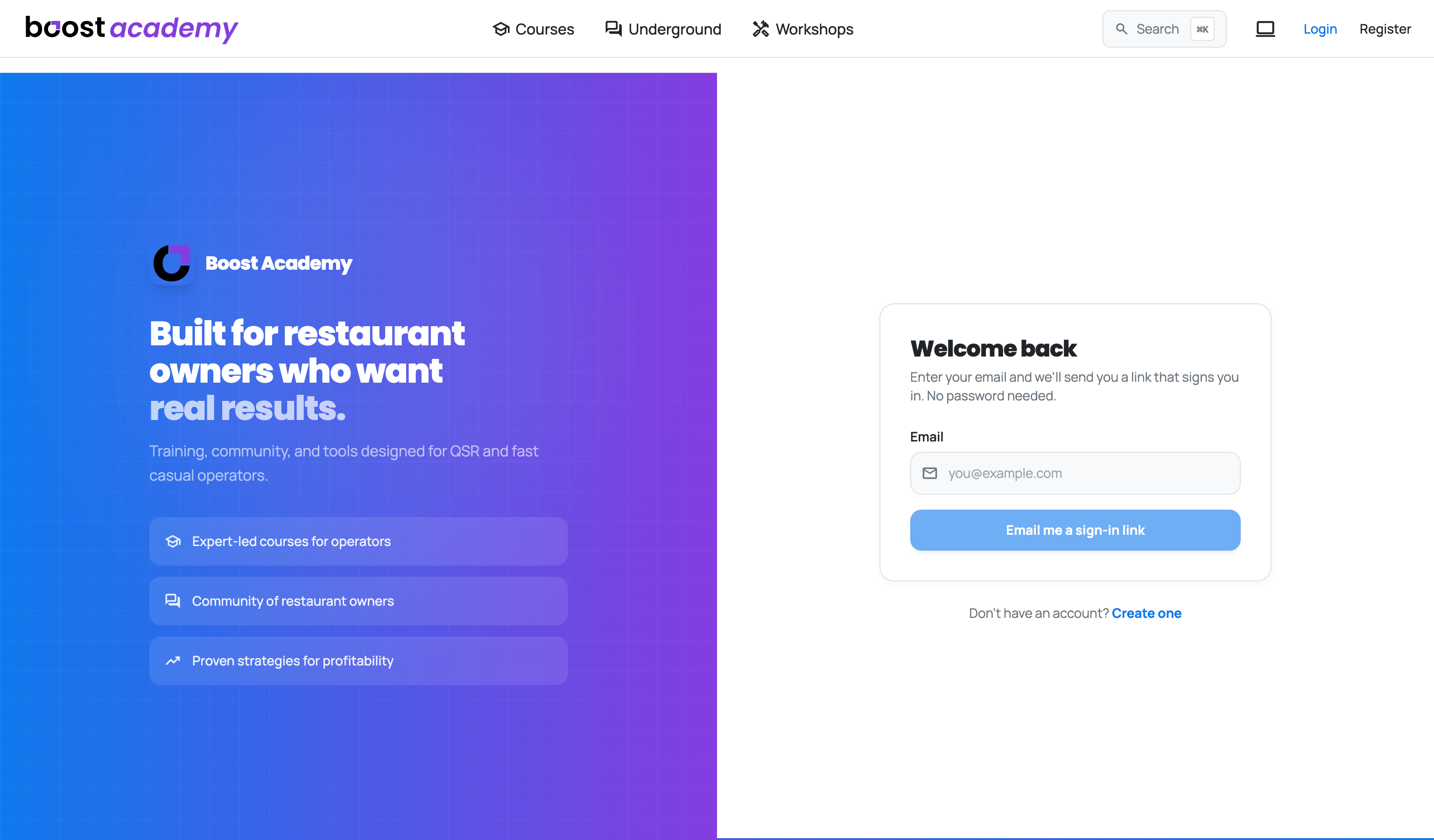
Your account is your side of Boost Academy: how you get in, the record of what you have learned and bought, and where to go when something needs a person. Signed in, click your name in the top bar and choose My Account. Signed out, Login and Register sit in the same spot.
What you can do here
- Signing In Without a Password: get in with an emailed link or a 6-digit code, with nothing to remember or reset.
- Getting Started with Onboarding: answer five quick questions about your stage, your concept and your goals when you first join.
- Your Account Page and Profile: see your courses in progress, the ones you have finished, your certificates and your purchase history, and get to your profile.
- Getting Help and Contacting Support: check the FAQ, then send the right team a message from Contact in the footer.
Journeys and concepts
- Your First Course, Start to Certificate: from a new account to your first certificate, including sign-up and setup.
- How Course Access Works: what your account gets you, and how purchases and the Training Pass differ.
Who sees it
Your Account Page Is Yours: My Account needs you signed in. Open it signed out and you land on the login page first.
Setup Comes First: A new account is brought back to the setup questions until you finish them or press Skip for now.
Help Is Open to Anyone: The Contact page and its FAQ work signed out too. Sign in first and the form fills in your details for you.
Ready to dig in? Log in to Boost Academy, click your name in the top bar, and open My Account.
Access: All members