Managing Your Notification Preferences
Contents2 sections
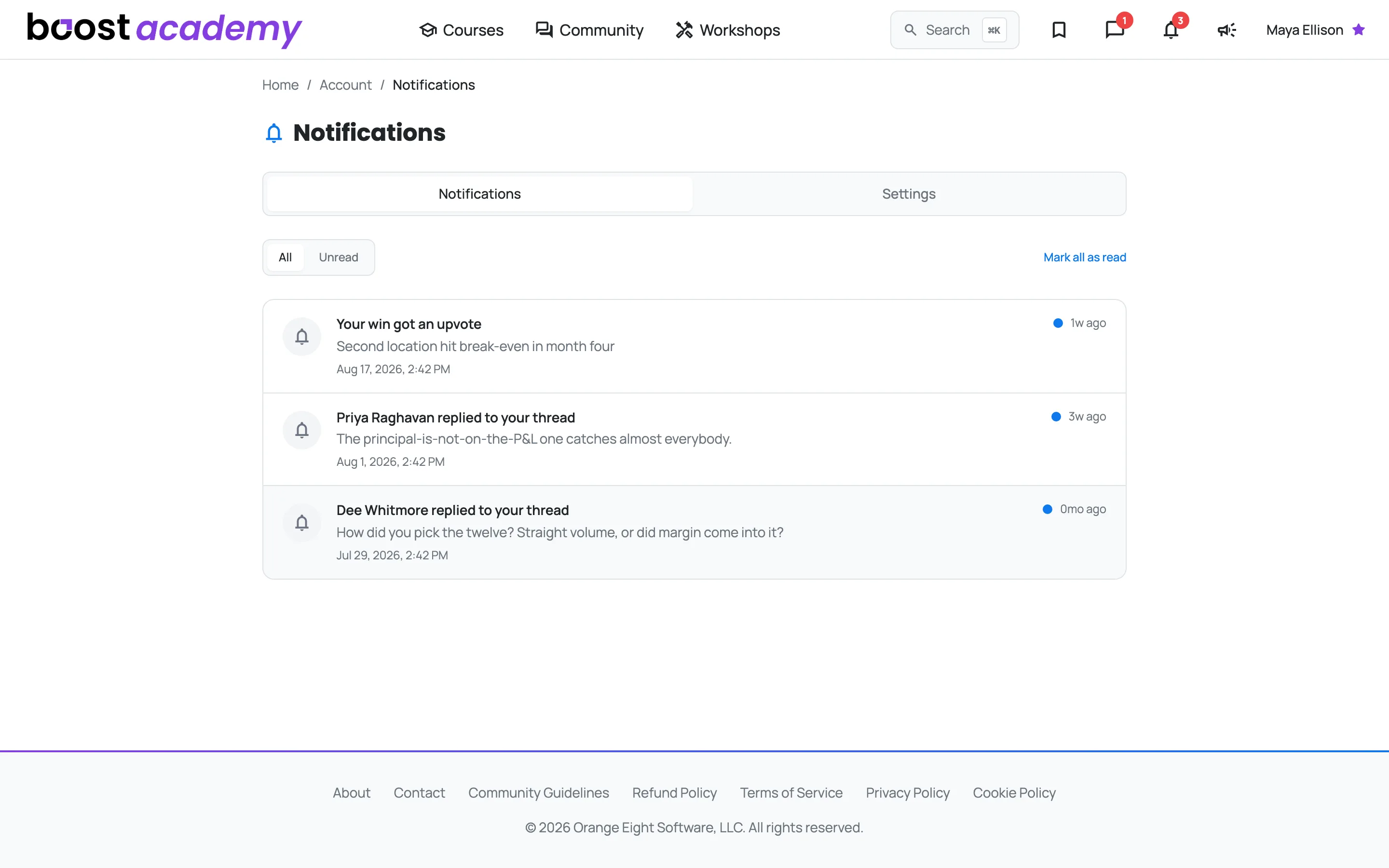
Know When Someone Answers You: The bell in the top bar carries a count whenever something has happened: a reply on a thread you started, or an upvote on a post. Open it and the full history is there, newest first, with each notification linking straight to the thing it is about.
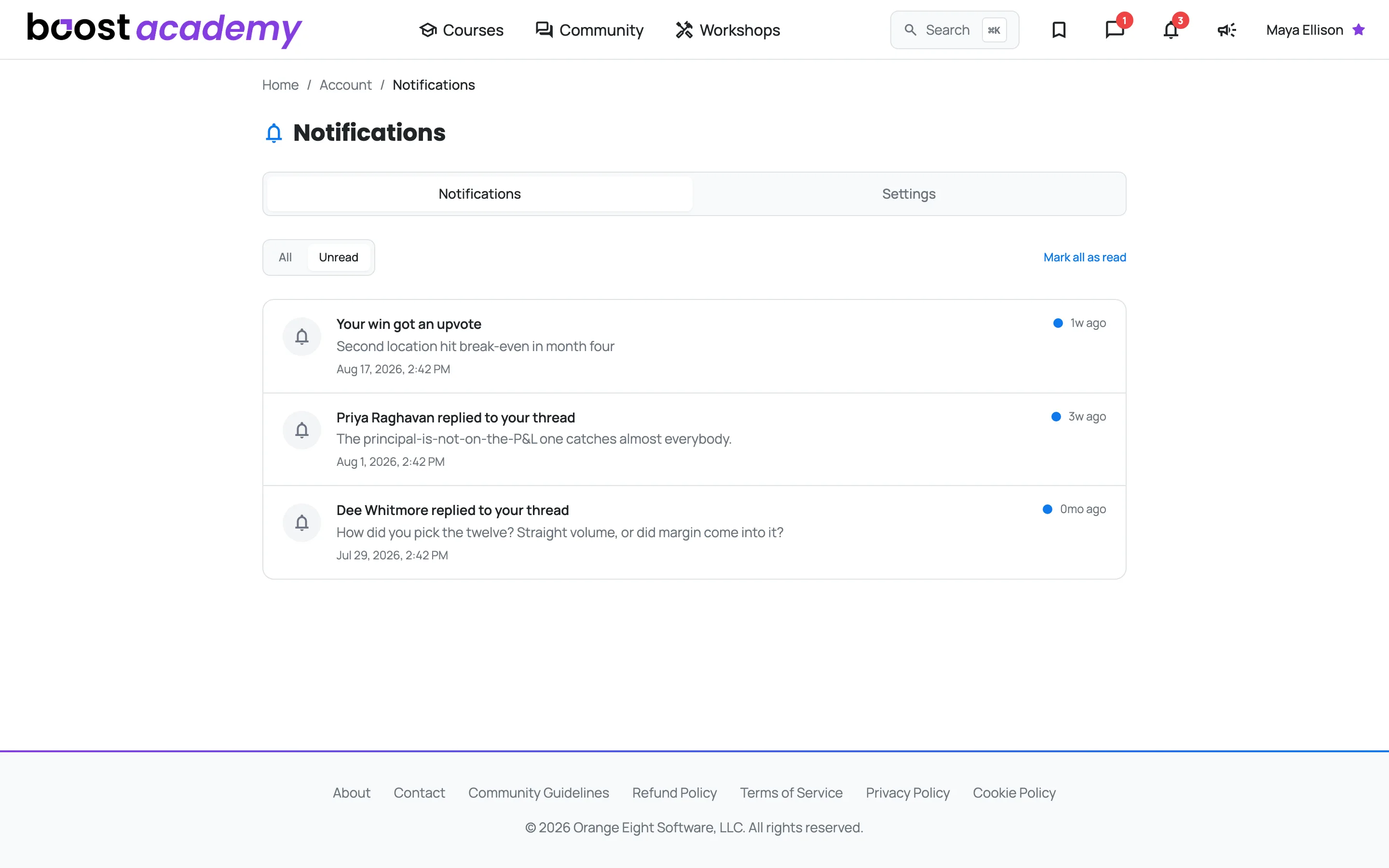
Cut It Down to What Is New: Switch to Unread to see only what you have not looked at, and hit Mark all as read once you have caught up.
Decide what actually reaches your inbox
Set It Once, Stop Thinking About It: The Settings tab is the important half of this page. You are running a restaurant, and an inbox full of platform email is the fastest way to start ignoring all of it.
- Email Digest Frequency: get a summary of activity and new content Weekly, Daily, or turn it Off entirely
- Reply Emails: choose when a reply lands in your inbox: My posts (a discussion you started, or a direct reply to you), Threads I follow (that, plus every discussion you have replied to or followed), or Off
- Marketing Emails: separate switches for the Newsletter (news, tips, community highlights) and Product Updates (new features and courses), so you can take one without the other
- Browser Push Notifications: get told in your browser even when the tab is closed
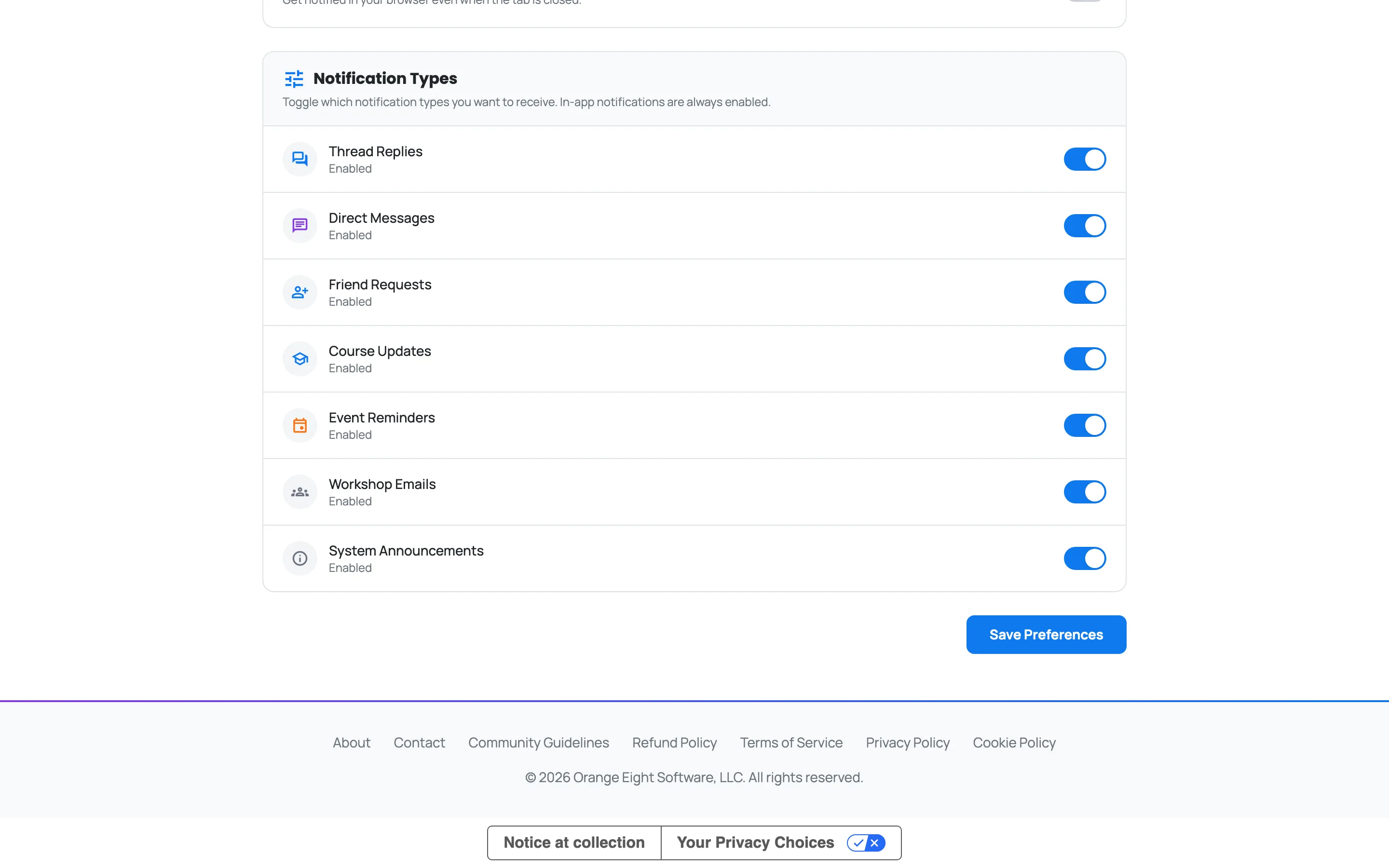
- Notification Types: choose which events are worth notifying you about at all, including Workshop Emails, the weekday prompts and nudges that come with a Workshop you have joined
Changes take effect right away. If you only want one thing, take the weekly digest and switch the rest off. You will still see everything on the bell when you log in.
Note
Turning Workshop Emails off here silences the daily prompts for every Workshop at once. To pause just one, use Pause Workshop emails on that Workshop's own page. Either way, confirmations and other one-off Workshop messages still reach you, and everything stays readable on the Workshop page.
Ready to dig in?
Log in to Boost Academy, open Account > Notifications, and set the digest to whatever you will actually read.
Access: All members