Saving Things with Bookmarks
Contents3 sections
Come Back to It When You Have a Minute: You find the thread that answers your equipment question at 11pm during a close. You are not reading it then. Hit the bookmark icon and it goes in the pile, and the bookmark icon in the top bar brings the whole pile back.
Everything saves to the same place
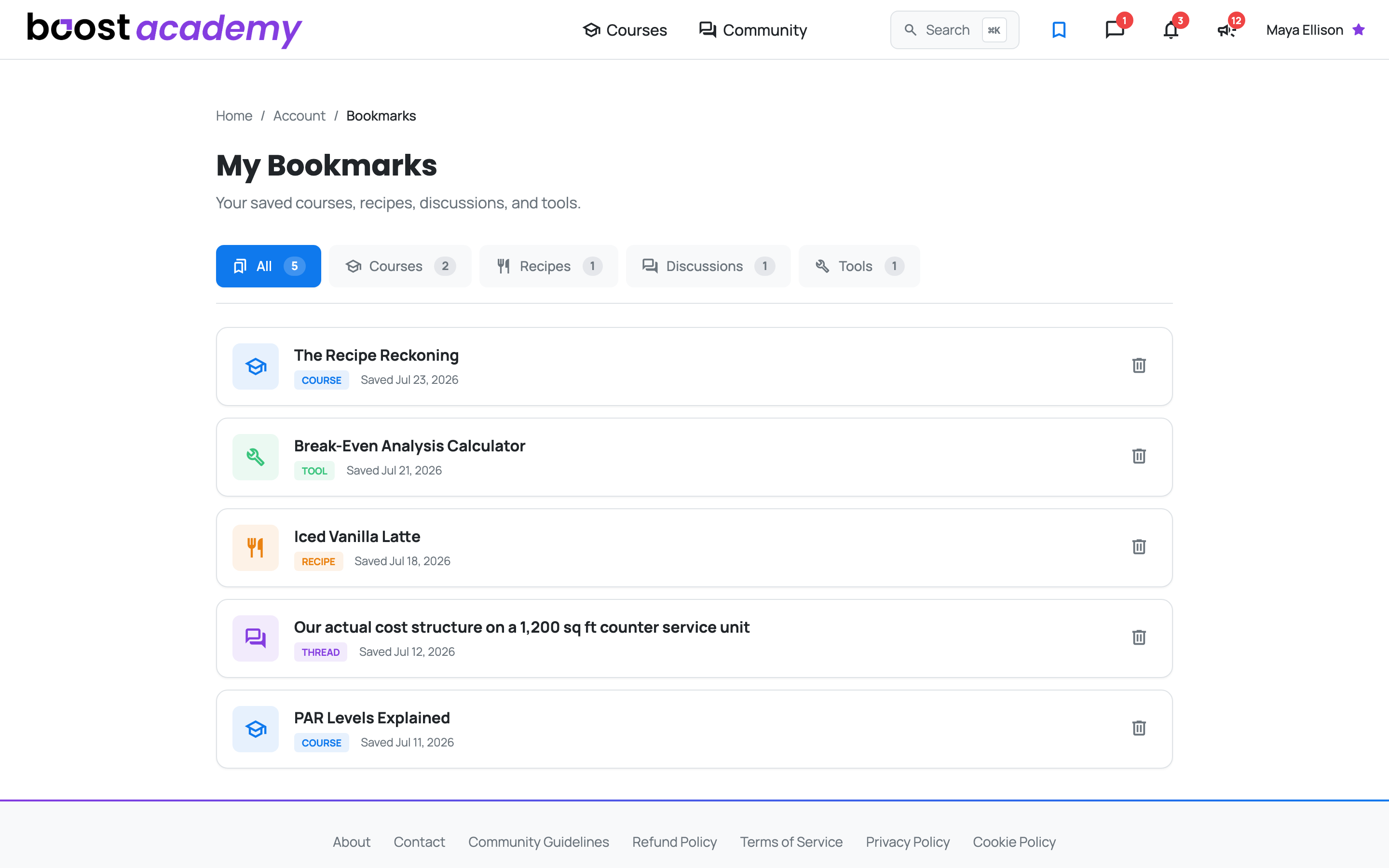
Four Kinds of Thing, One List: Bookmarks work across the platform:
- Courses you want to start later
- Recipes you mean to cost out
- Community threads worth re-reading
- Toolkit tools you will need at month end
Each row shows the item's real title, what kind of thing it is, and the date you saved it, so a list you built over six months still makes sense when you come back to it.
Filter down to what you need
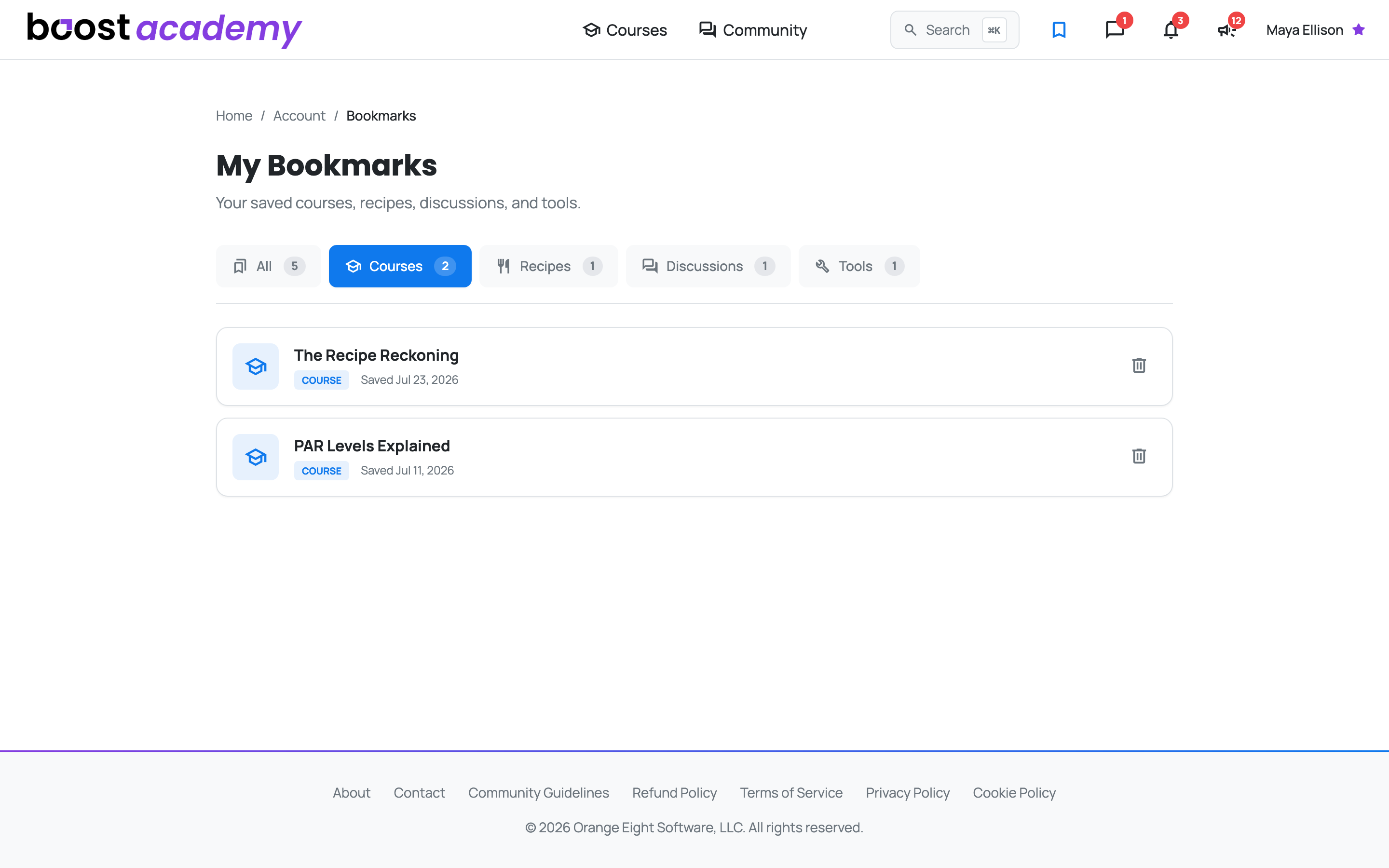
Skip the Scroll: The chips across the top split your saved items by kind, each with a count. If you are sitting down to do menu costing, filter to Recipes and ignore the rest.
Every row links straight to the item, and anything you are done with can be removed.
Ready to dig in?
Log in to Boost Academy and check the bookmark icon in the top bar. There is probably something in there you meant to finish.
Access: All members