

Light and dark mode on the Underground
Contents3 sections
Bright office at 10am, dark back office at close. The Underground looks right either way: pick light, dark, or let it follow your device.
Pick from the account menu
Easy on the Eyes: Press your initials at the top right. The first row of the menu is the theme switch:
- Light: always the light theme.
- Auto: follows your device's own light or dark setting, and switches when your device does, say at sunset. This is where everyone starts.
- Dark: always the dark theme.
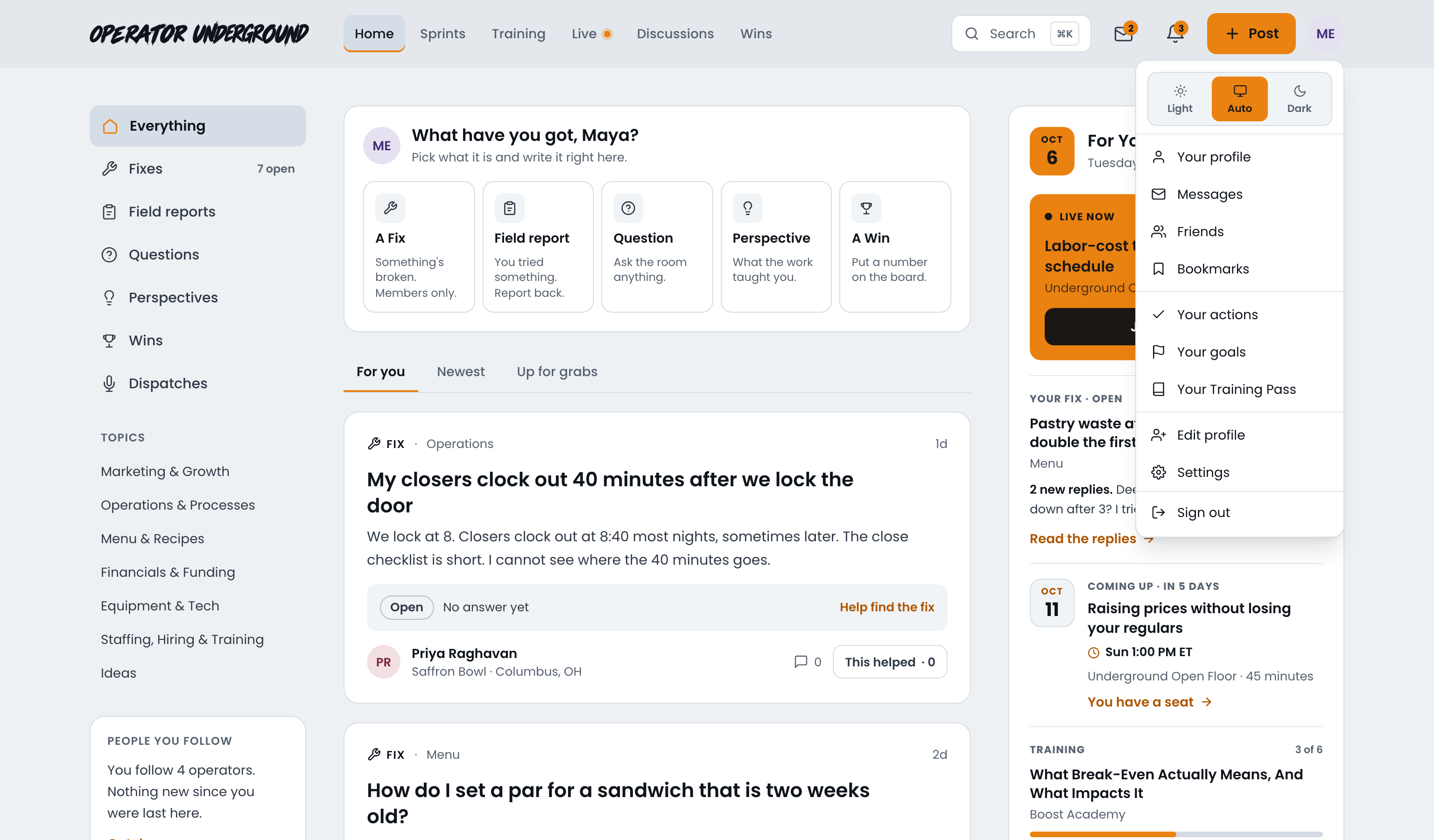
The site changes the moment you pick, and the menu stays open so you can see it land.
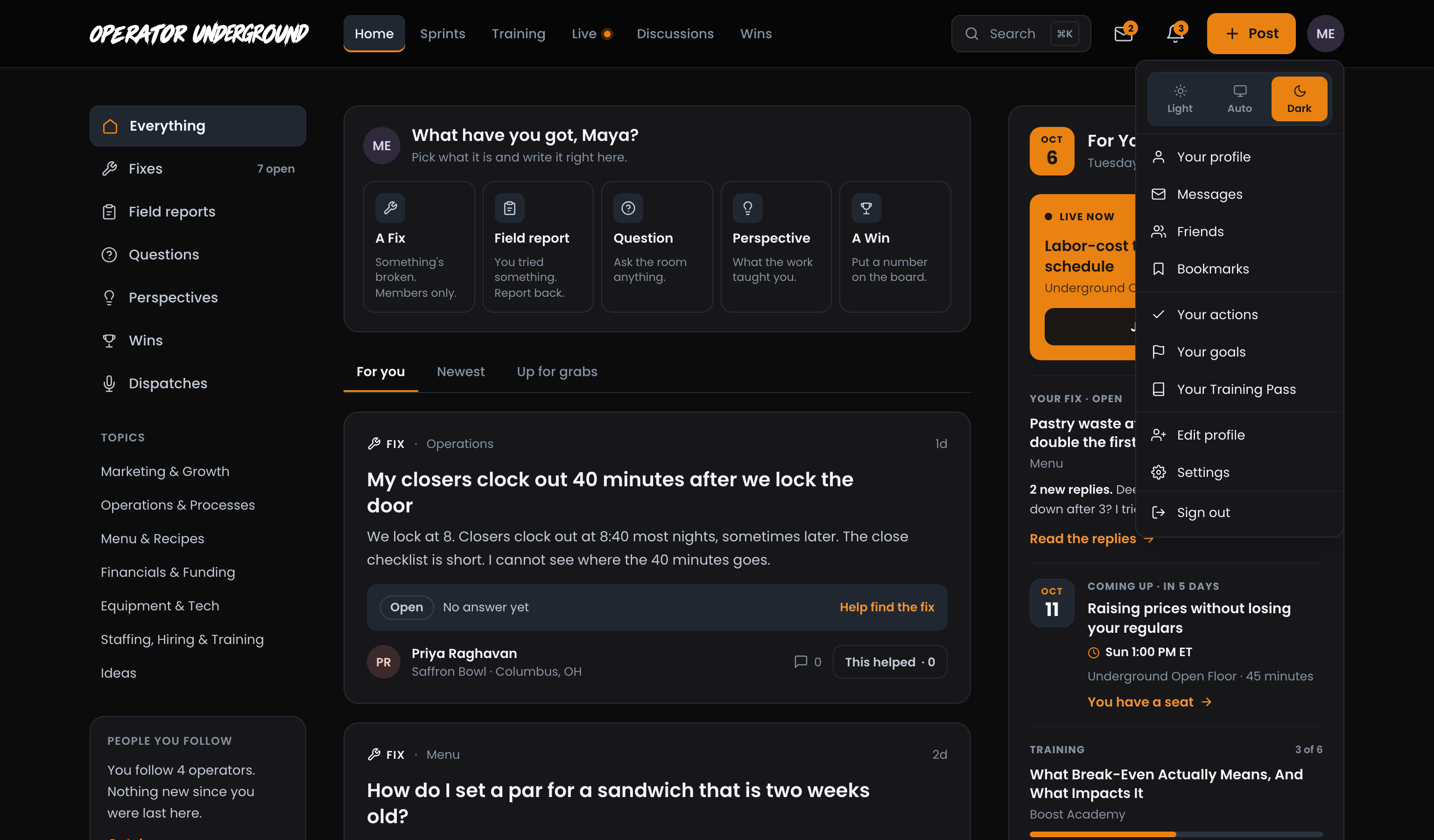
Set It Once, Everywhere: Signed in, your choice is saved to your account. Sign in on another computer or your phone and the Underground already looks the way you like it.
Or from Settings
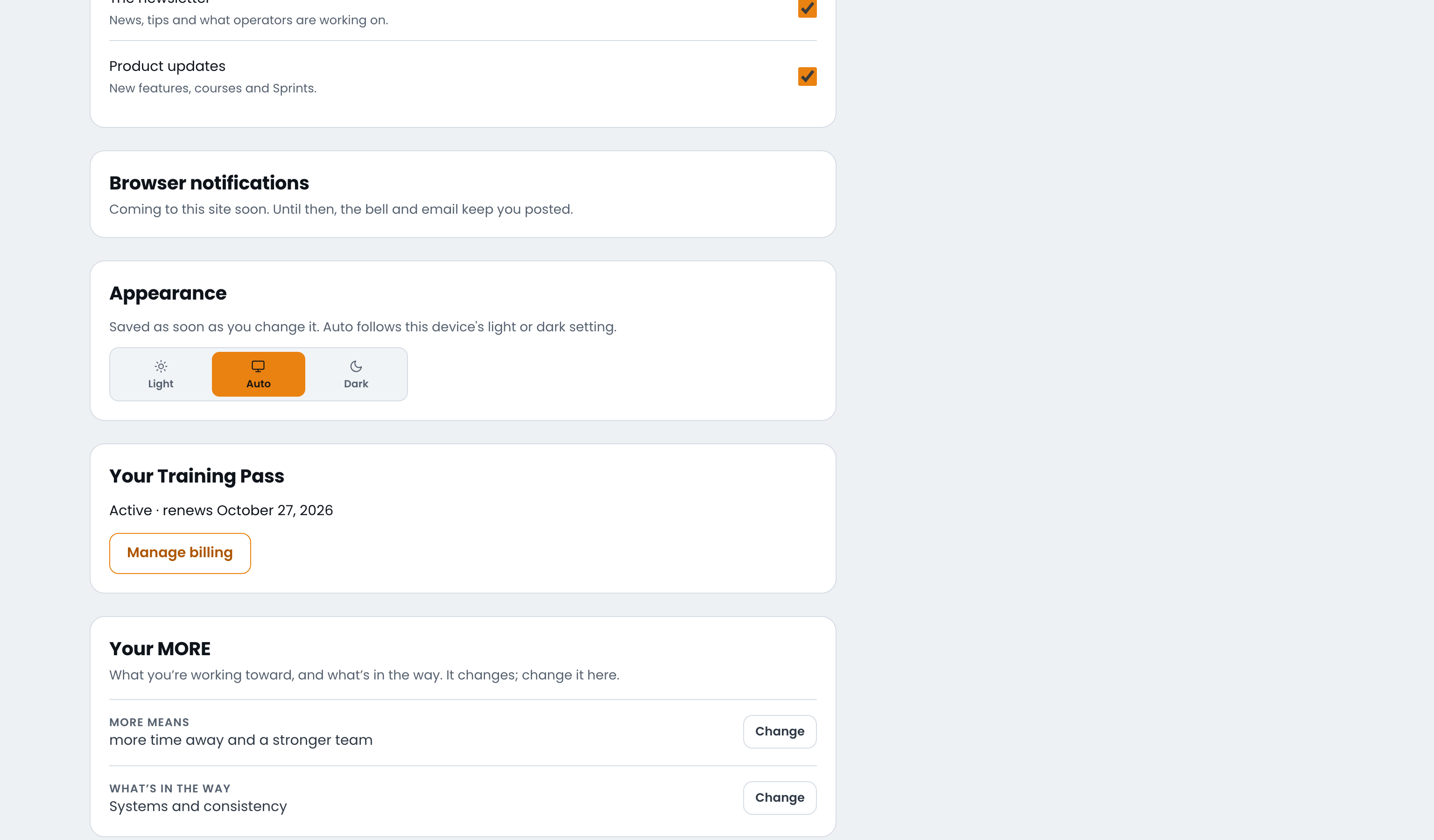
Appearance, near the bottom of Settings, has the same three choices. It saves as soon as you pick, with no Save to press.
On a phone, or before you sign in
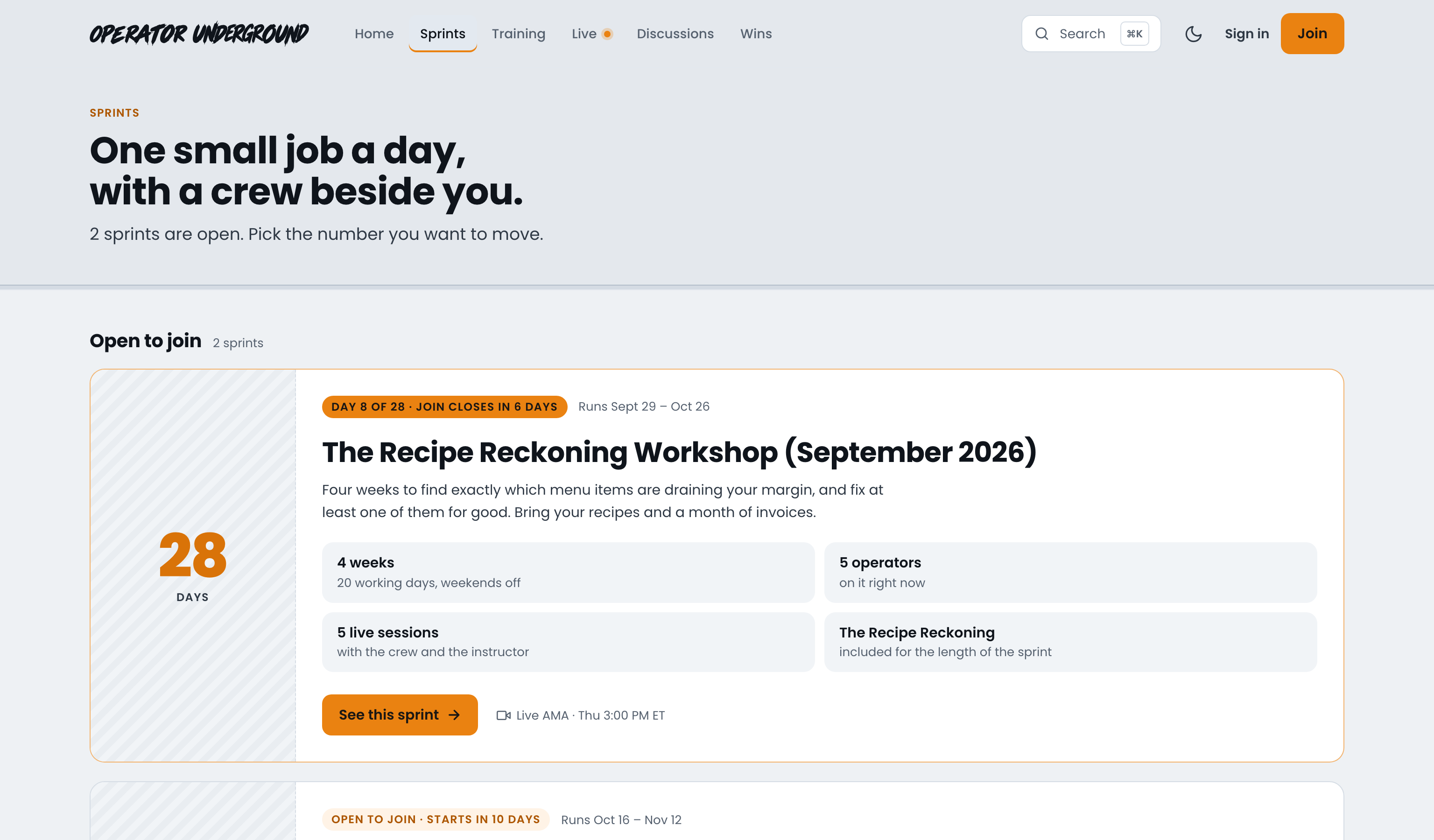
There is no account menu on a phone, and none before you sign in, so the header carries a single icon instead: a moon on a light screen, a sun on a dark one. Tap it to flip between light and dark.
Tip
The header icon picks Light or Dark outright, so the site stops following your device. Want Auto back? Open Settings and pick Auto under Appearance.
Before you sign in, the choice is kept on that device only. Once you sign in, your account's choice takes over.
Note
The Underground and Boost Academy keep their own theme settings, so picking Dark here does not change Boost Academy.
Ready to dig in? Sign in to the Operator Underground, open your account menu and pick the look that suits your shift.
Access: All members