

Signing in to the Underground
Contents5 sections
No password to remember, no reset to wait on. You sign in to the Operator Underground with your email, and we send you the way in.
Note
It is one account across both sites. If you have a Boost Academy account, you already have an Underground account. New to both? Join the Underground (under the sign-in box) sets you up. Joining the Operator Underground walks through it.
Ask for a link
In Without a Password: Press Sign in in the header, or go straight to the sign-in page. Enter your email and press Email me a sign-in link.
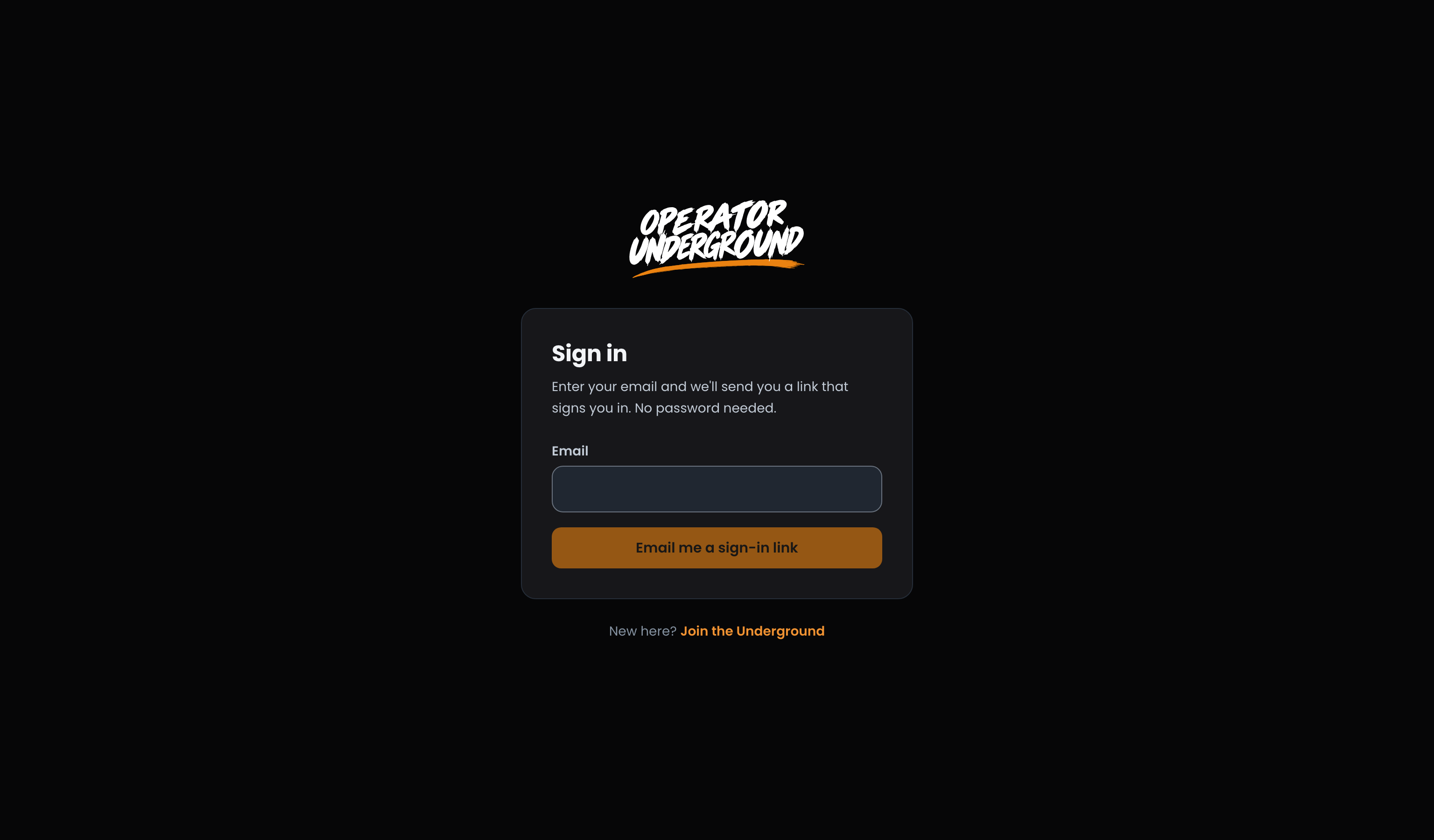
Use the link, or type the code
Read It on Your Phone, Sign In at the Office: The page changes to Check your email. The email carries two ways in:
- The link signs you in wherever you open it. It works once and expires in an hour.
- A 6-digit code for when the email is on a different device from the one you are signing in on. Type it under Or enter the code from the email and press Sign in with code.
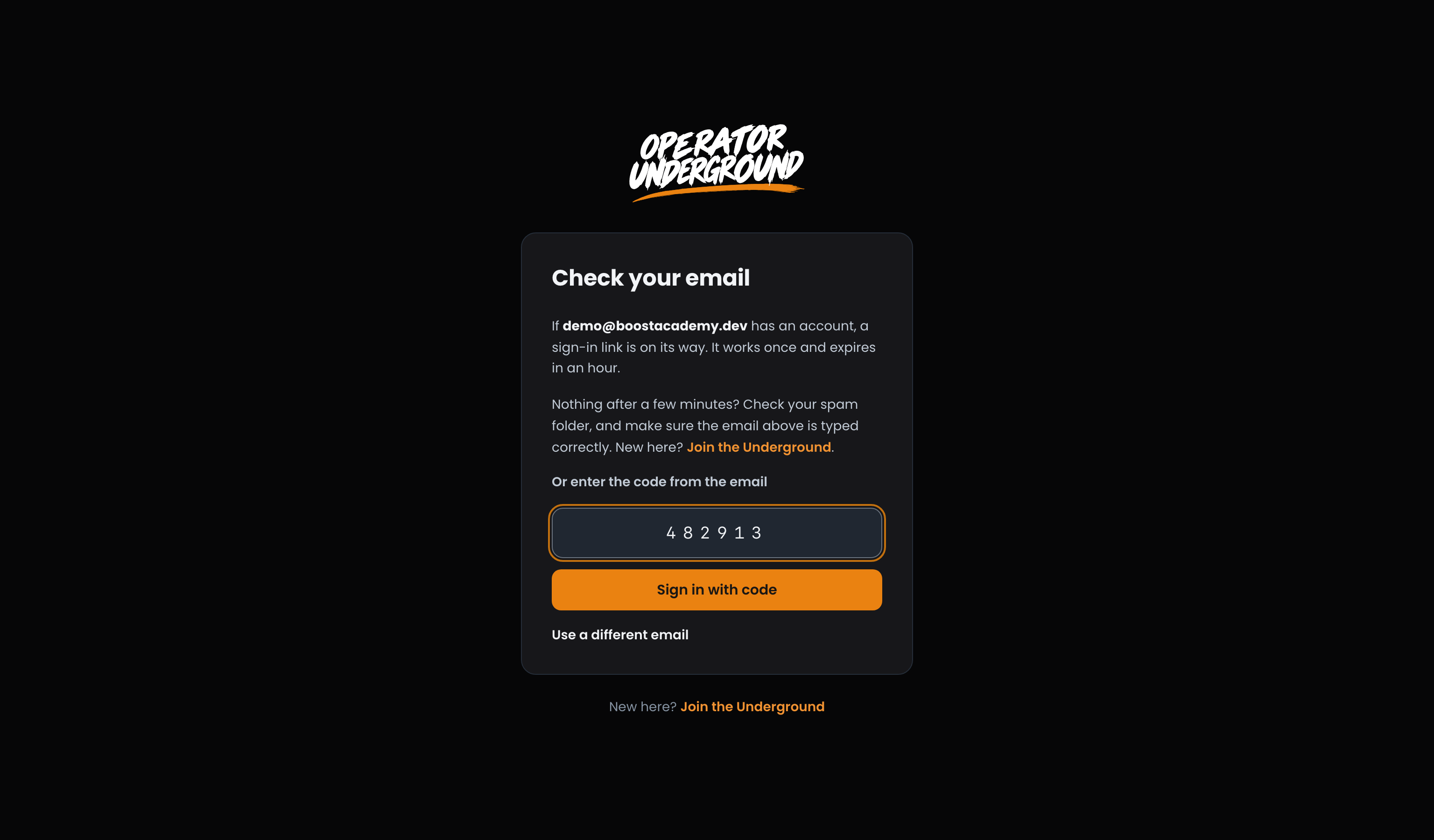
Typed the wrong address? Use a different email takes you back.
Tip
The page says a link is on its way if that email has an account. It says the same thing either way, so nobody can use the sign-in page to find out who is a member. Nothing after a few minutes? Check your spam folder, and make sure the email is typed correctly.
No Account Yet? We'll Tell You: If there is no account for the email you entered, that inbox gets a short email from us instead of a sign-in link. It explains how to join, and how to sign in if your account is under a different address, like a work or personal one. Only one of these goes to an address a day.
Back Where You Were: Signed out and pressed Sign in from a thread, a sprint or a members-only page? Once you are in, you land back on that page, not on Home.
When something goes wrong
| What you see | What to do |
|---|---|
| That code is wrong or has expired. Check the latest email. | Asked for more than one email? Only the newest code works. Use that one, or ask again. |
| Too many links requested or Too many attempts | Wait a minute and try again. |
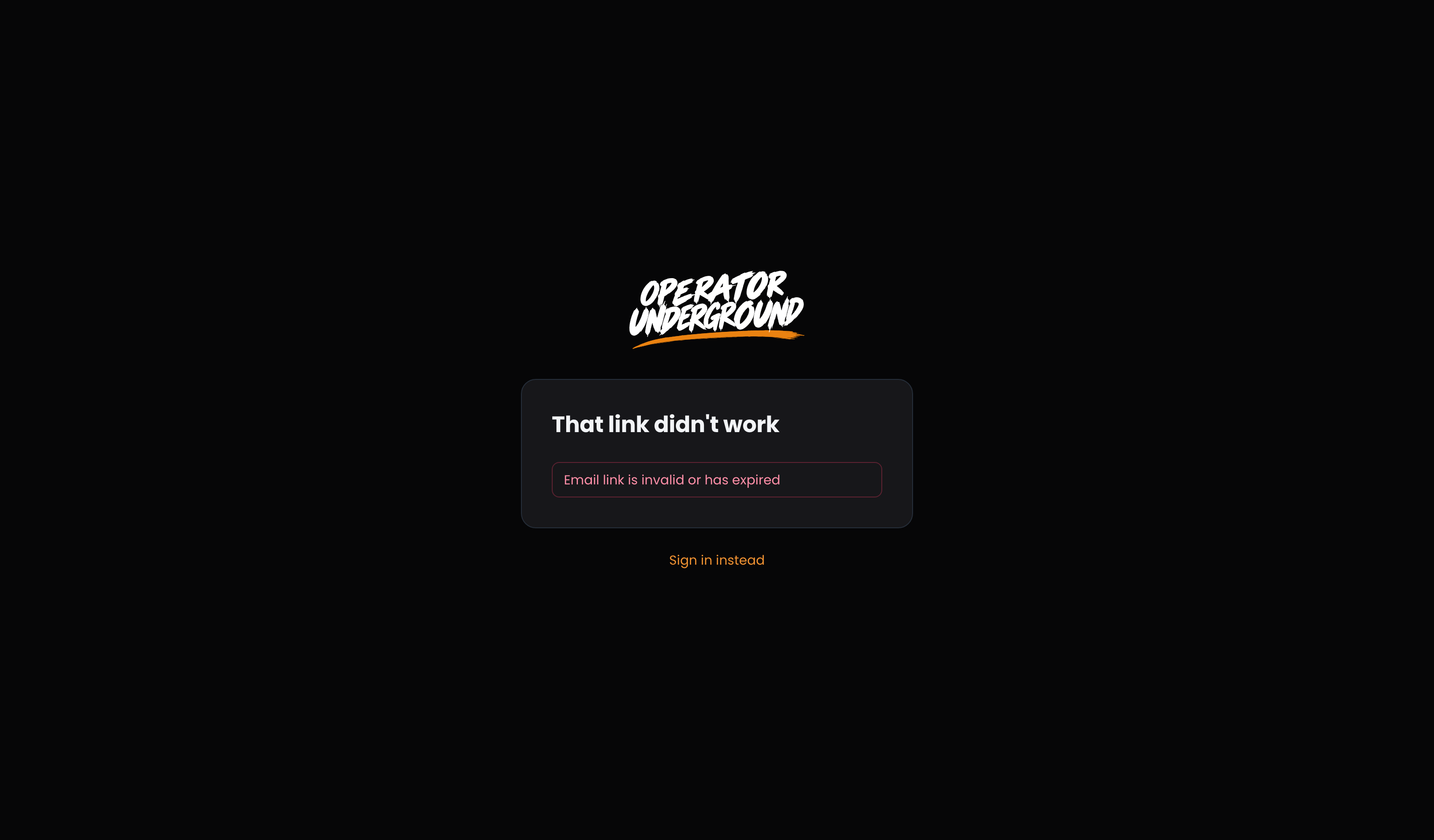
| That link didn't work | The link was already used or is more than an hour old. Press Sign in instead and ask for a fresh one. |
Switching Accounts: Already signed in and opened a link meant for a different email? The Underground asks Switch accounts? first. Stay signed in as keeps you where you are; Switch to signs you in as the other account. If you did not expect a link for that account, stay put.
Moving between the two sites
Two Sites, Two Sign-Ins: Boost Academy and the Underground keep their own sign-ins. Signing out of one does not sign you out of the other.
- From the Underground to Boost Academy: a link like buy just this course on Boost Academy takes you there already signed in, on the page the link pointed at.
- From Boost Academy to the Underground: a link like Discuss in the Underground on a course lands you on the Underground signed out. Sign in there once with the same email. First time on the Underground? Once you sign in, it walks you through its welcome and first few steps, with your Boost Academy account already linked.
Signing out
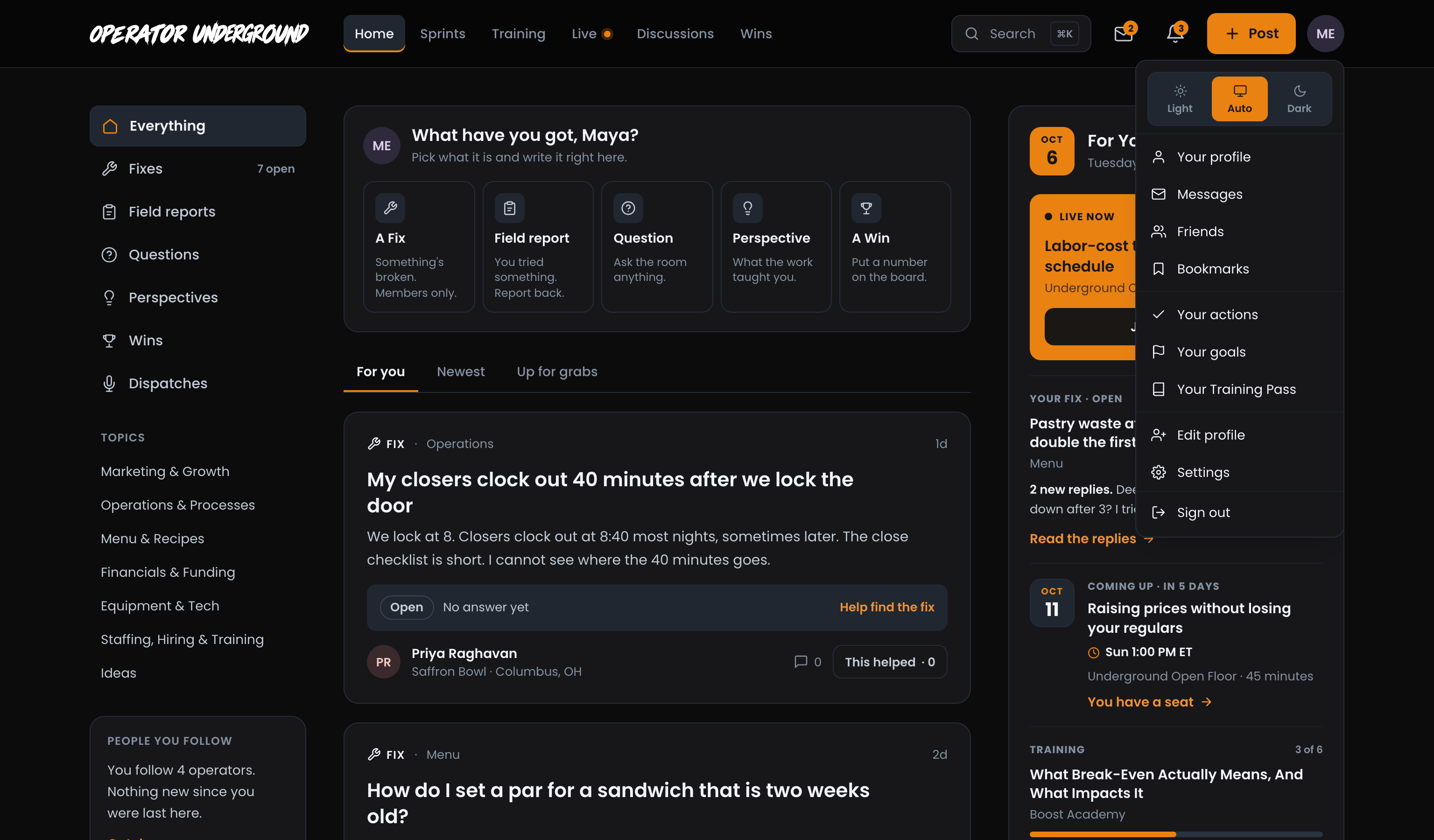
Press your initials at the top right. Sign out is the last item in the menu.
Ready to dig in? Head to the Operator Underground, press Sign in, and check your email.
Access: All members