Finding Your Way Around the Community
Contents4 sections
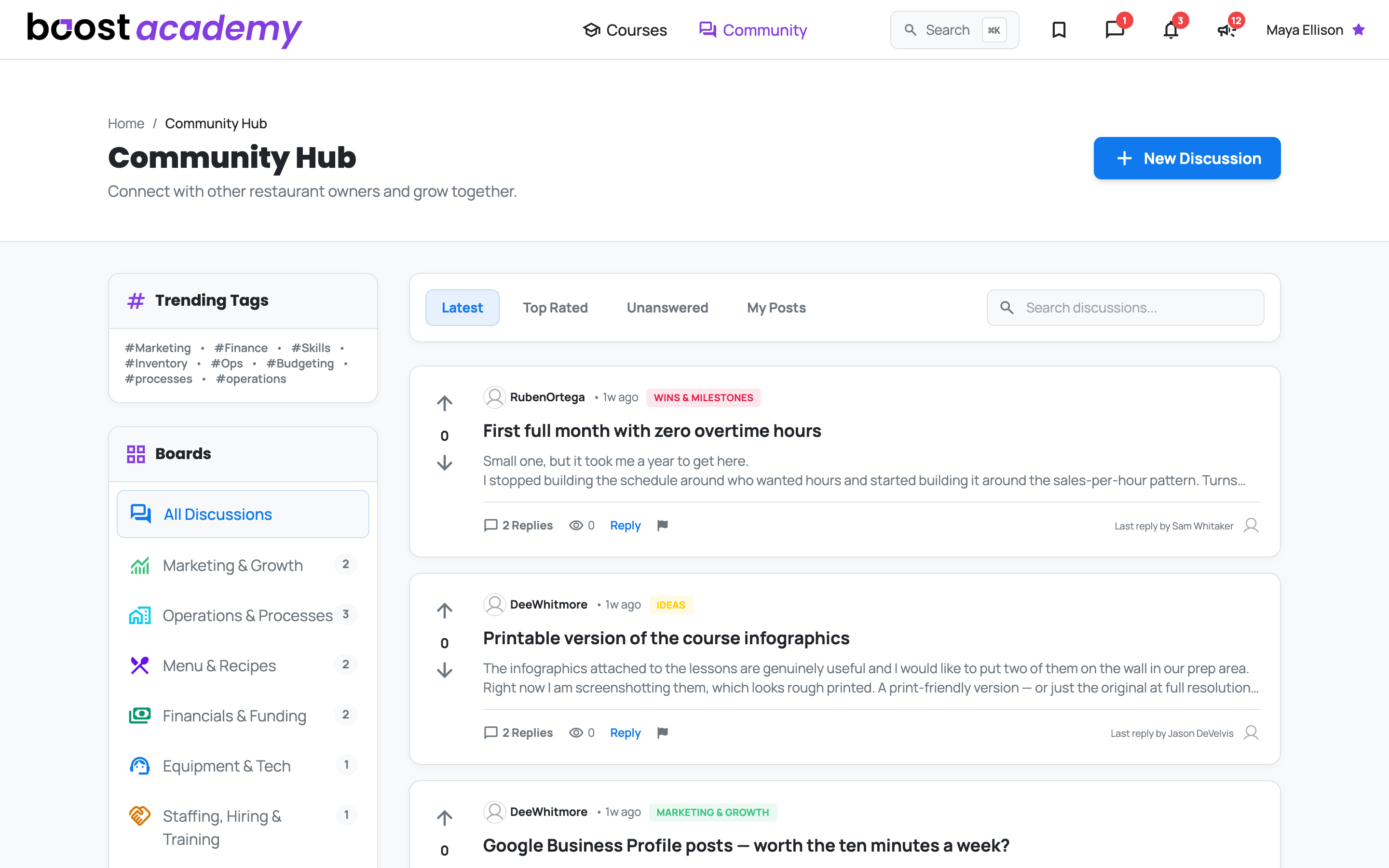
The Part You Cannot Get From a Course: Courses teach you the theory. Community is where you find out what actually happened when another operator tried it. The hub puts every board in one list with a running count of what is in it, so you can see where the conversation is before you dive in.
Boards split the room by subject
Go Where Your Question Lives: Each board is one part of the business:
- Marketing & Growth for getting people through the door
- Operations & Processes for the systems that keep a shift running
- Menu & Recipes for costing, product mix, and what to put on the board
- Financials & Funding for margins, loans, and the numbers
- Equipment & Tech for what to buy and what to avoid
- Staffing, Hiring & Training for building a team that stays
- Wins & Milestones for the stuff worth celebrating
- Ideas for what you wish the platform did
Or Follow a Topic Instead: Trending Tags cut across every board, so if you care about inventory or budgeting more than you care about which board it was posted in, start there.
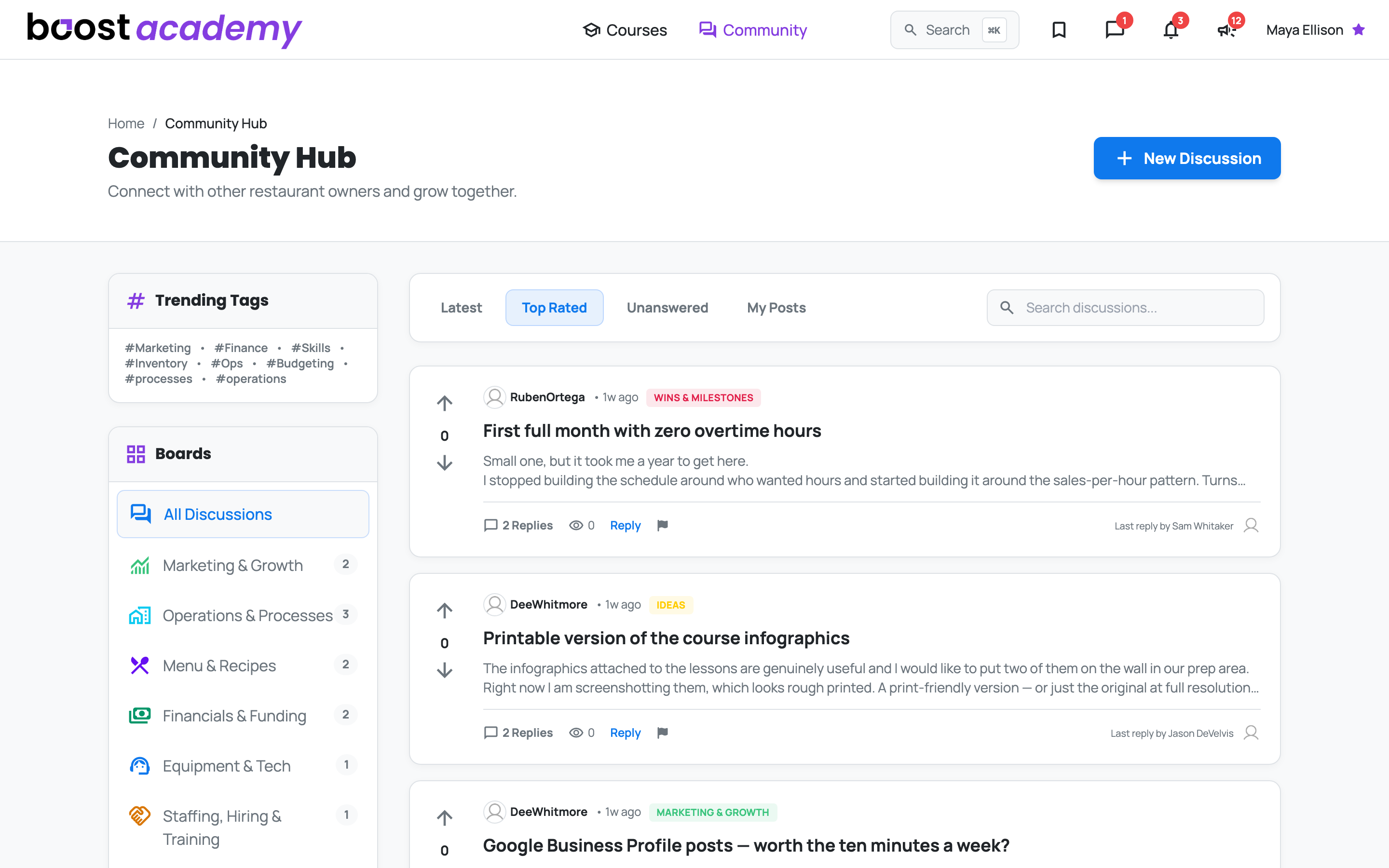
Sort the feed to what you need right now
Four Different Rooms, One Feed: The tabs above the thread list change what you are looking at.
- Latest for what is happening today
- Top Rated for what the room found most useful
- Unanswered for questions nobody has helped with yet
- My Posts to find your own threads and the replies waiting on you
If you are short on time, Unanswered is the highest-value tab in the place. Somebody is stuck on something you solved two years ago.
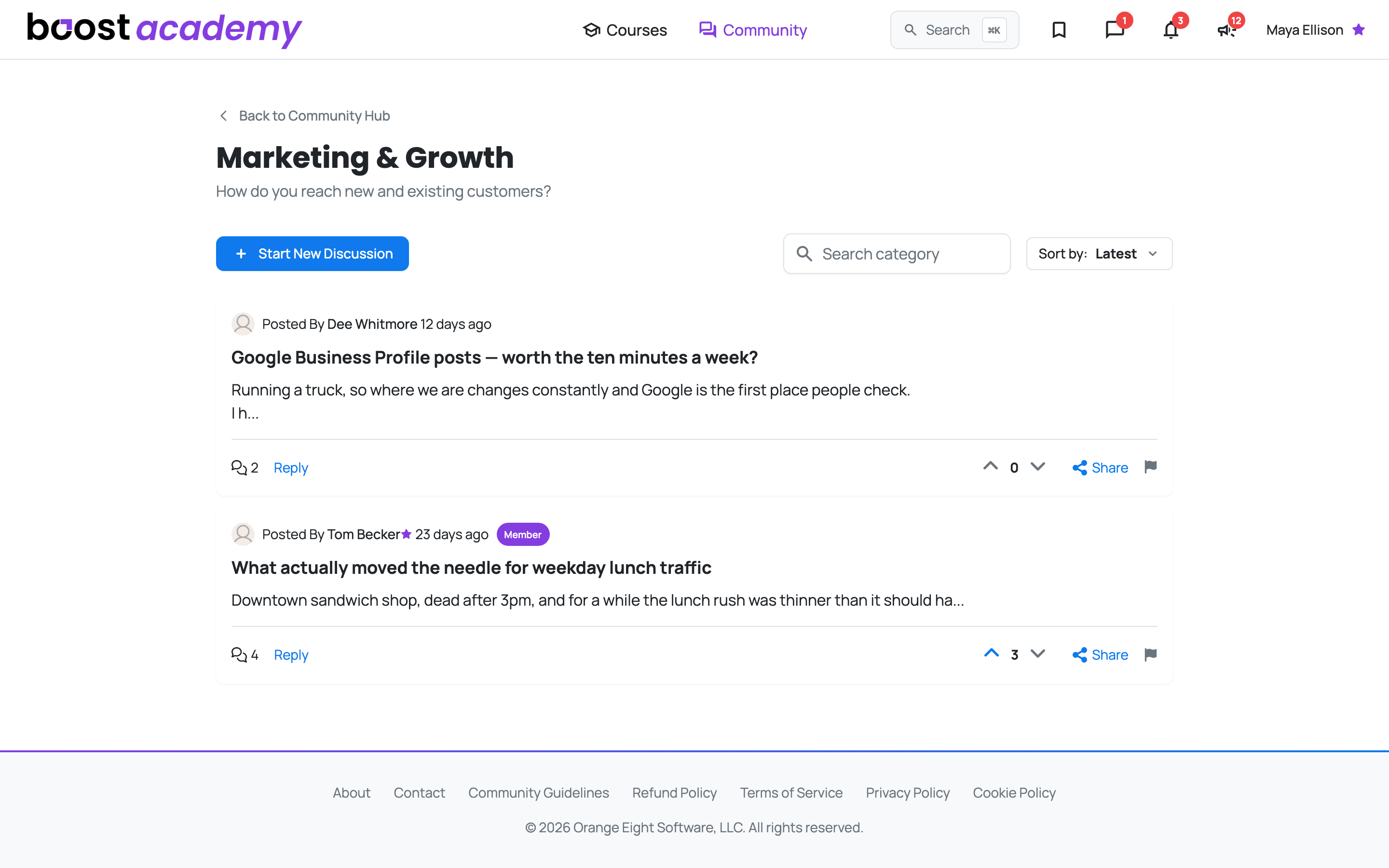
Inside a board
Everything on the Card: Open a board and each thread shows who wrote it, how many replies it has, and its vote count, so you can tell at a glance which ones the room actually engaged with. Click the title, the preview, or the reply count to open the thread in full; Reply takes you there with the reply box already open. Voting works right from the card. Every board has its own Sort by control if you want to reorder what you are seeing.
A couple of boards do their own thing. Wins & Milestones swaps the standard card for a Share a Win layout, because celebrating a zero-overtime month is a different kind of post than asking a question.
Start Your Own: Use New Discussion at the top of the hub, or Start New Discussion from inside any board. Ask the question you have been chewing on.
Your Feed Is Yours: If you have blocked someone, their threads do not appear for you anywhere in the community.
Ready to dig in?
Log in to Boost Academy, open Community, and answer one thing in Unanswered.
Access: All members. Some boards are Academy Plus only.