Messaging Another Member
Contents3 sections
Not Every Conversation Belongs on a Board: You will happily tell the community that your labor percentage moved. You may not want to post your actual covers, your rent, or what you pay your closer. Messages is the direct line for the conversations you would rather have one to one.
How the inbox works
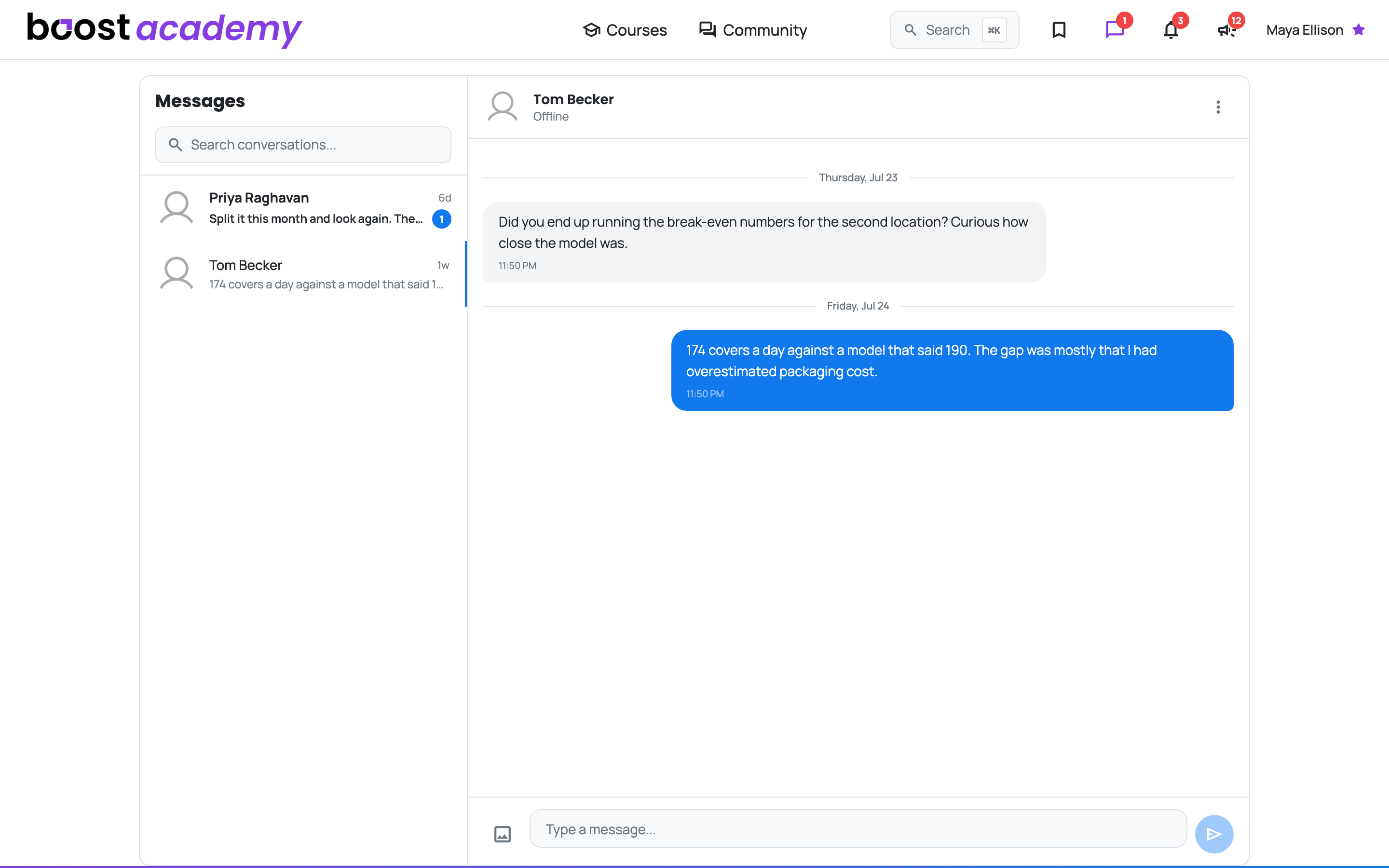
Everything in Two Panes: Your conversations are on the left, the open one on the right. Click a name and the thread opens beside the list, so you can move between people without losing your place.
- Unread counts sit next to each conversation and on the Messages icon in the top bar, so you know something is waiting before you go looking
- Search conversations finds the person or the thread when the list gets long
- Presence tells you whether the other operator is around right now
- Messages arrive live, so a real back-and-forth works like any other chat
Starting one
From Anywhere You See a Member: You can open a conversation from a member's profile, which is usually how it starts. You read something useful in the community, you want the detail behind it, and the board is not the place to ask.
Ready to dig in?
Log in to Boost Academy and check Messages in the top bar.
Access: All members