Searching the Community
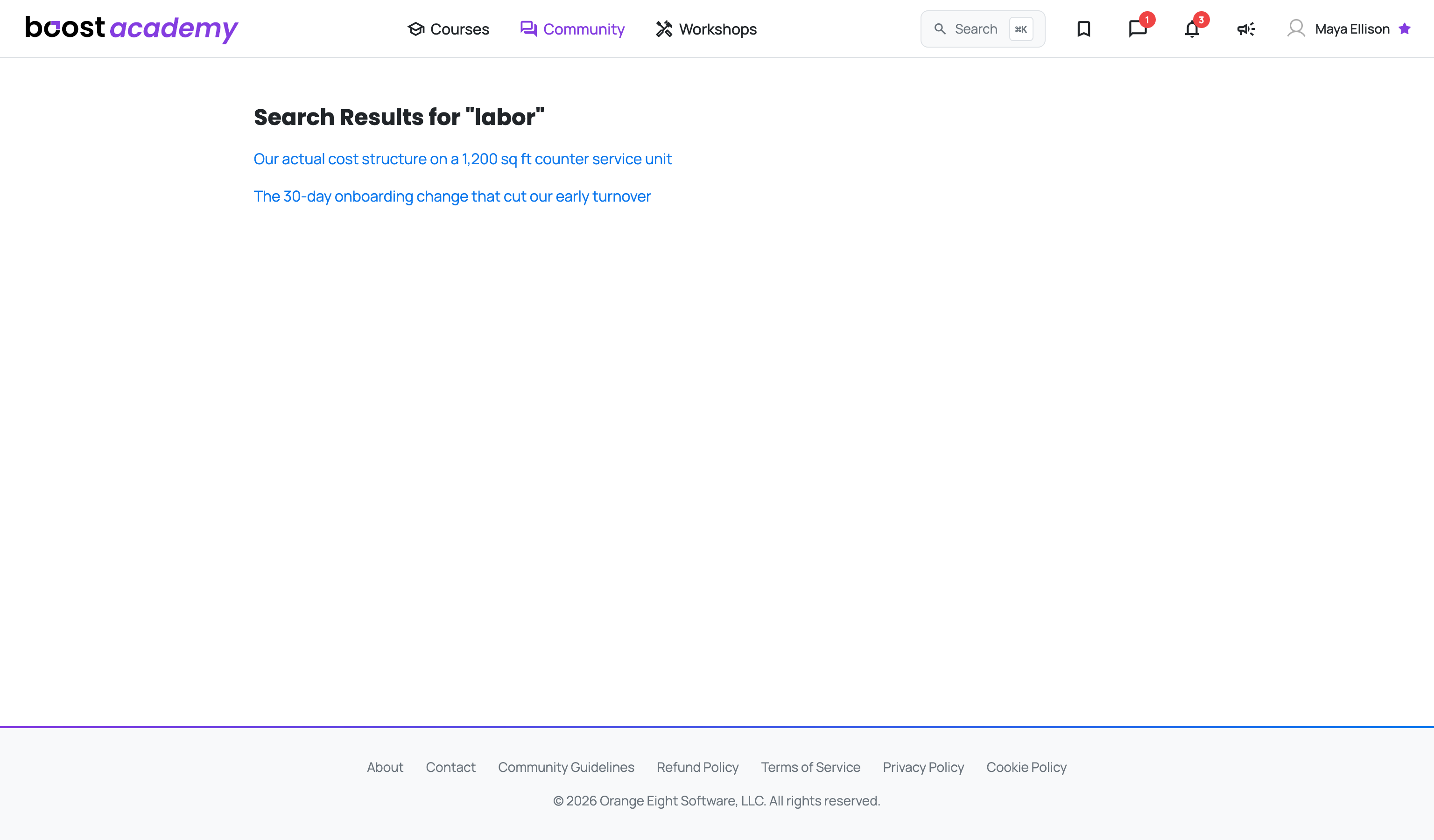
Search Before You Post: Boost Academy has been collecting operator questions for a while, and most problems are not new. Search sits in the top bar on every page: a box with the shortcut spelled out when your window is wide, and just the magnifier icon when it is narrower. Cmd+K opens it at either size, without reaching for the mouse.
Search the Way You Think About the Problem: Type the term you would actually use on the floor. Searching for "labor" surfaces the threads where operators worked through cost structure and turnover, not just posts that happen to contain the word in passing.
Then Go Deeper: If the results get you close but not all the way, two places are worth checking next:
- Answered Questions collects the threads the community has already resolved
- The board the closest result came from will have more of the same kind of conversation
Still Nothing? Then it is genuinely worth asking. Use New Discussion from the community hub and put your numbers in the post. A question with real figures in it gets a much better class of answer than a general one.
Ready to dig in?
Log in to Boost Academy and hit Cmd+K.
Access: All members