Browsing the Course Library
Contents4 sections
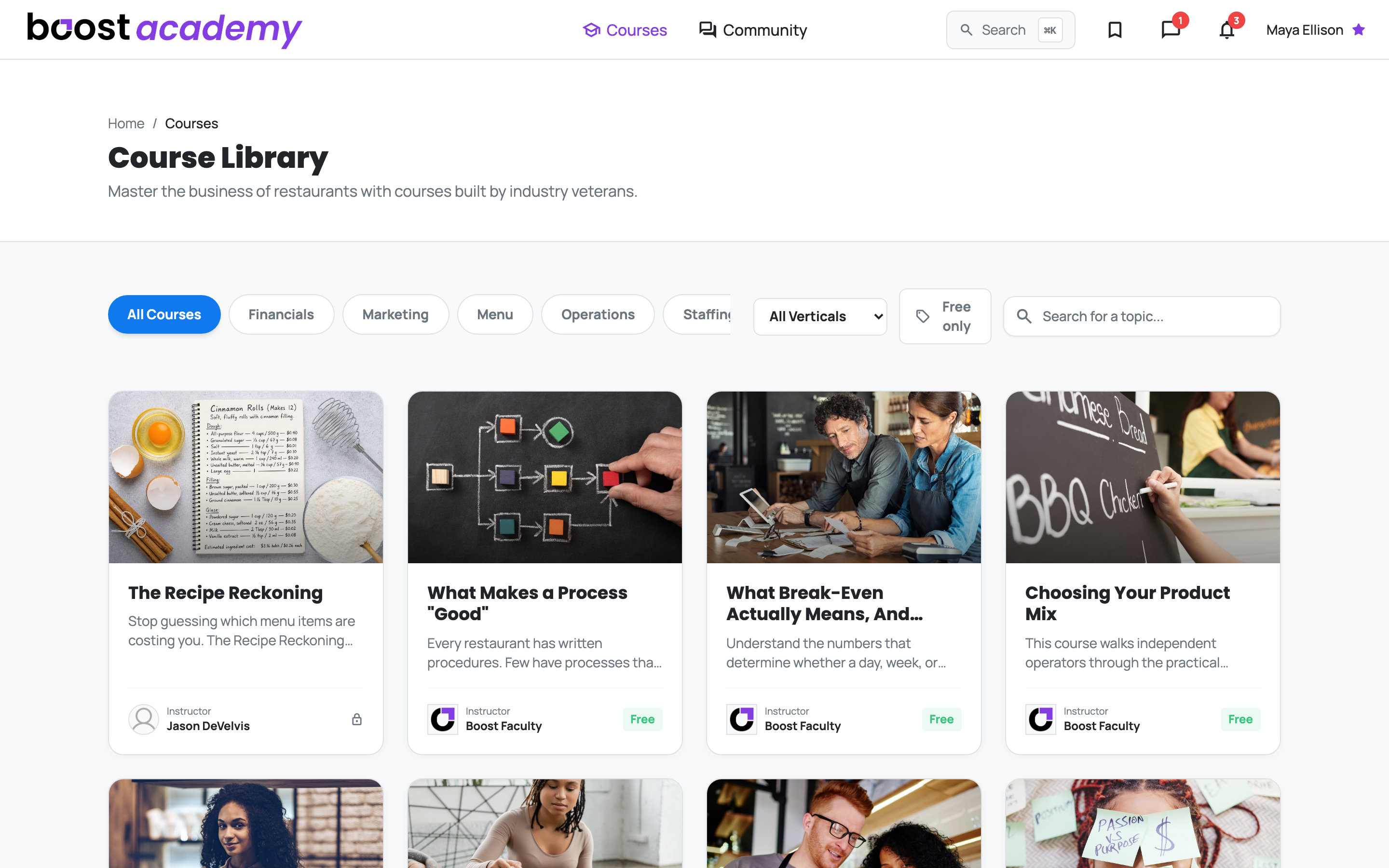
Everything in One Place: Every course Boost Academy offers lives in the Course Library. Open Courses from the top menu and you get the full catalog at a glance, with each card showing you the instructor and whether the course is free with your membership before you click anything.
Filter by the part of the business you're working on
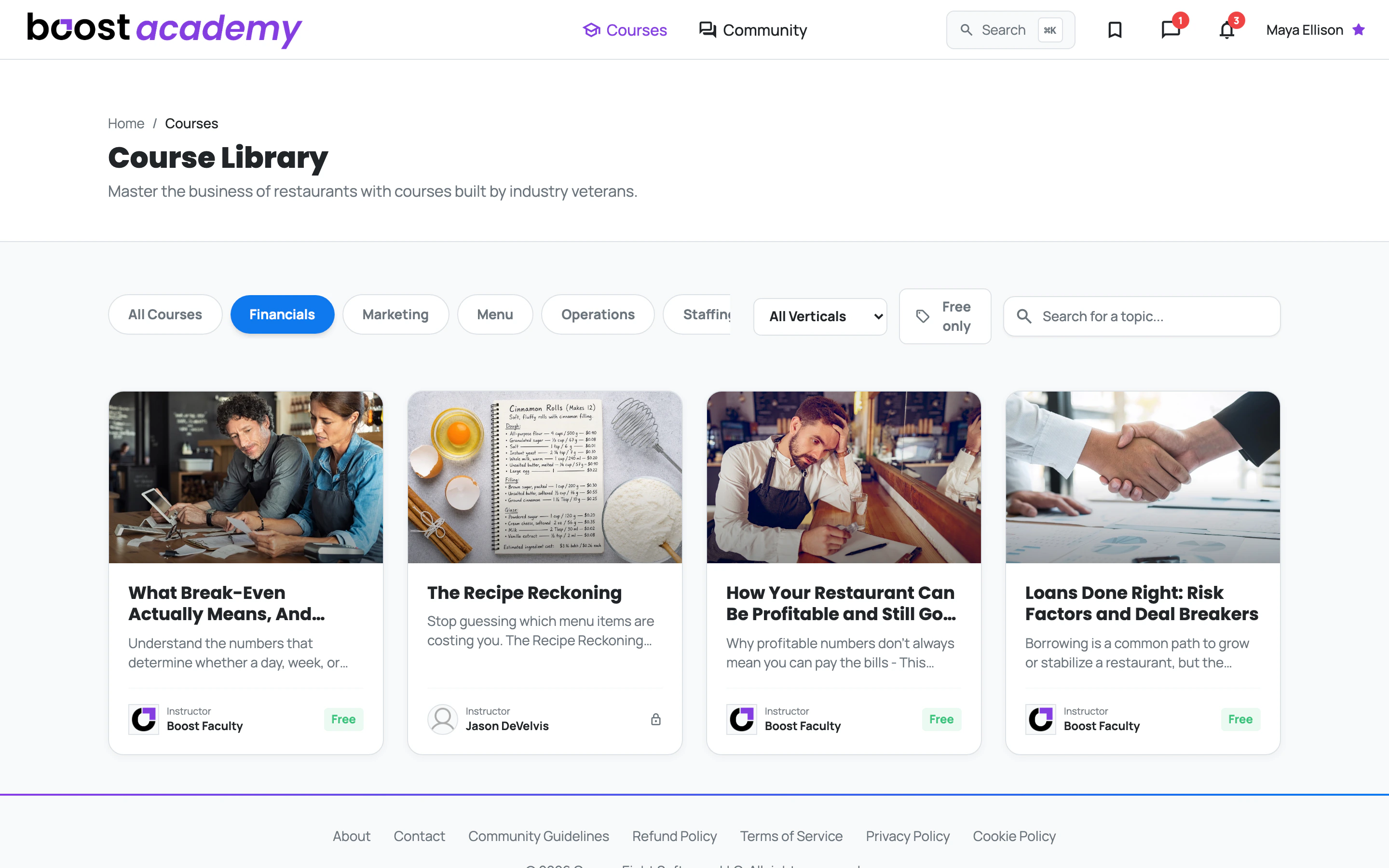
Go Straight to the Problem You Have Today: You don't have to scroll the whole catalog to find the one course that matches this week's headache. The category filters across the top narrow the library to a single part of the business.
- Financials when you're chasing margins or trying to understand break-even
- Marketing when you need more people through the door
- Menu when you're recosting recipes or rebuilding your product mix
- Operations when your processes aren't sticking
- Staffing when you're hiring, onboarding, or rewriting the handbook
Pick one and the library redraws instantly to just those courses.
Filter to your kind of shop
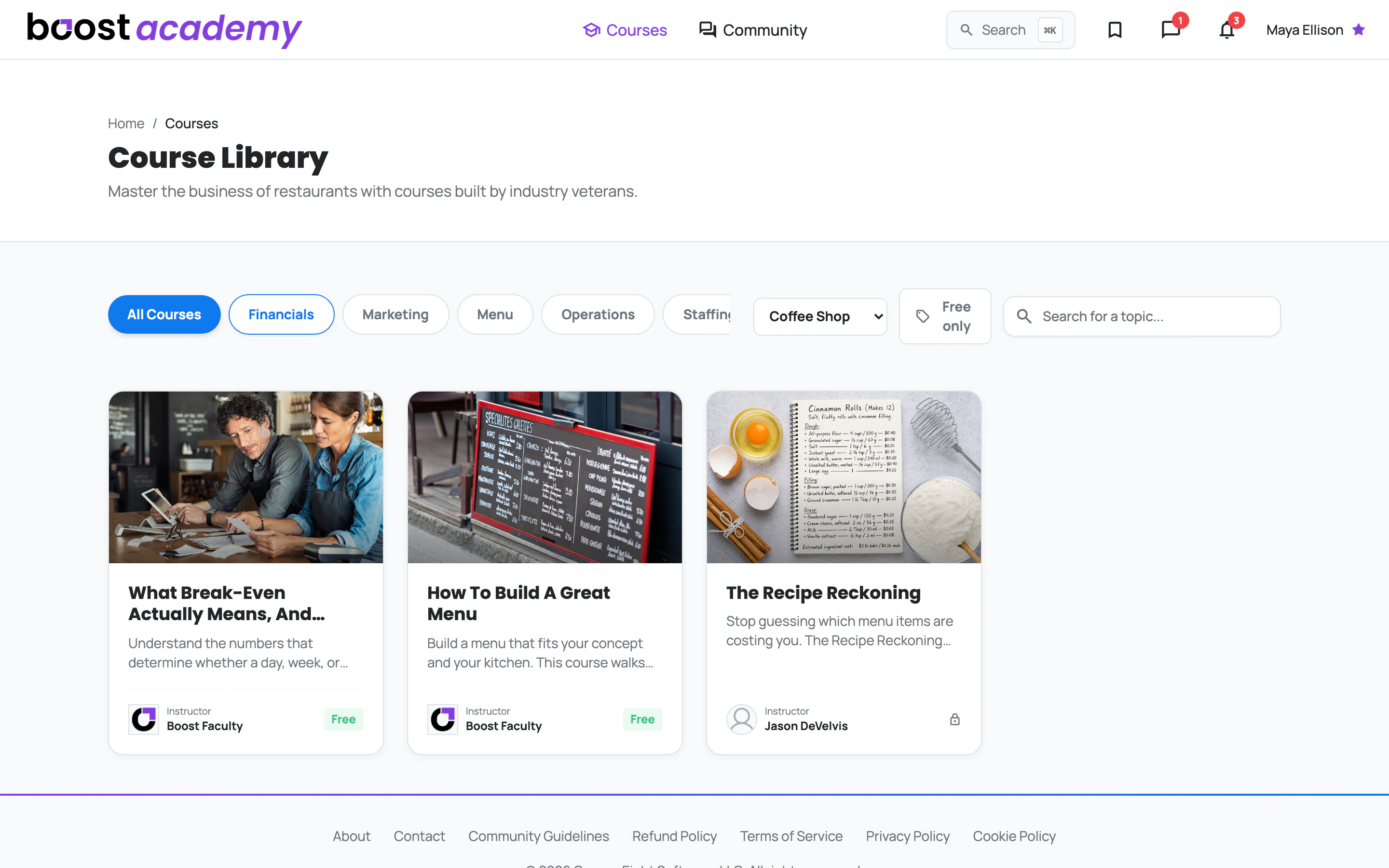
Advice That Fits Your Format: A food truck and a bakery don't run the same math. Use the All Verticals dropdown to cut the list down to operators like you, so the examples you're reading actually match the shop you're running.
You can pick from Bakery, Coffee Shop, Fast Casual, Food Truck, and Quick Service.
Search when you already know what you want
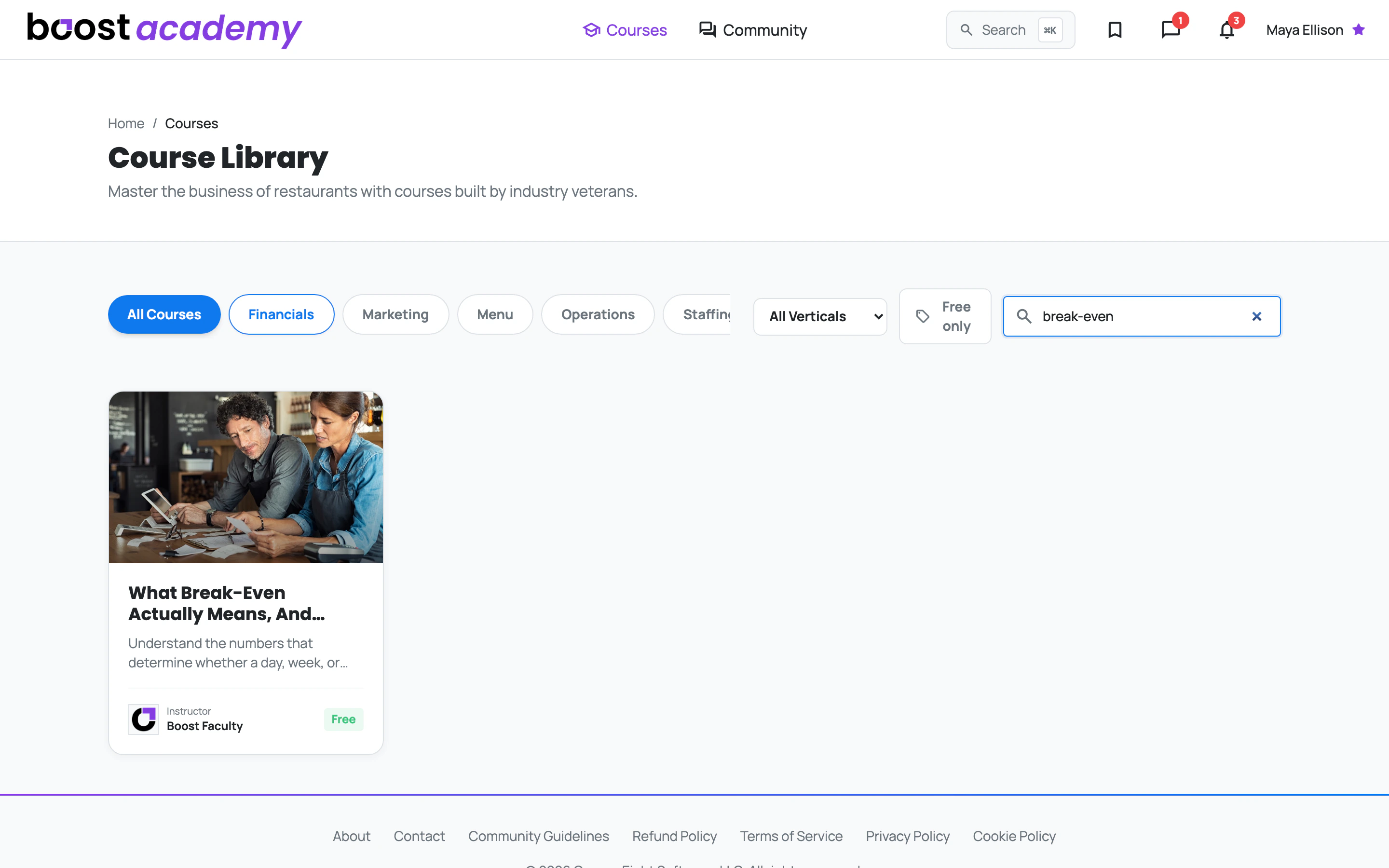
One Box, Straight to the Answer: If you came in looking for something specific, type it into the search box and the library filters down as you go. Searching for "break-even" gets you there in a second or two, no scrolling required.
There's also a Free only toggle next to the search box that hides anything you'd need to buy, which is handy when you want to start learning right now.
Ready to dig in?
Log in to Boost Academy, open Courses, and pick the one thing you want to be better at by the end of the week.
Access: All members