Earning and Sharing a Certificate
Contents3 sections
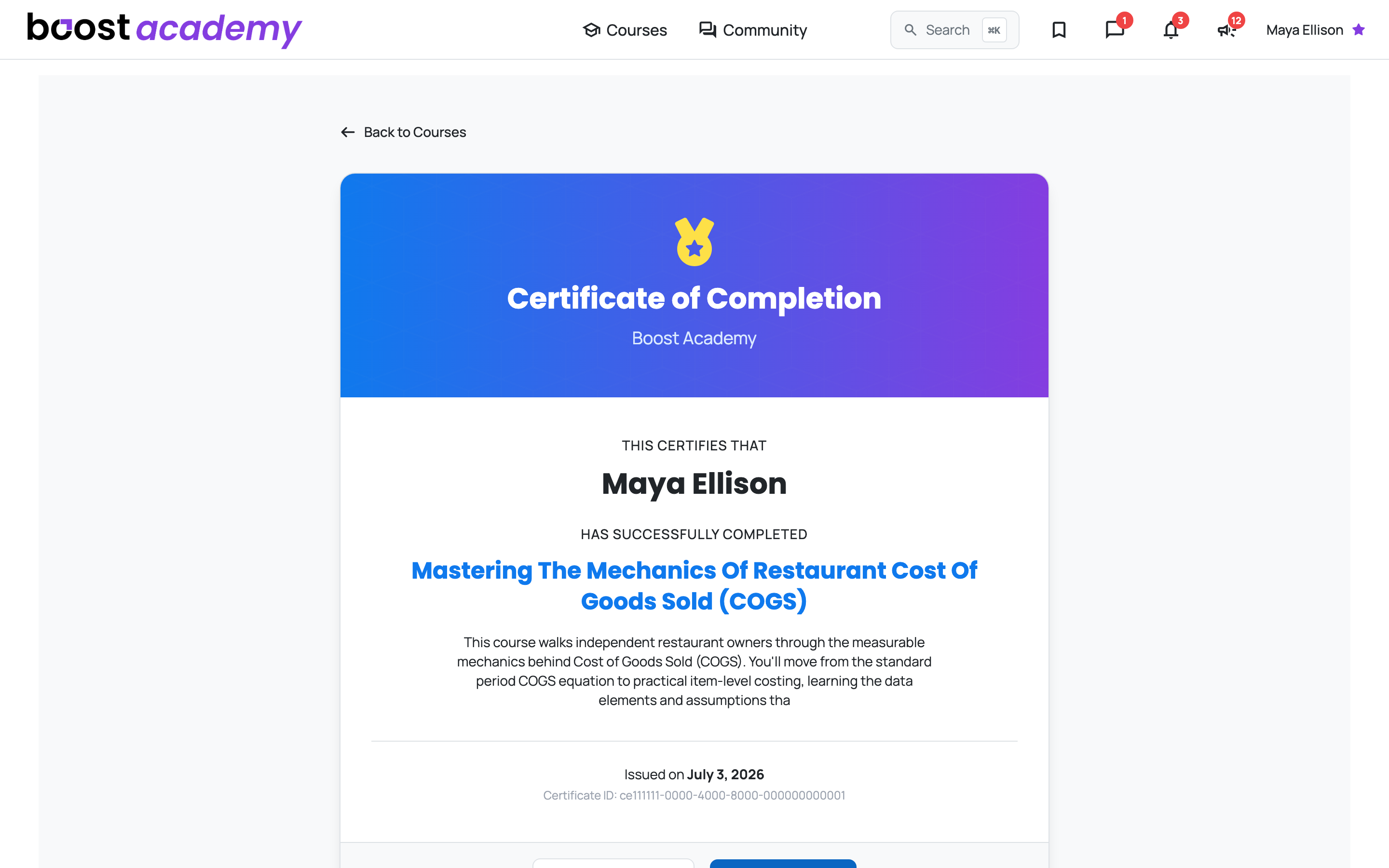
Something to Show for It: Work through every lesson in a course and Boost Academy issues you a certificate of completion. It names you, names the course, and carries the date it was issued.
Where to find yours
On Your Account Page: Certificates you have earned are listed under Account, alongside the completed courses they came from. Nothing to download or file away, they stay with your account.
Sharing it
A Link Anyone Can Check: The certificate page is public. Send someone the link and they can see it without needing an account of their own, which is the point: a certificate only a member can view is not much use to a franchisor, a lender, or a landlord.
- Copy Share Link gets you the URL
- Share on LinkedIn posts it in one click
It Is Verifiable: Every certificate carries a unique Certificate ID shown on the page. That is what makes it checkable rather than just a nice-looking image, because anyone can open the link and confirm it is real.
Ready to dig in?
Log in to Boost Academy, open Courses, and finish the one you are closest to the end of.
Access: All members. Certificates require enrolling and completing the course.