

Getting the Most From the Training Pass
Contents7 sections
The Underground Training Pass opens all the training, a seat on every live call and every past Sprint. Here is how to put it to work in your first few weeks, in the order most operators get value from it.
Before you start
- You are signed in to the Operator Underground. Signed out, the button reads Sign in to get the Training Pass and takes you to sign in first.
1. See what the pass adds, and get it
Know What You Are Paying For: The Training Pass page lists what Free includes next to what the pass adds, line by line. Pick Monthly or Annual (annual shows the saving and the monthly equivalent), then press Get the Training Pass. After checkout, the welcome page points you to Training, Live and Sprints, which is the order the rest of this guide follows.
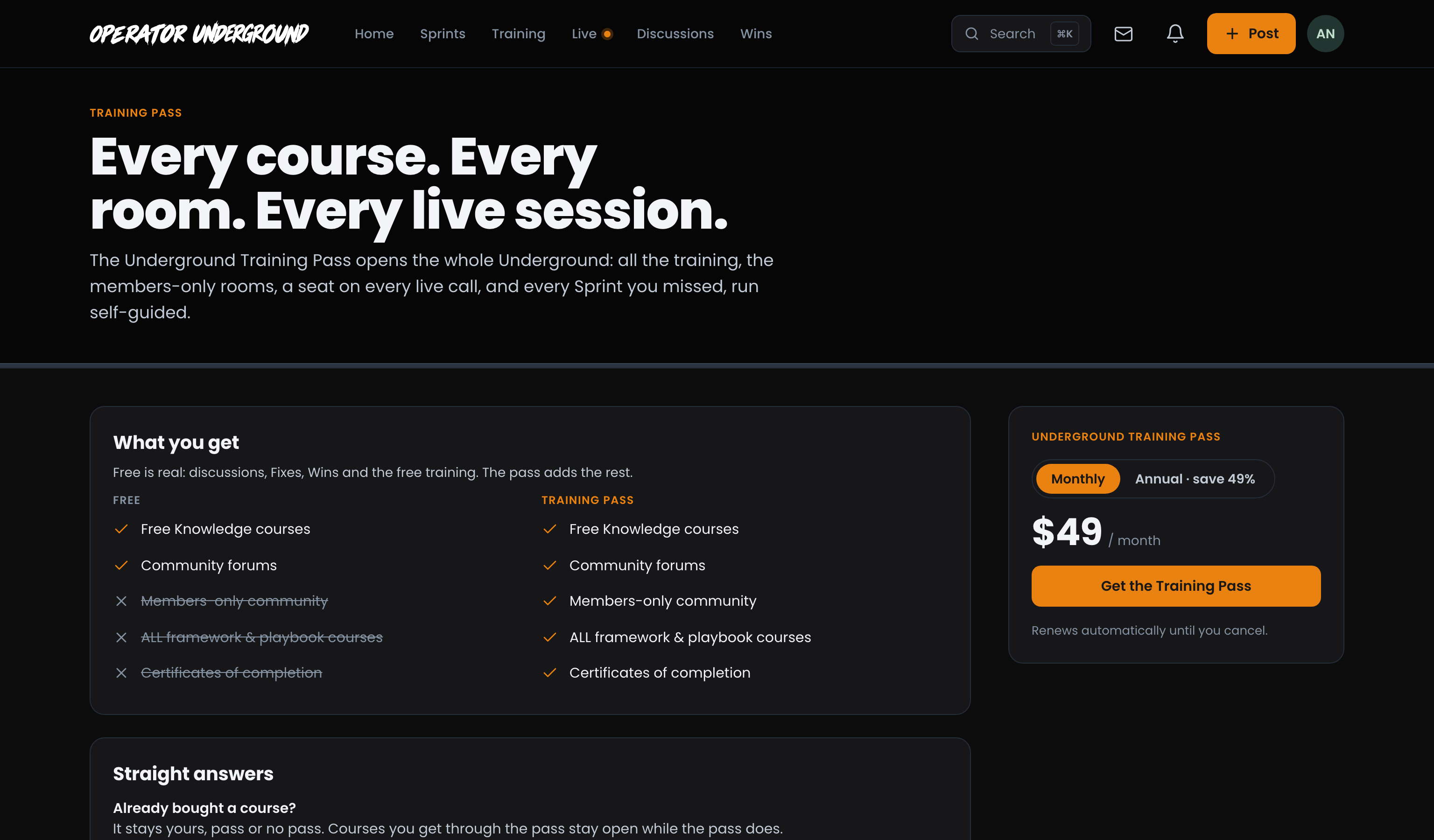
Step-by-step: The Underground Training Pass
2. Start the courses it includes
Every Course, One Press Away: Open Training. A paid course the pass includes shows Start this course. Press it and you are enrolled (it is never a payment), so your progress and your certificate count from the first lesson. Progress is one number across both sites: watch half a lesson here and it picks up in the same place on Boost Academy.
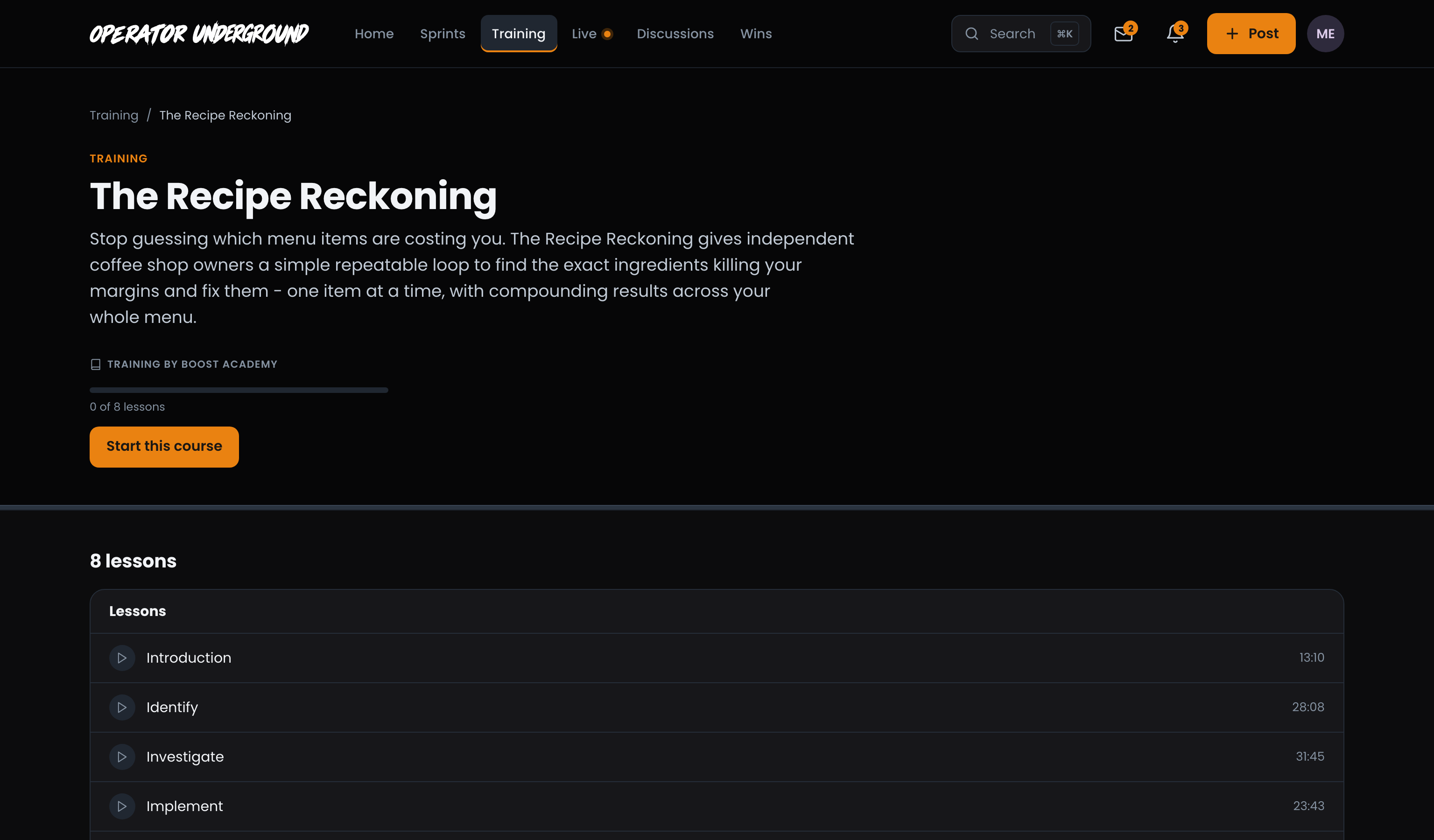
Step-by-step: Training on the Underground
3. Take the Training Pass resources
Templates You Keep: The library, at the foot of Training, holds Resources, the Toolkit and Recipes. Resources marked Training Pass now work like any other for you: press Add to my resources and the button turns into Download.
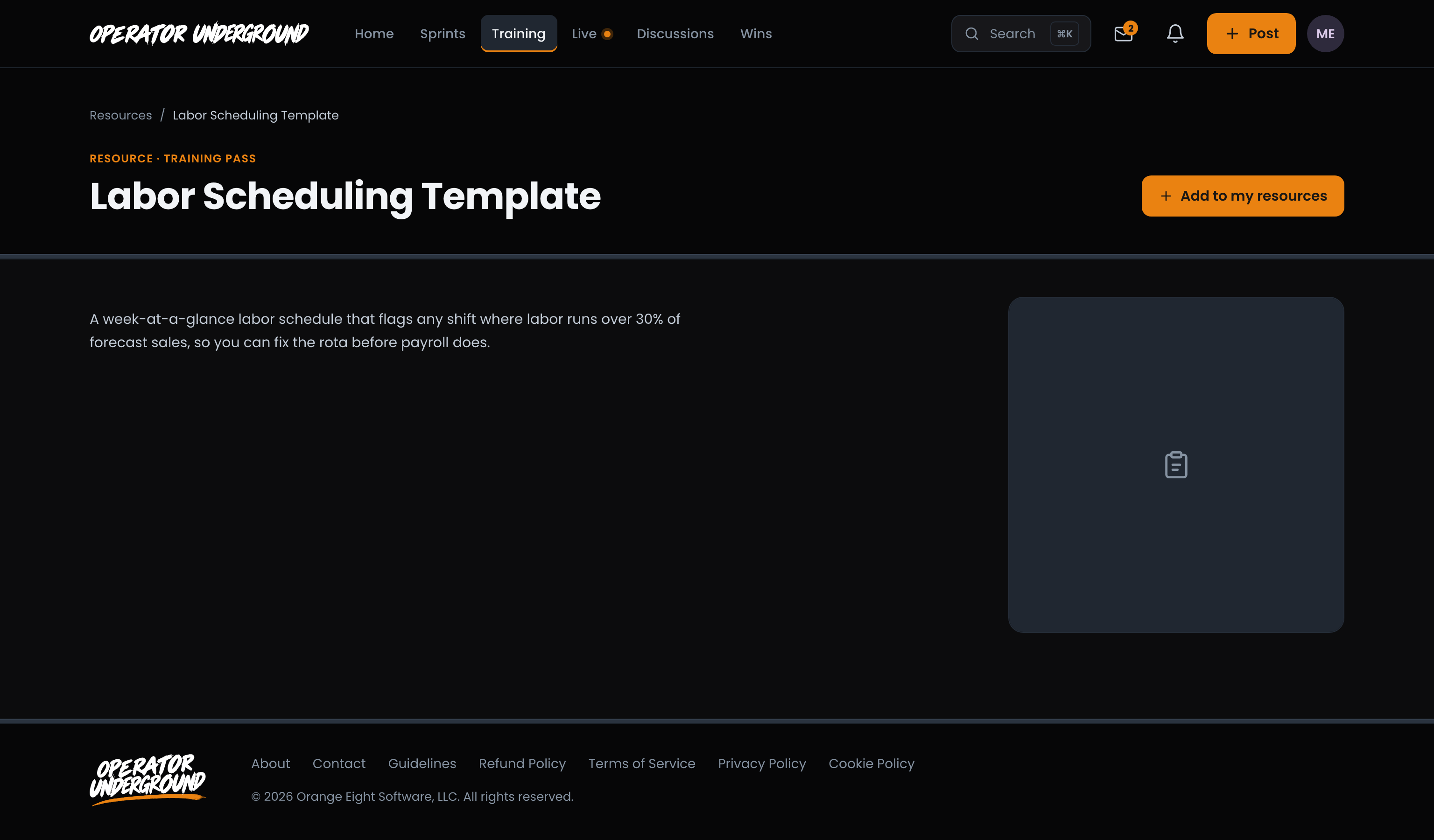
Step-by-step: The Underground library
4. Take a seat on every live call
Bring Your Problem to the Room: Live lists sessions happening now and coming up. On a sprint you are on, the pass also gets you into its Training Pass sessions, and you can send a question ahead of a session instead of waiting for the room to open. Missed a sprint call? Training Pass holders can watch every published sprint replay, on any sprint, whether or not they were on it.
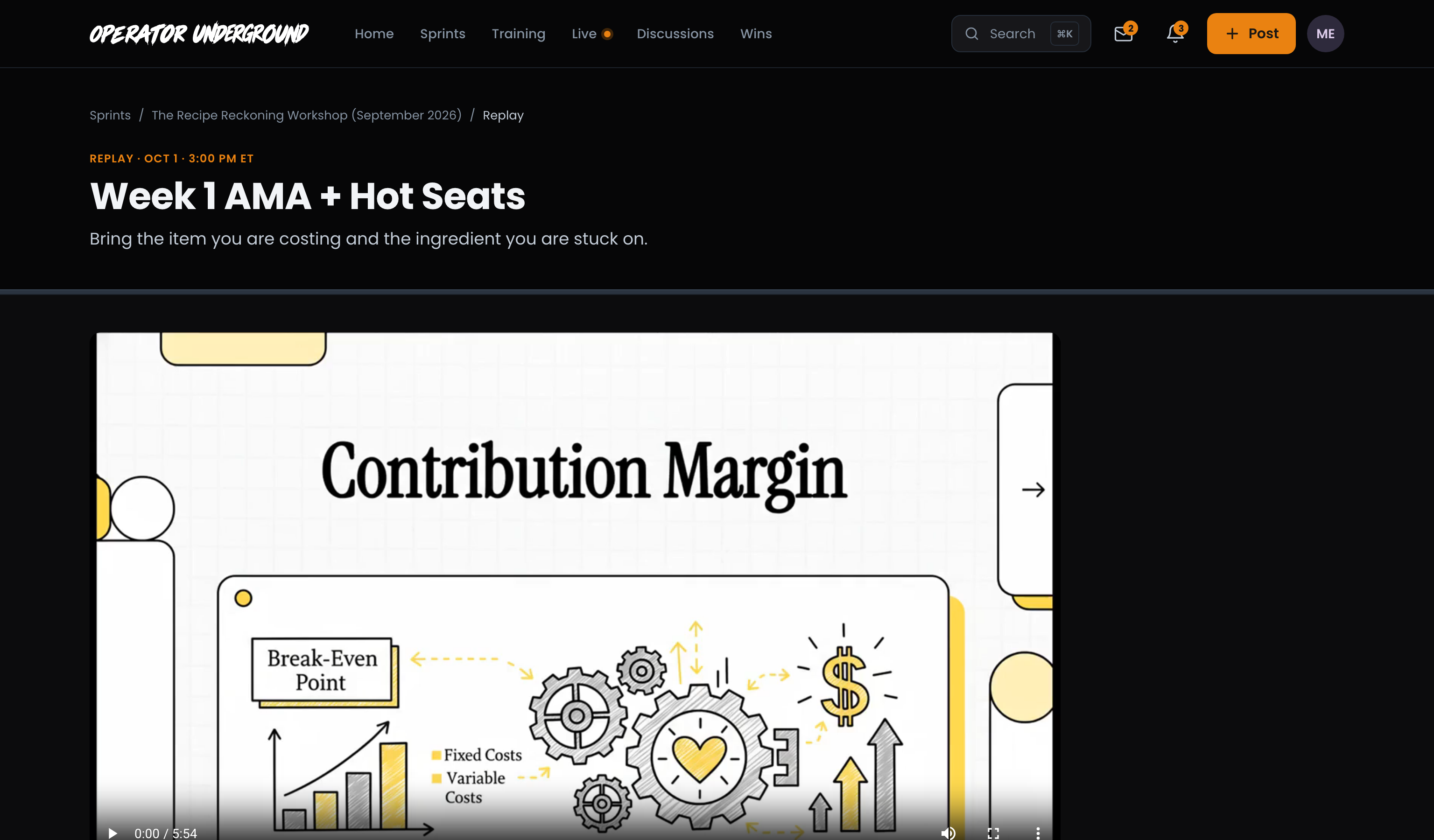
Step-by-step: Joining a live room on the Underground
Tip
The pass also reopens any finished Sprint to run self-guided, at your own pace. See Working a sprint on the Underground.
5. Keep it on your terms
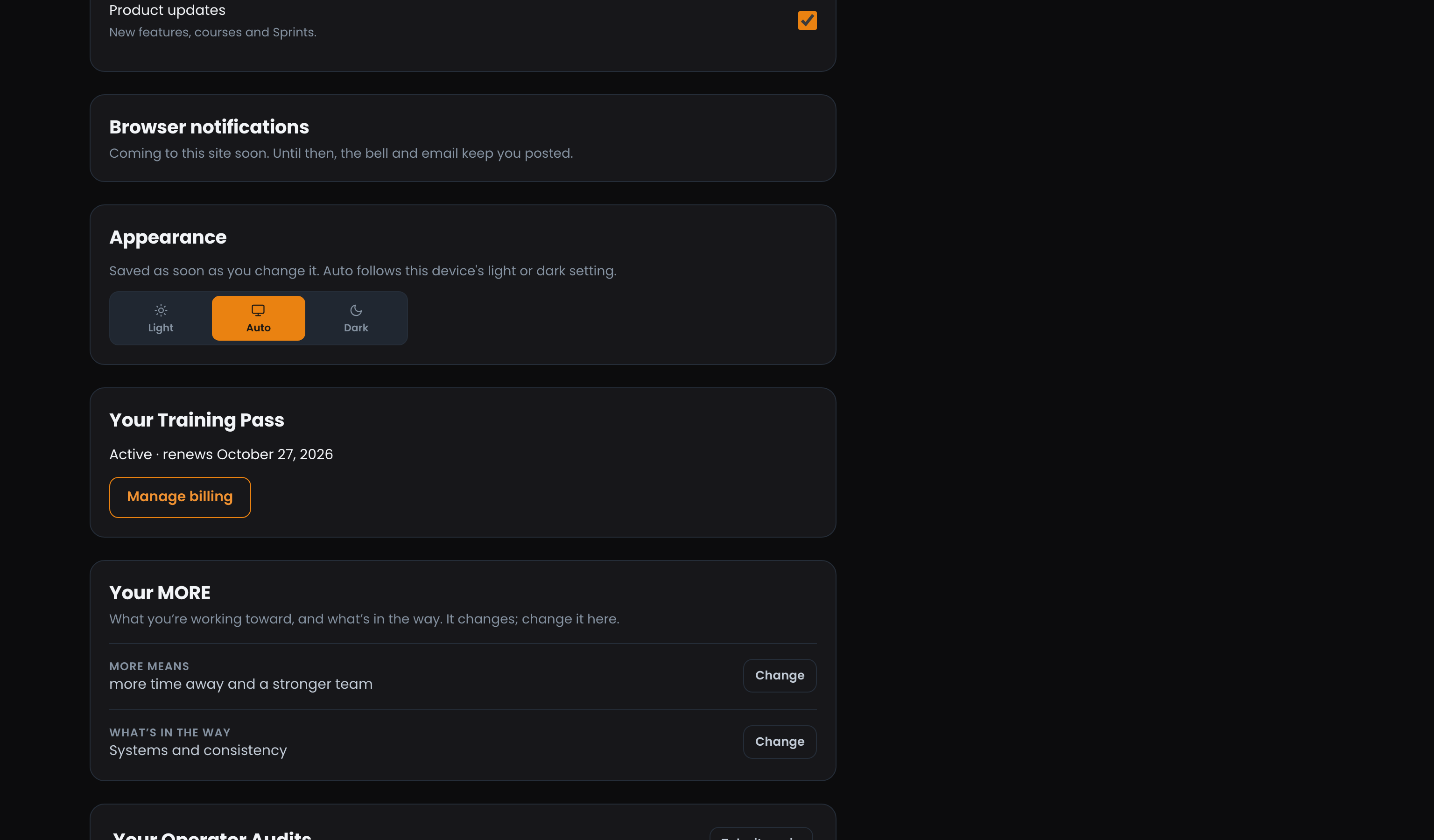
Billing in One Place: Settings carries a Your Training Pass card with the date it renews (or ends) and Manage billing, which is where you cancel. Cancel any time and you keep the pass until the end of what you paid for.
Note
A course you bought on Boost Academy stays yours, pass or no pass. A course you opened through the pass stays open while the pass does.
Step-by-step: The Underground Training Pass
Related
- Working a Sprint From Start to Win: what a sprint asks of you each day, and how it ends on The Board.
- Your First Week on the Underground: the free side of the Underground, from joining to your first Fix.
Access: Training Pass