

Setting Your Company Details
Contents3 sections
Company Info is the business rather than you. What you set here applies across the whole account, so it is worth a look when you first set up and rarely after that.
Open company info
Go to Account > Company Info, reachable from My Account.
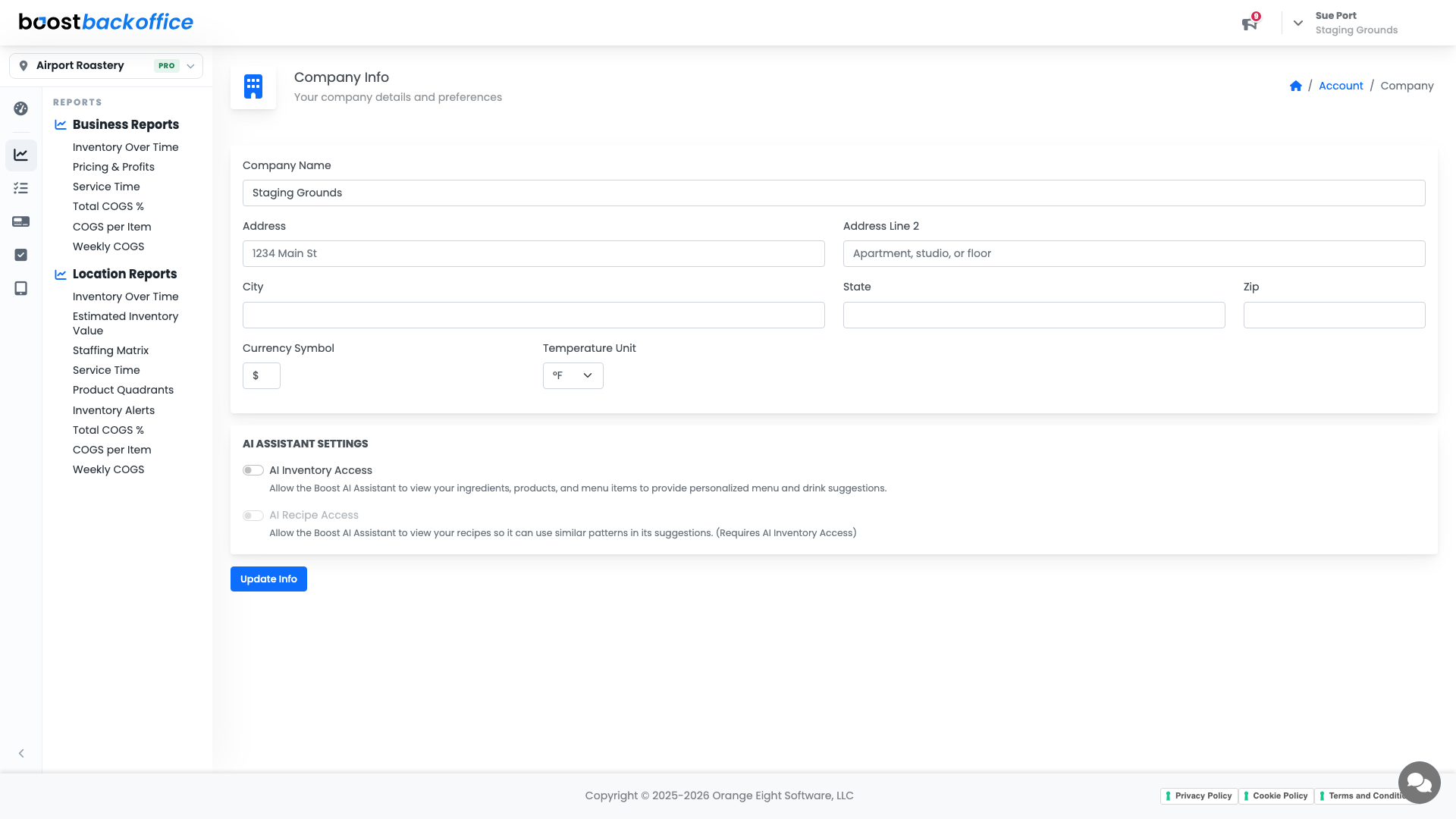
Your company details appear around the app and in what your team sees, so use the name your customers would recognise rather than the one on the paperwork.
The AI preferences
Two toggles control whether Boost's AI assistance is on for your account:
- AI inventory for the inventory side of the app.
- AI recipes for recipe work.
Both are account-wide, so switching one off turns it off for everybody, not just for you.
Note
These are preferences, not plan features. Turning one off does not change what your plan includes; it changes whether Boost offers that assistance while you work.
Press the save control when you are done. Unlike the click-to-edit fields elsewhere in the app, this page saves in one go.
What you should see
Your business named the way your customers know it, and the AI preferences set the way your team wants to work.
Account Level: All