

Getting Support
Contents4 sections
When a number looks wrong or a screen does not do what you expect, you do not have to work it out alone.
Start with the guide for this page
Click the question mark in the top right corner of Back Office. It opens the Knowledge Base in a new tab, on the help written for the page you are standing on, so you do not have to work out which article you need, and the work you had open stays exactly where you left it.
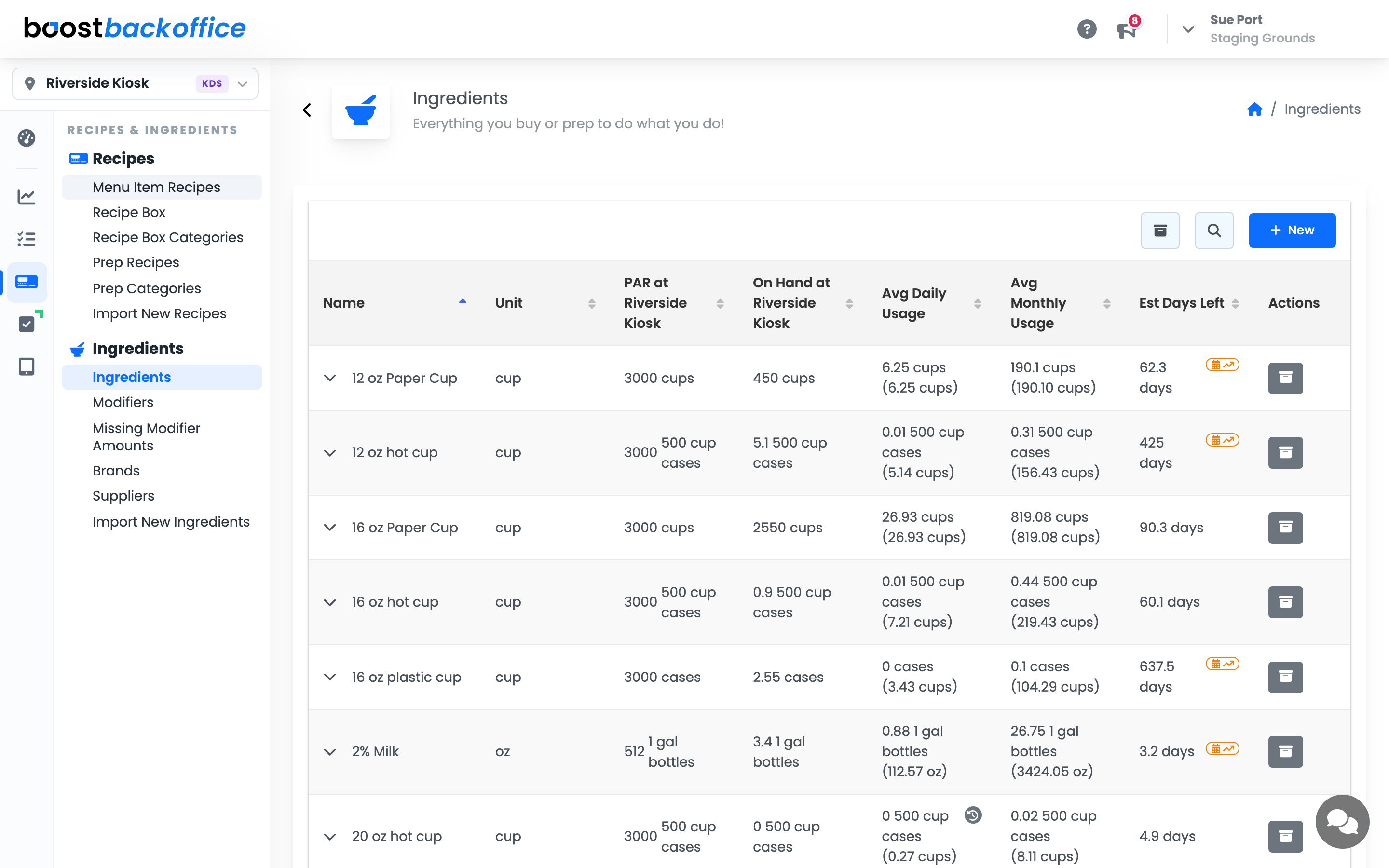
On a wide screen it sits in the header on every page, next to the megaphone that carries What's New.
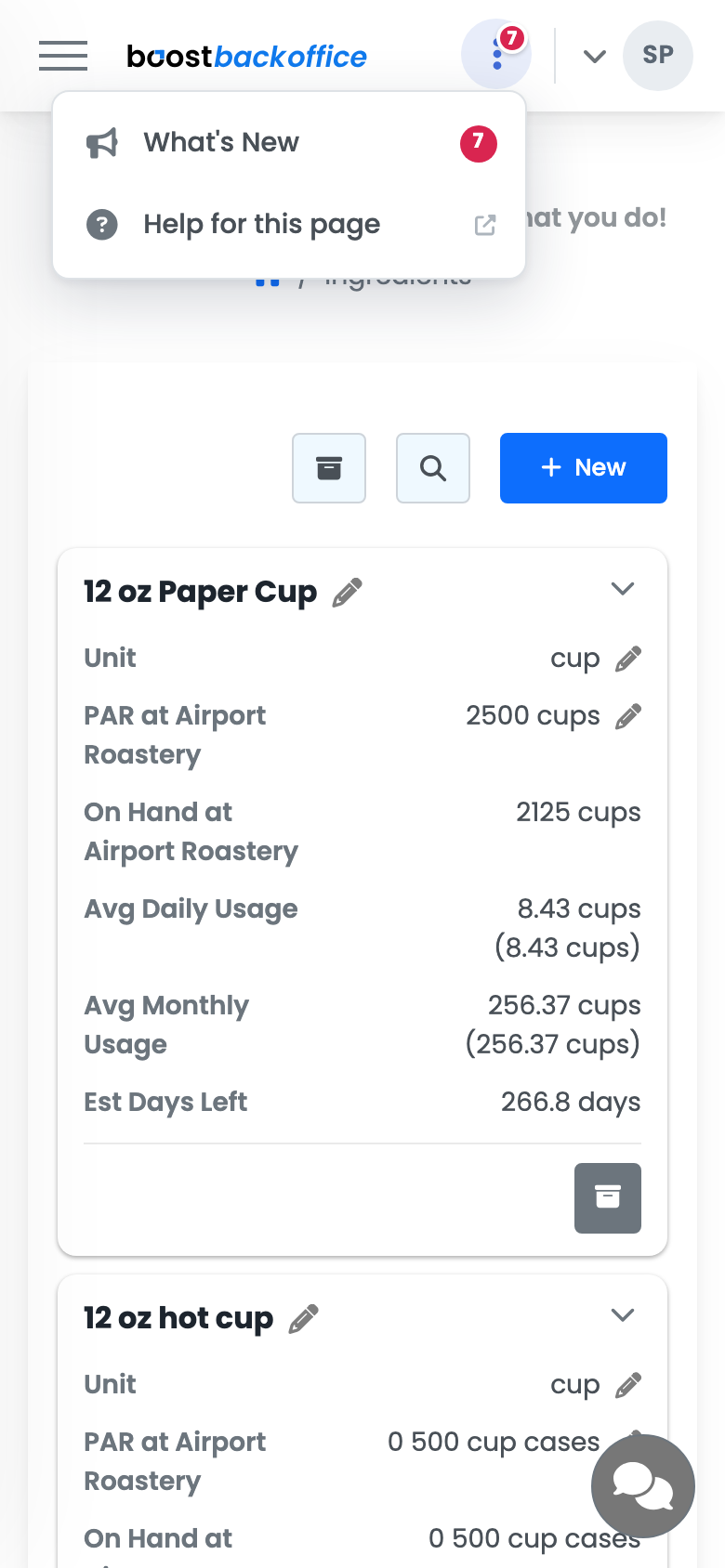
On a phone there is no room for a row of icons, so the two tuck in behind a single button in that same corner. Tap it and you get What's New and Help for this page together, one tap from where you were.
Note
An announcement waiting to be read still shows its count on that button, and again on the What's New row inside the menu, so nothing goes quiet just because the screen got narrower.
Reach support
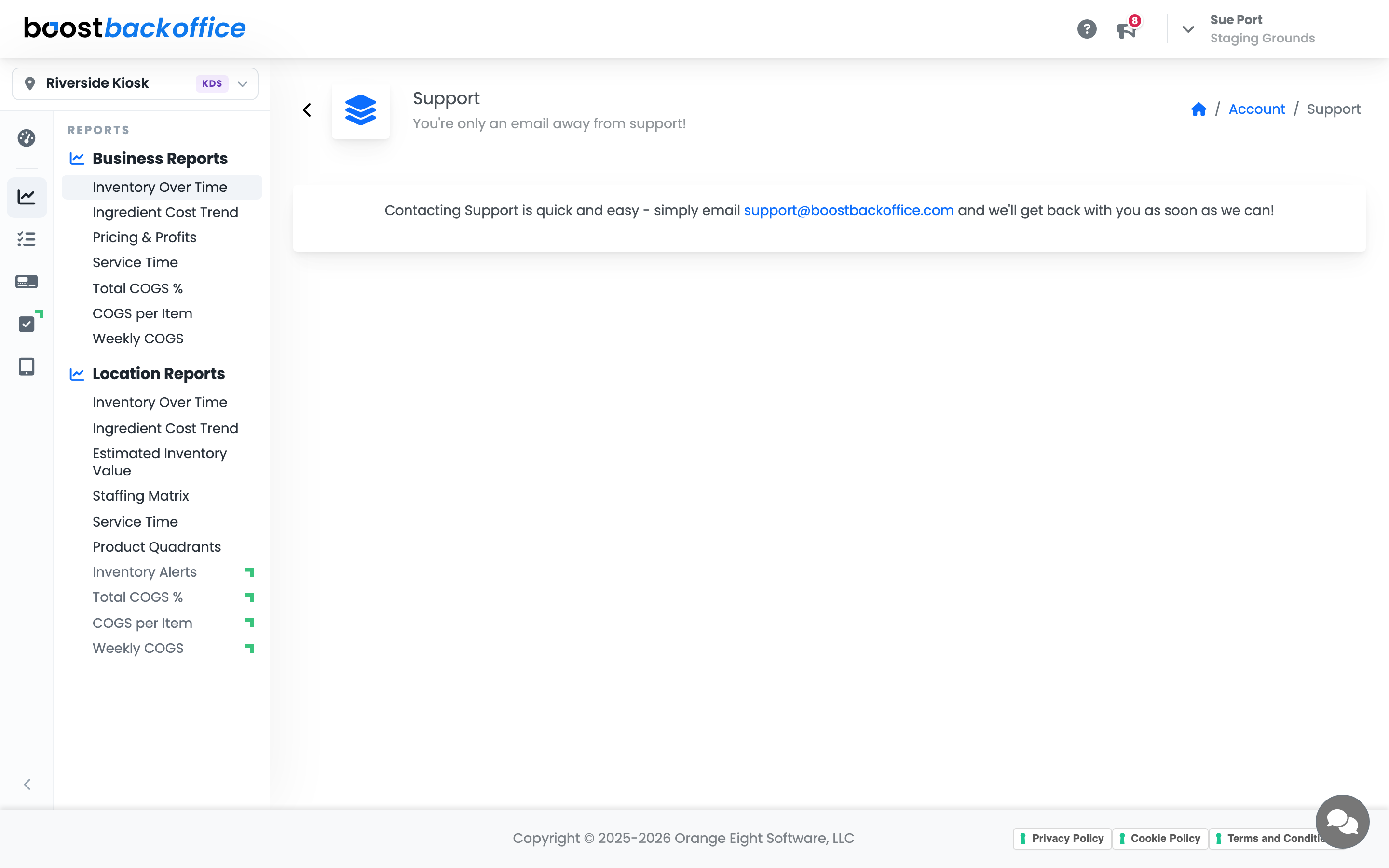
When the guide does not settle it, go to Account > Support. You are one email away from somebody who can look at your account with you.
Make the first message count
The difference between a same-day answer and three days of back and forth is usually the detail in the first message:
- Which location, if you run more than one.
- The screen you were on, by its menu path, for example Inventory > Count > Inventory Count.
- What you expected and what you saw, with the actual numbers.
- When it happened, roughly, so it can be matched to your data.
Tip
If the question is about a number being wrong, check the Inventory Ledger for that ingredient first. Often the answer is in there, and if it is not, the ledger lines are exactly what support will ask you for.
What you should see
A reply that engages with your actual account rather than a request for more information.
Account Level: All