

Managing Your Own Account
Contents4 sections
My Account is the small page about you rather than the business. It matters most on a team, where everybody has their own login and their own name against the work they sign off.
Your details
Go to Account > My Account from the account menu in the top right.
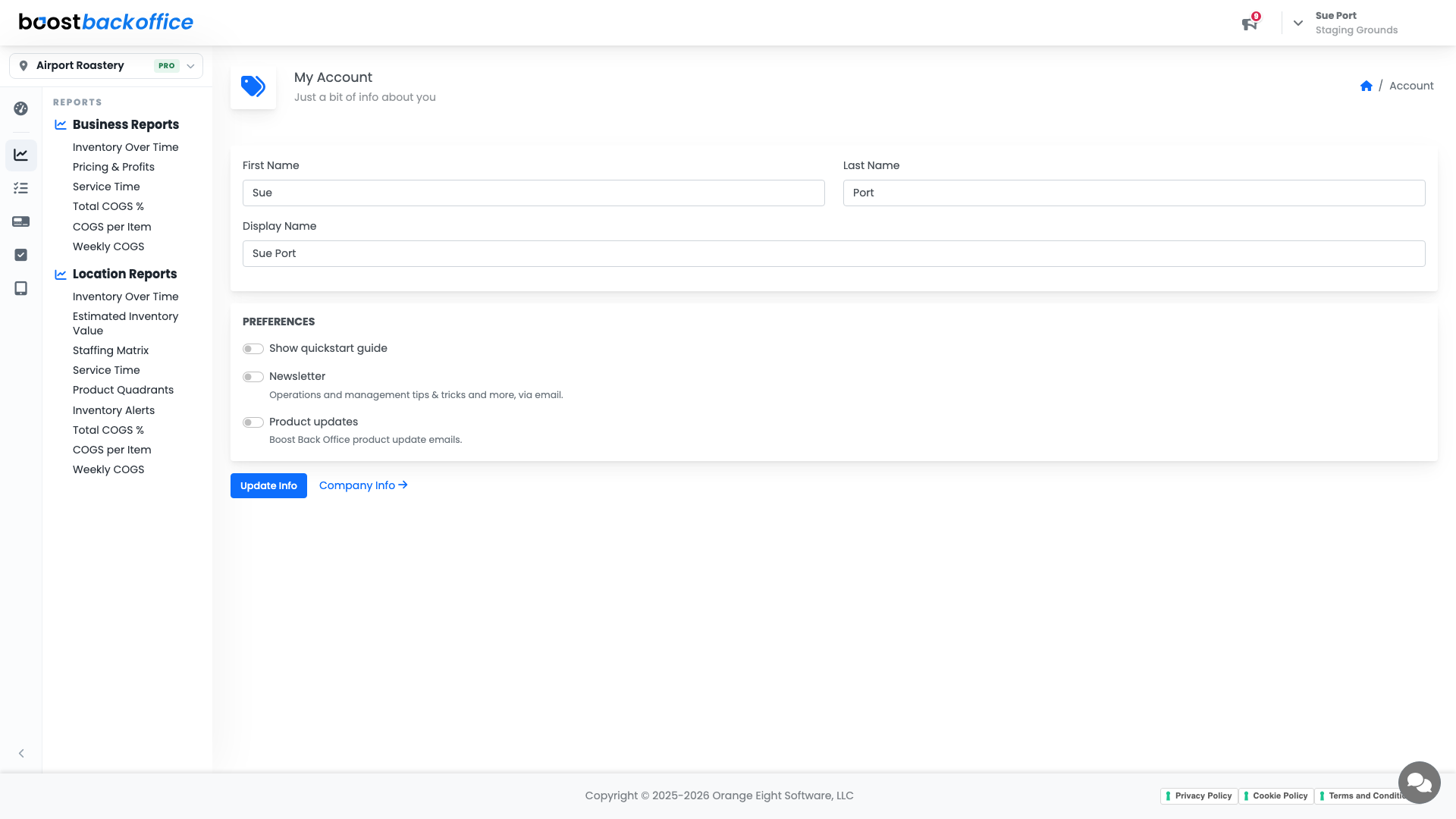
Keep your name accurate. It is what appears against actions across the account, and a team page full of half-filled names is no use to anybody trying to work out who did what.
Change your password
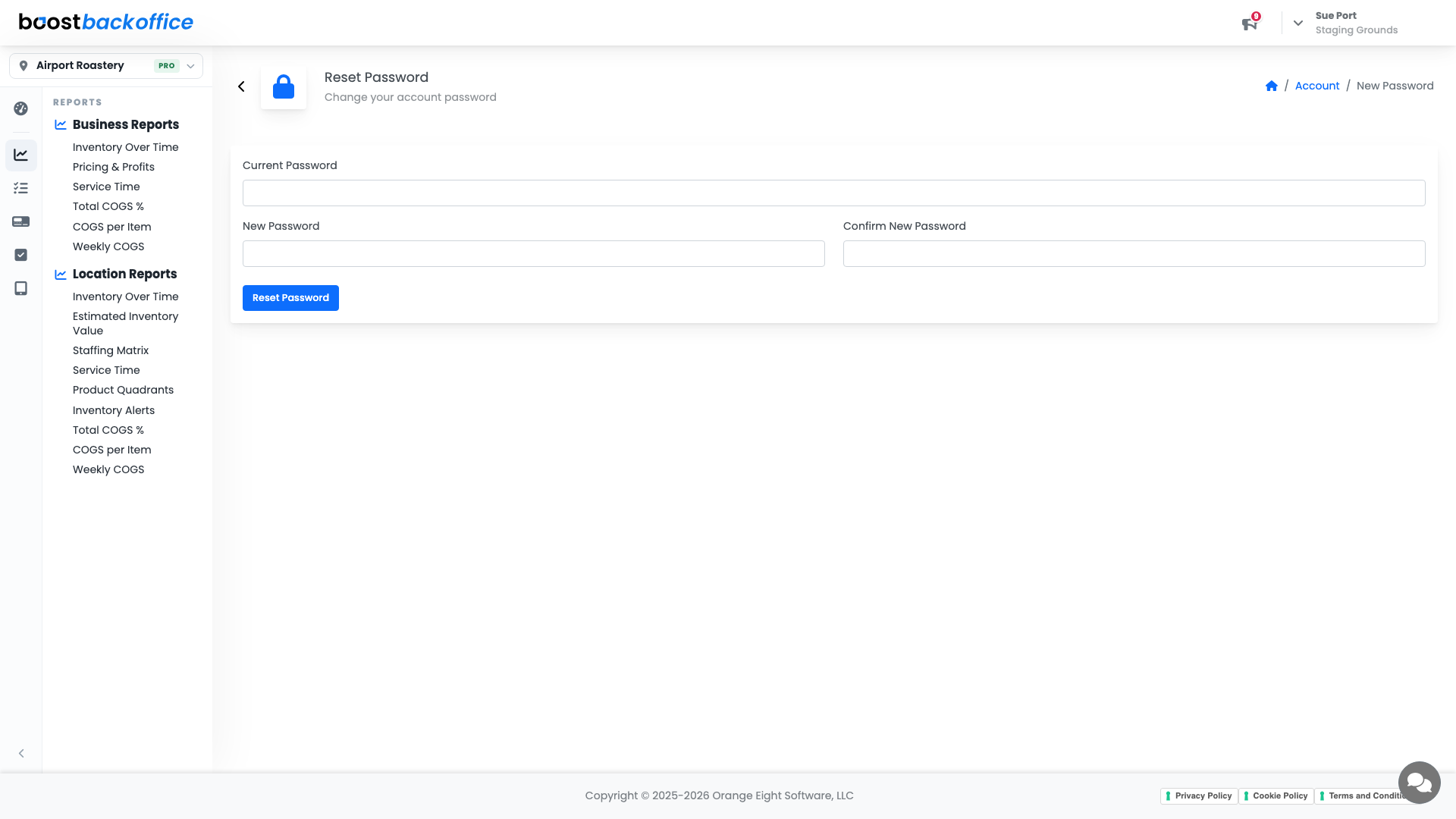
Reset Password changes the password on your own sign-in, without involving your owner or anybody else on the team.
Tip
Everyone should have their own login rather than sharing one. Shared logins make checklist sign-offs and activity records meaningless, which is exactly when you need them.
Company details live elsewhere
Anything about the business rather than you, like the company name and account-wide preferences, is on Company Info, linked from this page.
What you should see
Your own name and contact details correct, and a password only you know.
Account Level: All