

Expoing an Order and Assigning a Box
Contents3 sections
Expoing is the moment an order stops being work and becomes something waiting for a customer. On the KDS that is one tap on the ticket header.
Tap the header
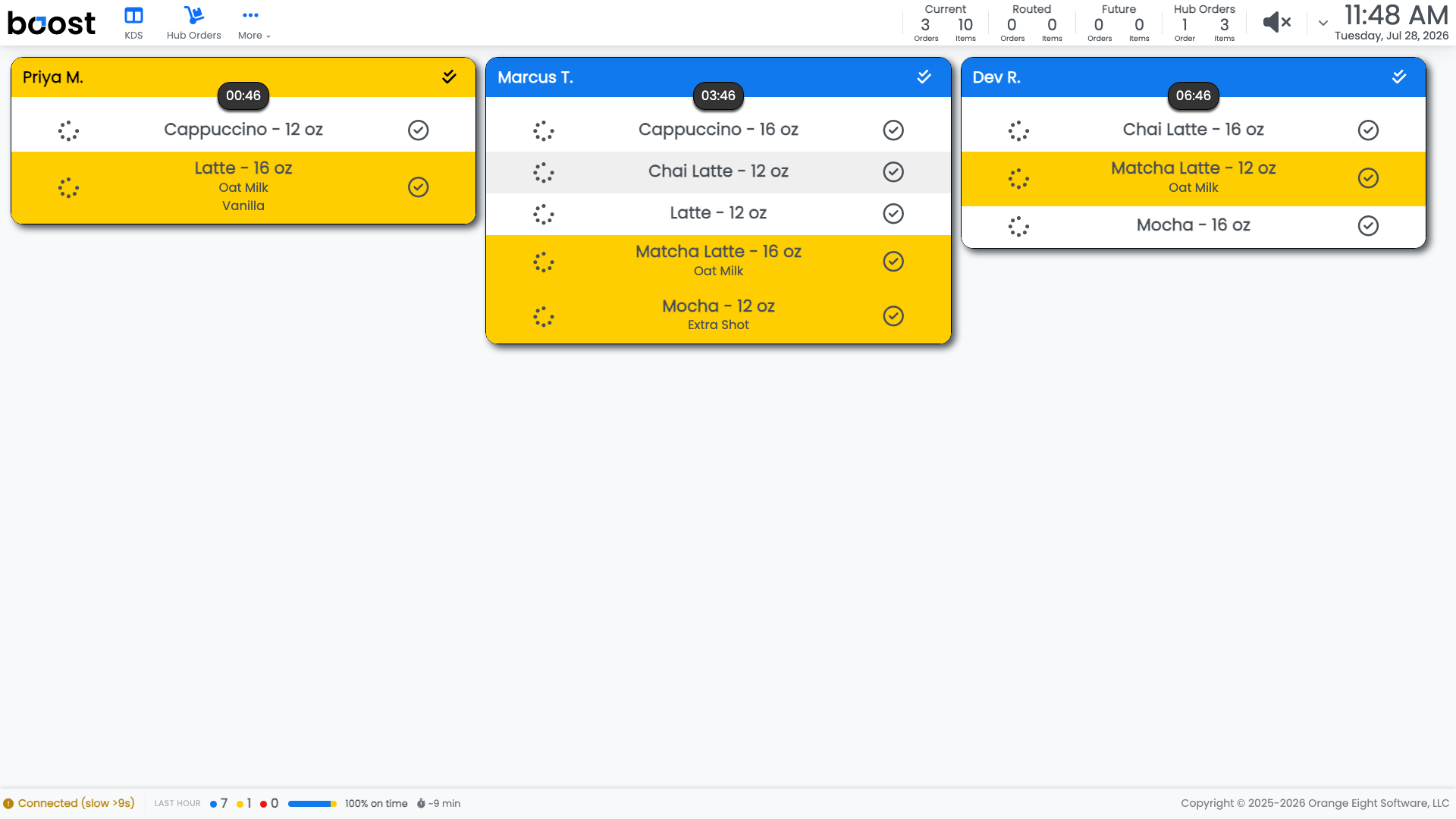
Tapping an order's header expos the whole order. If your shop has expo confirmation switched off, the ticket clears immediately.
Say where it is going
With expo confirmation on, Boost asks first.
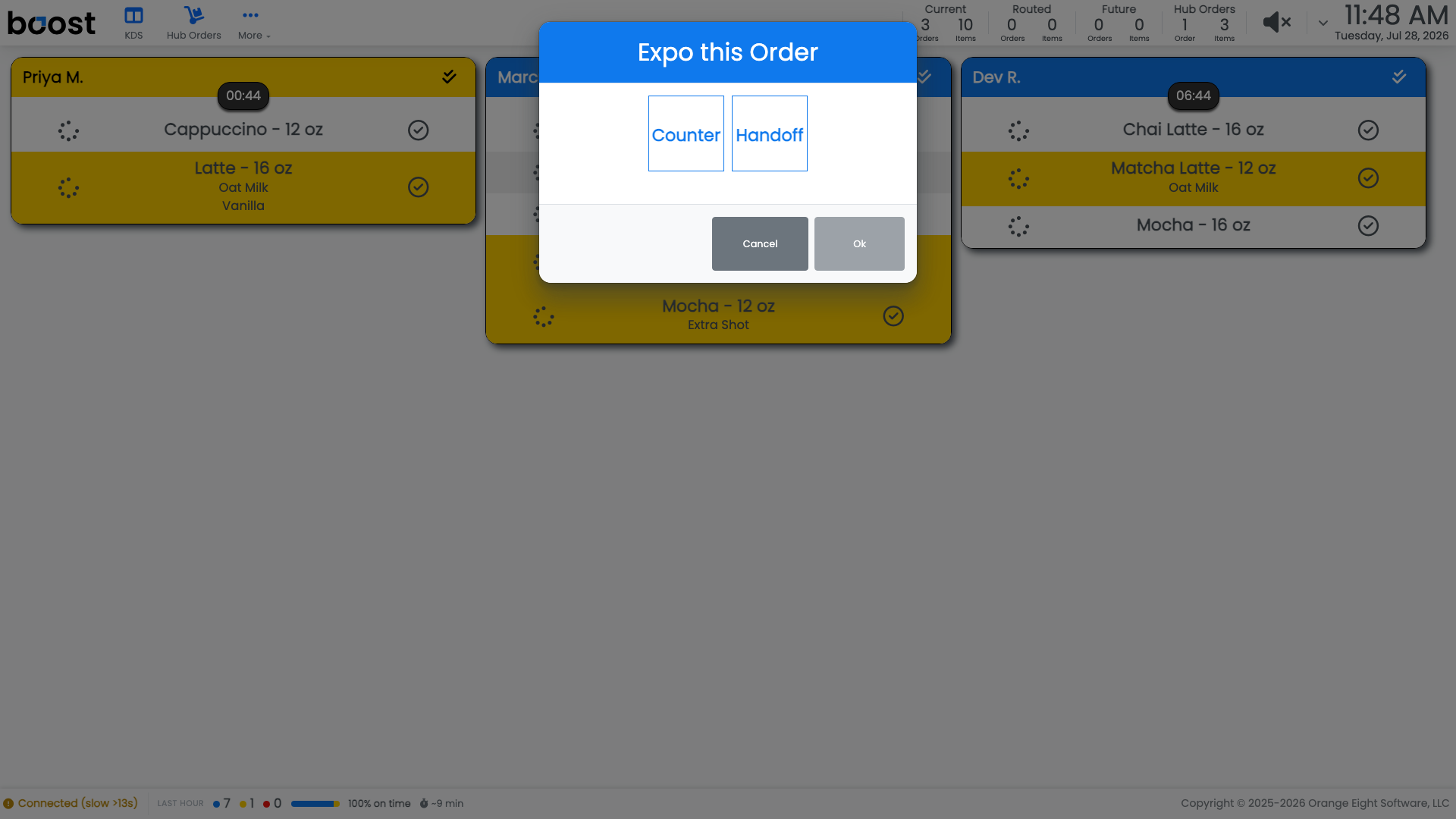
Choose where the order is going and press Ok:
- Counter is the order sitting out for collection.
- Handoff is the order going straight to the customer or a driver.
Cancel backs out and leaves the ticket on the board.
Note
The dialog only appears when Show expo confirmation box on order header click is on for that location, under On Location > Tablets > KDS Admin in the back office. Shops that hand everything over the counter usually turn it off; shops with a pickup shelf usually want it.
Important
Expo when the drink is genuinely ready to leave, not when the last item is poured. The expo time is what your service-time reporting measures, so expoing early makes your numbers look better and your customers wait the same.
What you should see
Tickets clearing as orders go out, a pickup screen that matches what is actually on the counter, and service times that reflect reality.
Account Level: KDS & Pro