

Looking Up a Recipe on the Tablet
Contents3 sections
The recipe your manager built in the office is the one your team needs at the bar at 7am. On the tablet it is a couple of taps away.
Find the drink
Open the recipe list on the tablet. Every item on your POS that has a recipe is here, sorted by category and name, the same way your menu is organised.
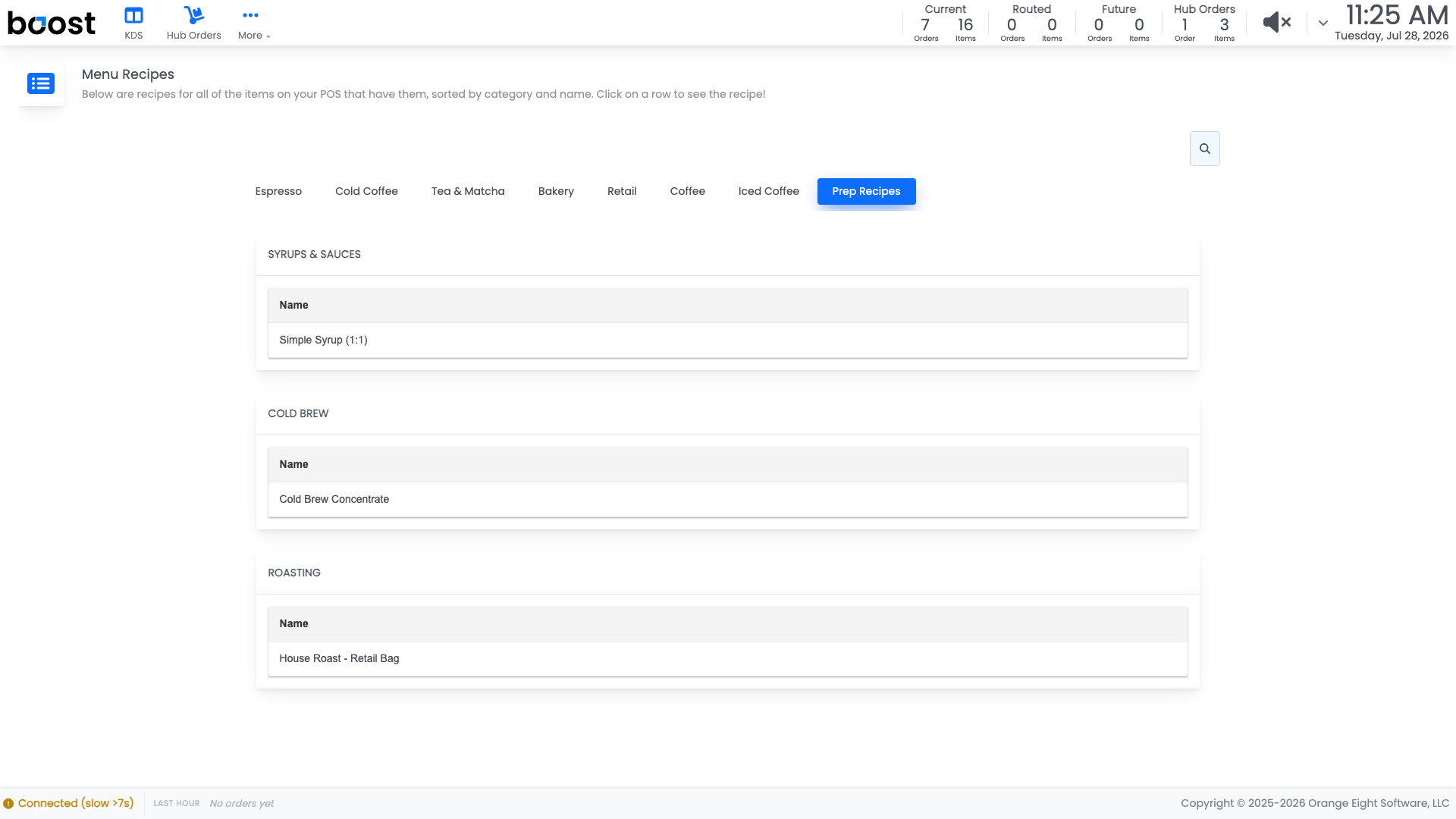
Tap a row to open that recipe and see the build, including the amounts for each size.
Tip
This is the fastest training tool you have. A new starter can look up the build themselves instead of interrupting whoever is on bar, and the answer they get is the same one every time.
When something is missing
If a drink is not in the list, it does not have a recipe yet. That is worth flagging to whoever manages the menu, because an item with no recipe also consumes no inventory and contributes nothing to your COGS.
What you should see
Every drink you sell, findable in a couple of taps, with amounts that match what your team actually pours.
Account Level: KDS & Pro