

Checking a Recipe From a Live Ticket
Contents3 sections
A ticket tells you what to make. The recipe tells you how. On the tablet both live in the same place, so the seasonal drink nobody has made in a month does not turn into a question for whoever is on bar.
Open the recipe from the ticket
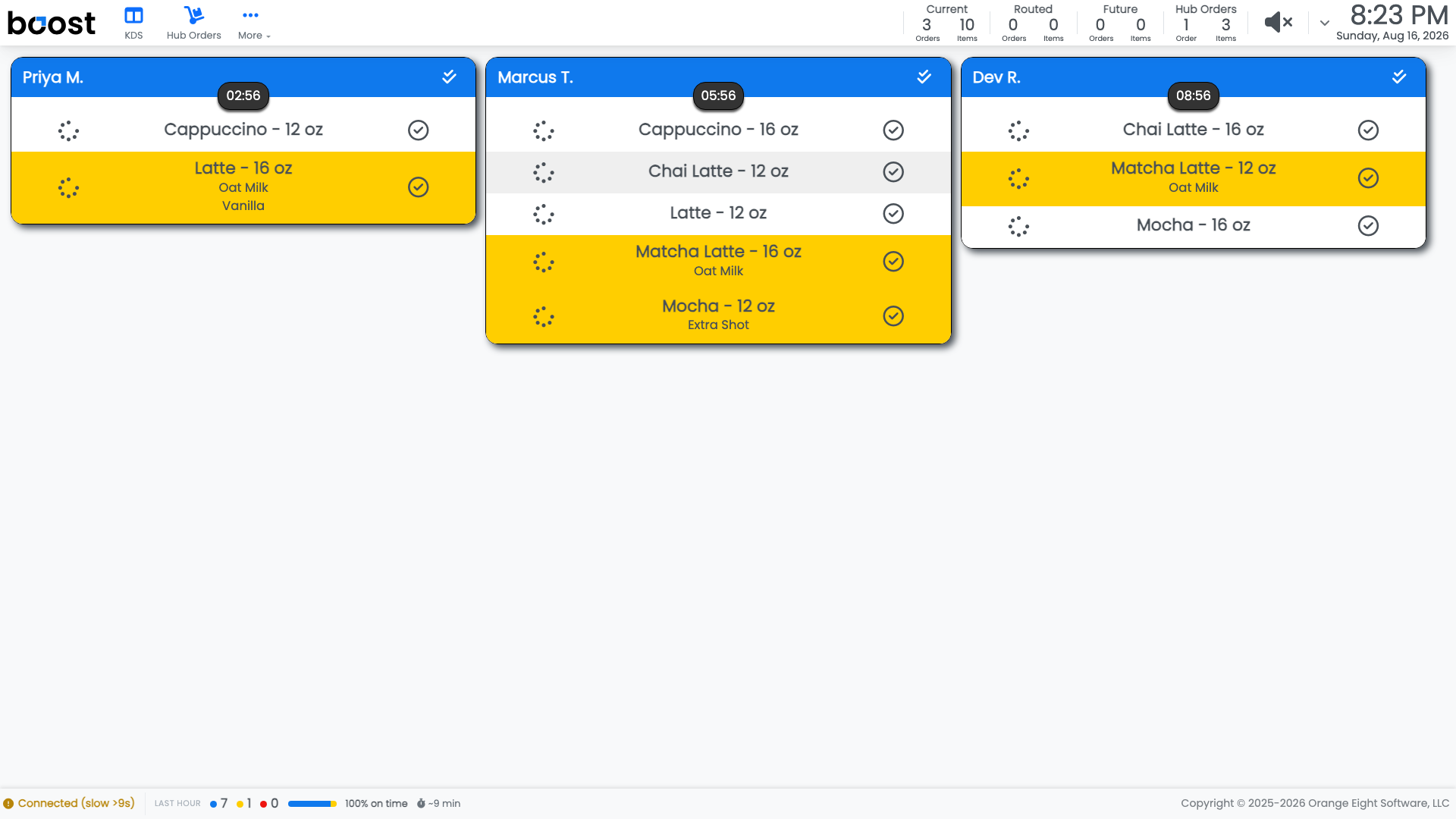
You can open the recipe for a line item straight from the board, so you are reading the build for the exact drink you are holding a cup for.
Modifiers are already on the line. Oat Milk or Extra Shot sits under the item name, so the substitution is part of what you read rather than something to remember separately.
Or browse the full list
The recipe list is also its own screen on the tablet, with every menu item that has a recipe, sorted by category and name. That is the one to use when you are training somebody rather than making a specific drink.
Note
A drink with no recipe has nothing to show. If that happens repeatedly, it is worth telling whoever manages the menu, because an item without a recipe also consumes no inventory and contributes nothing to your COGS.
What you should see
The build for any live ticket in a couple of taps, matching what your shop actually pours.
Account Level: KDS & Pro