

Claiming and Completing Items on the KDS
Contents5 sections
A five-drink order is not one job, it is five. The KDS treats it that way: every line on a ticket carries its own state, so two people can work the same order without making the same drink twice.
Read the colours
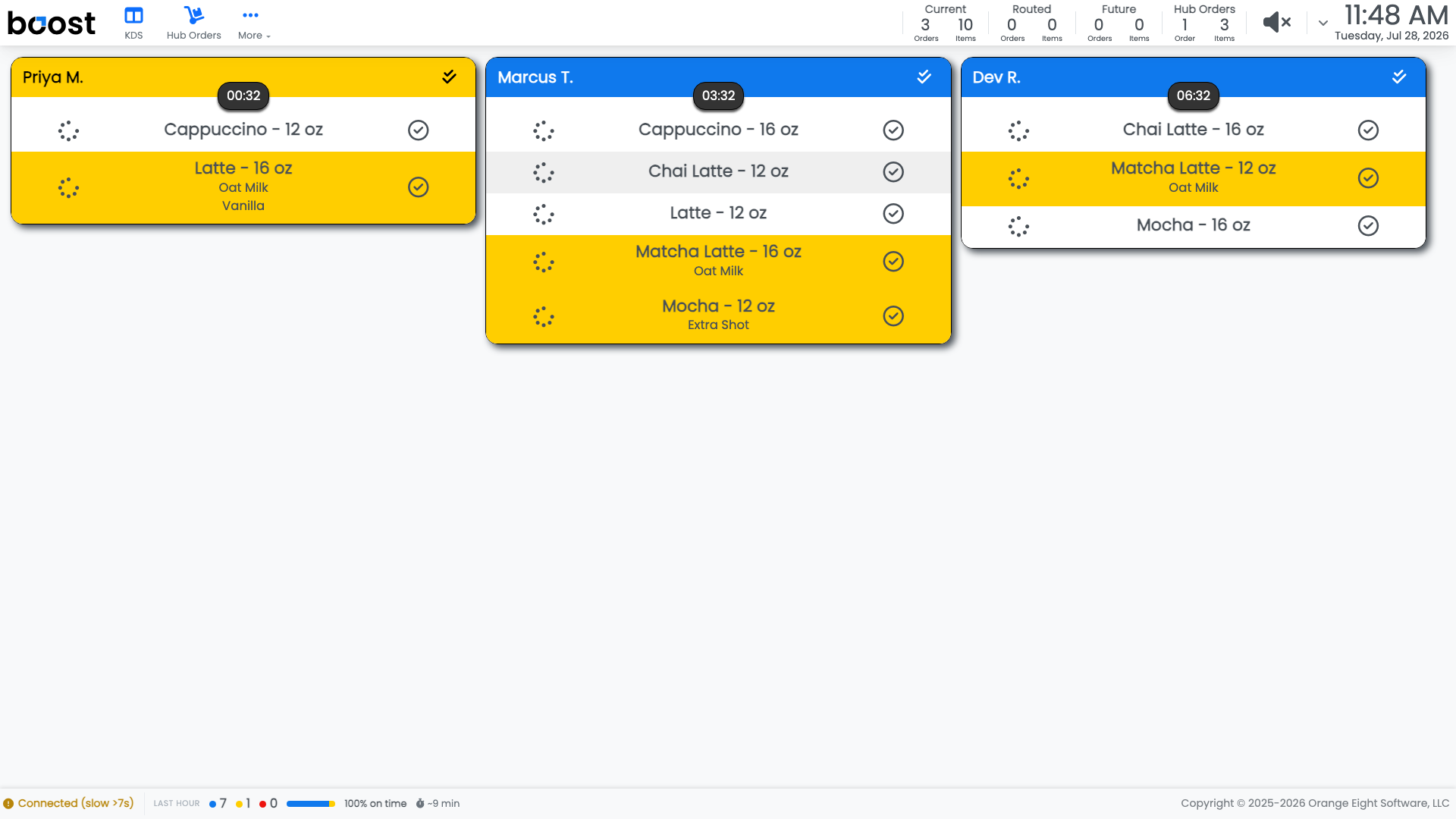
| What you see | What it means |
|---|---|
| Plain line | Nobody has started it |
| Yellow line | Somebody has claimed it and is making it |
| Green line | It is made |
| Header colour | How the whole ticket is doing against its promised time |
Claim an item
Tap an item to claim it. It turns yellow, and everybody else on the board can see it is being made rather than waiting.
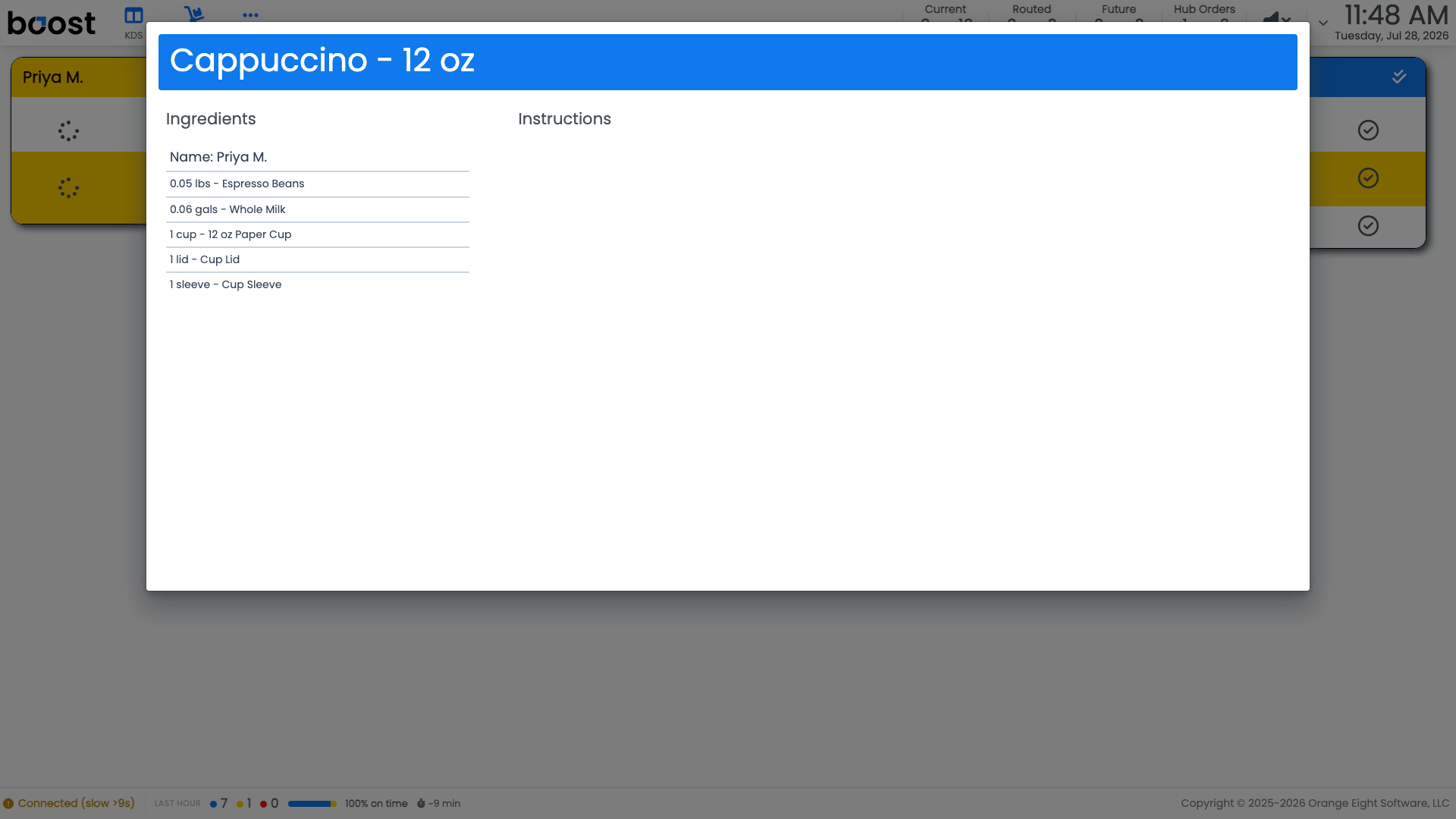
Modifiers sit under the item name, so Oat Milk or Extra Shot is part of the line you claim rather than something to notice separately.
Complete an item
The circle-check at the end of a line marks that item made. Work down the ticket and the lines go green as you go.
Clear the ticket
When the order is ready to hand over, tap the order header to expo the whole thing. Depending on how your shop is set up, that either clears the ticket straight away or asks you where the order is going first.
Tip
Claim before you make, not after. The claim is what stops two people pulling the same shot on a busy Saturday, and it costs one tap.
What you should see
A board where the state of every drink is obvious from across the room, and tickets that clear as orders are handed over.
Account Level: KDS & Pro