

Ordering From Your Hub on the Tablet
Contents3 sections
When you are running low and your hub has it, you should not need the back office to ask for it. Internal orders can be placed from the tablet, on the floor, at the moment you notice.
Place the order
Open Order From Hub on the tablet.
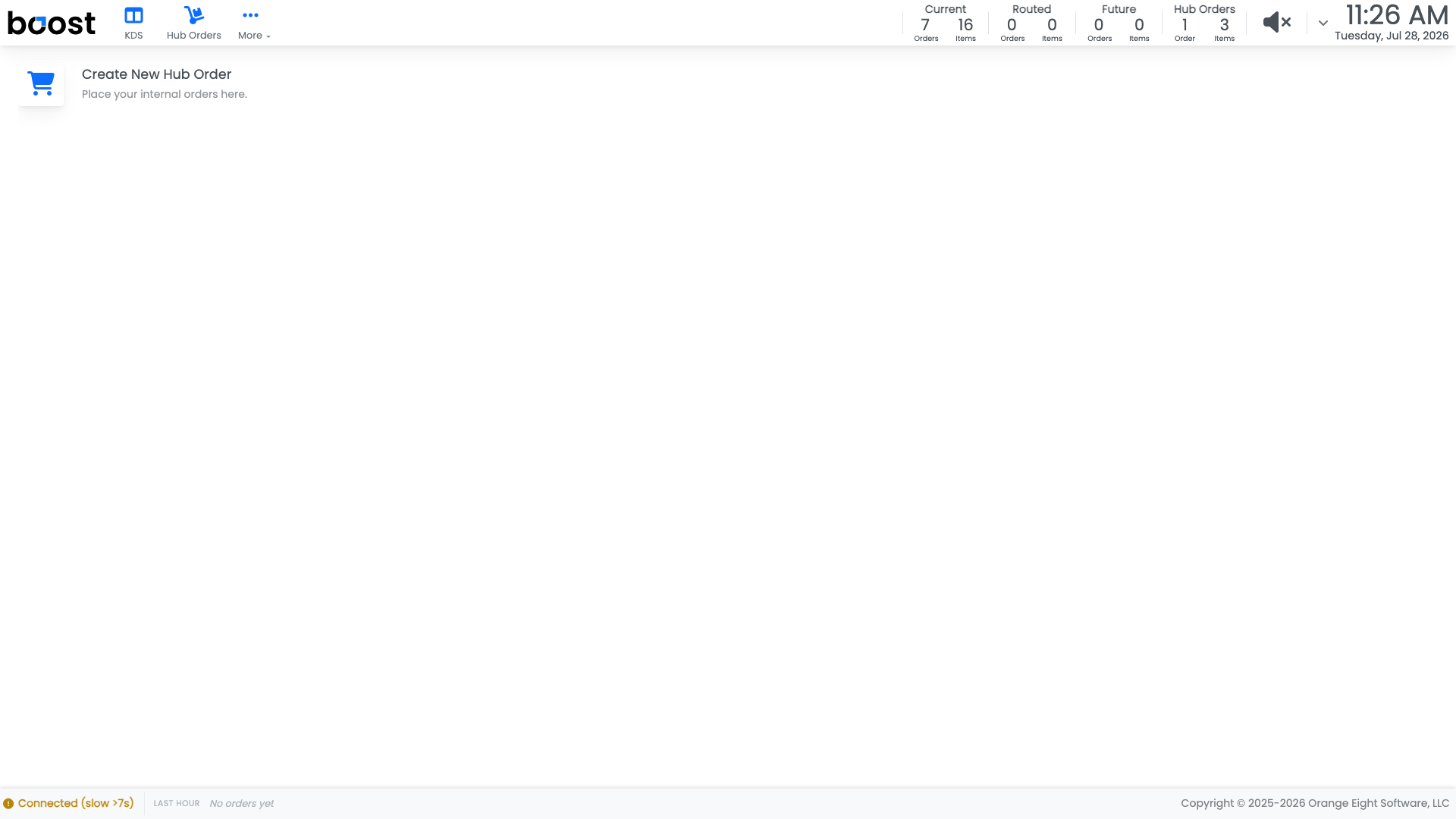
Pick what you need and how much, then submit. The order lands on the hub's Hub Orders list, where whoever is packing the van will see it.
Tip
Order against your PAR rather than the gap on the shelf. The shelf tells you what is missing now; the PAR accounts for what you will get through before the next run.
What happens next
The hub packs and sends what it can. When it arrives, receive it the same way you receive a supplier delivery, and both locations' inventory moves: out of the hub's, into yours.
What you should see
A request on the hub's list within seconds of noticing you are short, and stock arriving on the next run rather than the next order cycle.
Account Level: All