

Checking Equipment Status on the Tablet
Contents3 sections
The equipment screen on the tablet is the floor view: what your kit is doing, and what is already known about it.
See the status
Open Equipment on the tablet.
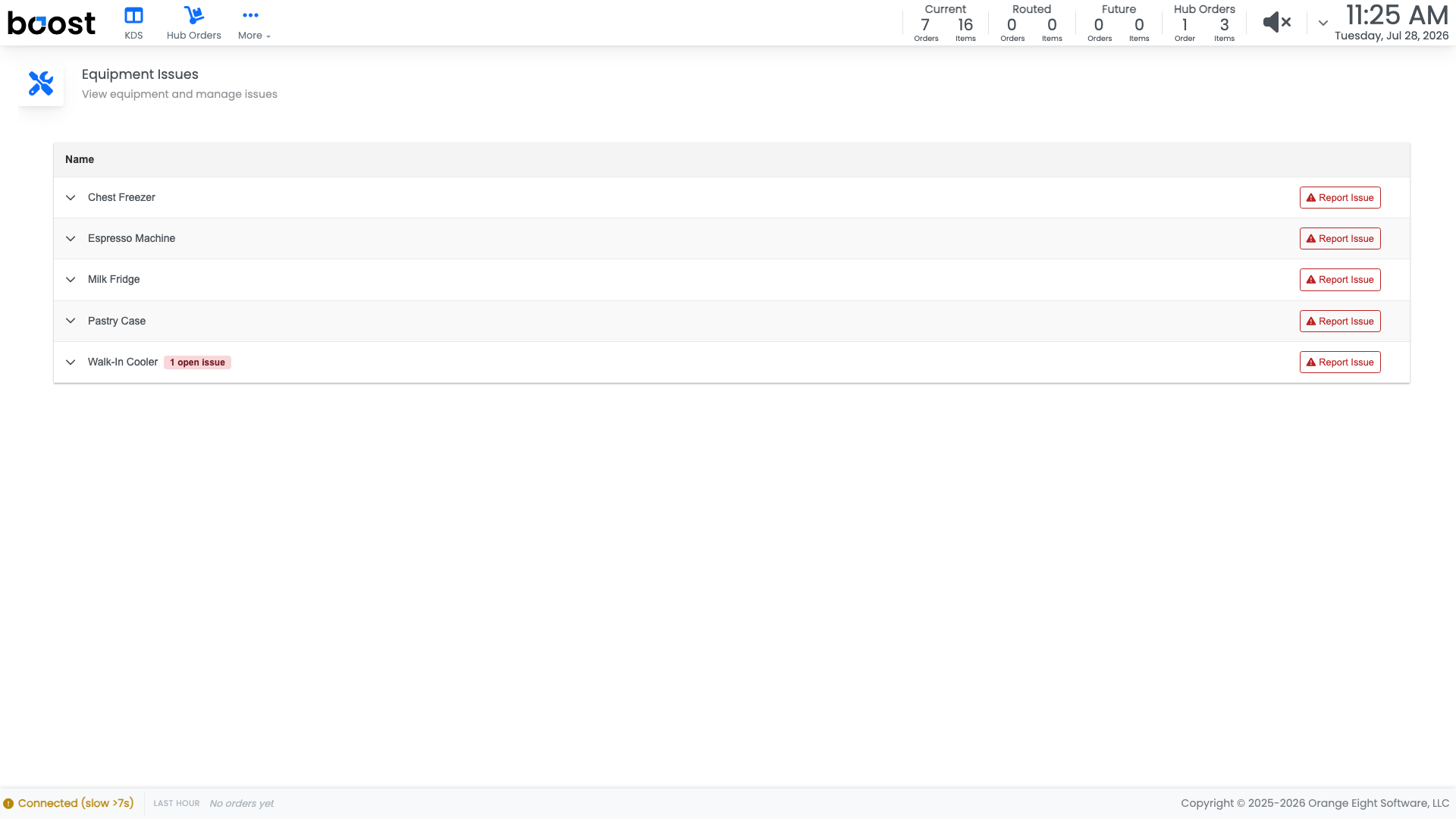
Each piece of equipment shows its current state and any issues raised against it, so before you report a fridge running warm you can see whether somebody already did an hour ago.
Report an issue
When something needs attention, raise it here. An issue reported on the tablet appears in the office under Checklists > Equipment > Equipment Issues and counts toward Open Issues on the Equipment Health card, so it reaches whoever books the repair.
Tip
Say what you observed rather than what you concluded. "Reading 46F at 7am and again at 9am, door seal looks loose" gets a faster fix than "fridge broken".
What you should see
Equipment showing the state you would expect from the readings your team has been logging, and no open issue that has been sitting there for weeks.
Account Level: Pro