

Reporting an Equipment Issue
Contents4 sections
The person who hears the compressor rattling is on the floor, not in the office. Reporting from the tablet is how that observation turns into a repair instead of a conversation nobody remembers.
Report it where you noticed it
Open Equipment on the tablet.
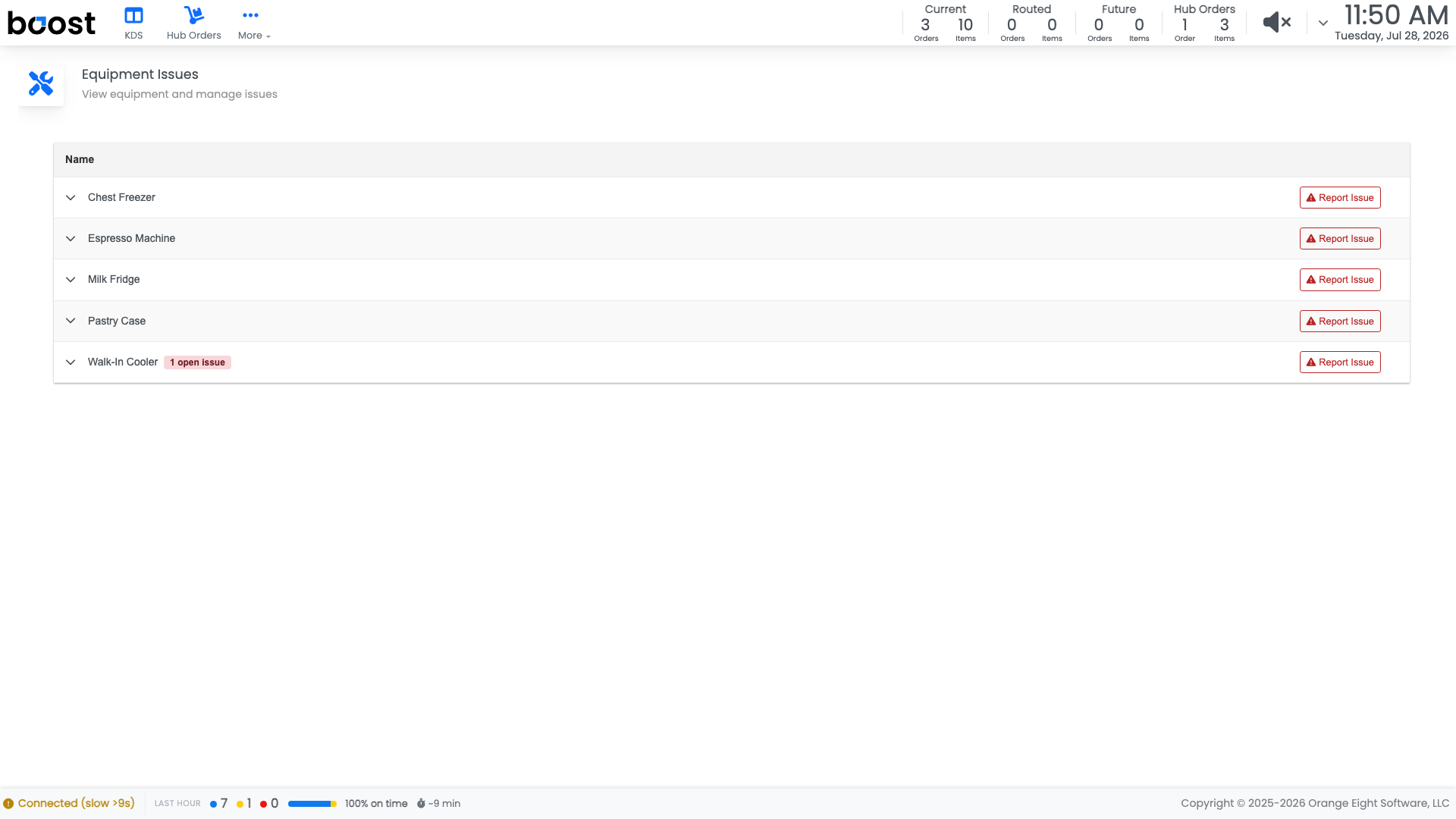
Check whether the problem is already reported, then raise a new issue against the right piece of equipment if it is not.
Write it so somebody can act on it
Describe what you observed rather than what you concluded:
- What it is doing, with numbers if you have them.
- When it started, or when you first noticed.
- What you already did, such as moving product out.
"Reading 46F at 7am and again at 9am, door seal looks loose, moved milk to the walk-in" gets a same-day fix. "Fridge broken" gets a phone call asking the questions above.
Where it goes
The issue appears in the back office under Checklists > Equipment > Equipment Issues and counts toward Open Issues on the Equipment Health card, so it is visible from the Operations Dashboard rather than sitting on a screen nobody opens.
What you should see
Issues raised at the moment they are noticed, with enough detail to act on, and an open-issues count that goes down as repairs land.
Account Level: Pro