Importing Ingredients and Recipes
Contents4 sections
Nobody wants to type three hundred ingredients into a new system. If you already keep your products or your recipes in a spreadsheet, the import assistant reads that file and turns it into a list you review rather than retype.
Open the import assistant
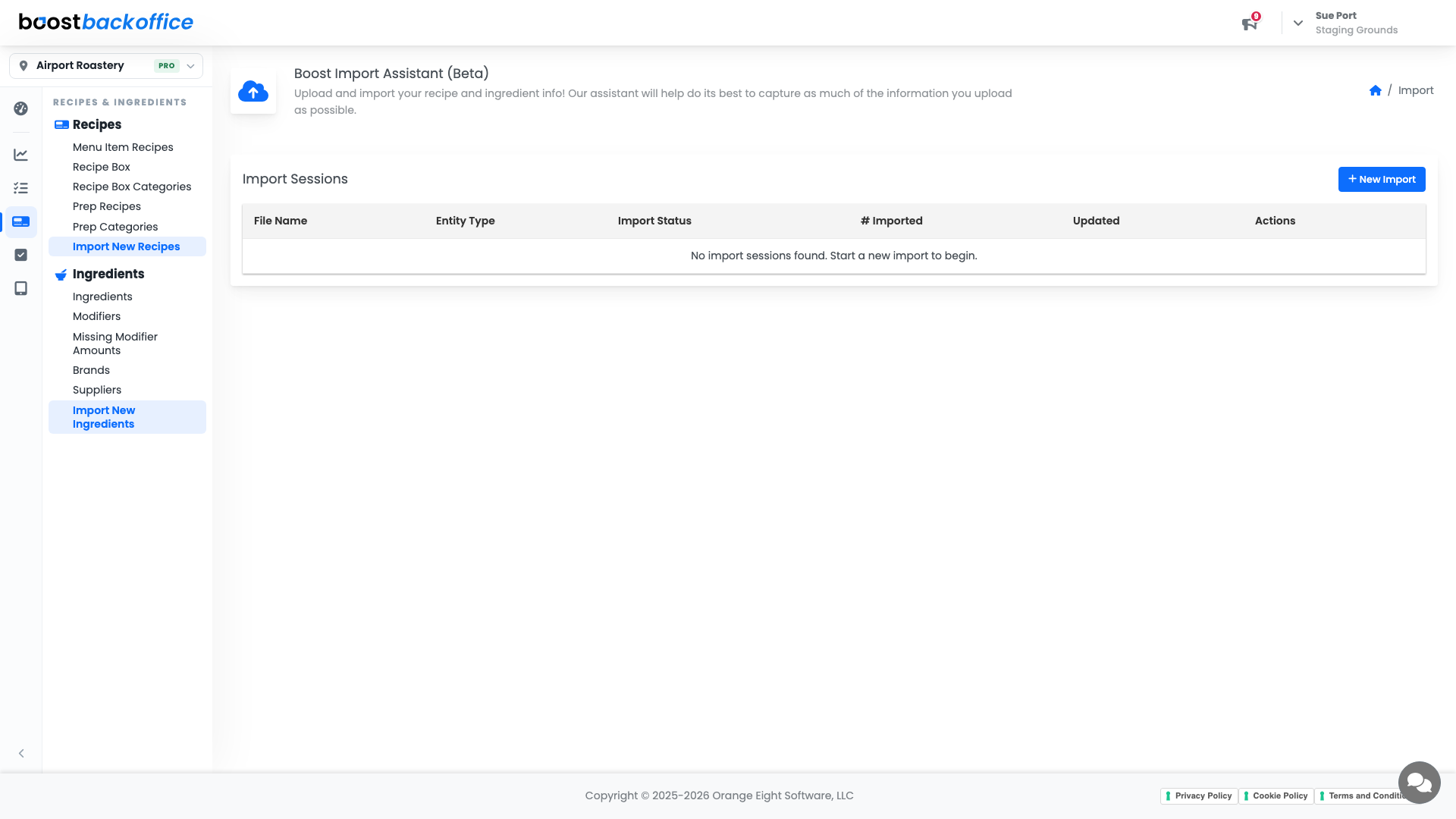
Go to Recipes & Ingredients > Ingredients > Import New Ingredients, or Recipes > Import New Recipes for recipes.
Upload your file
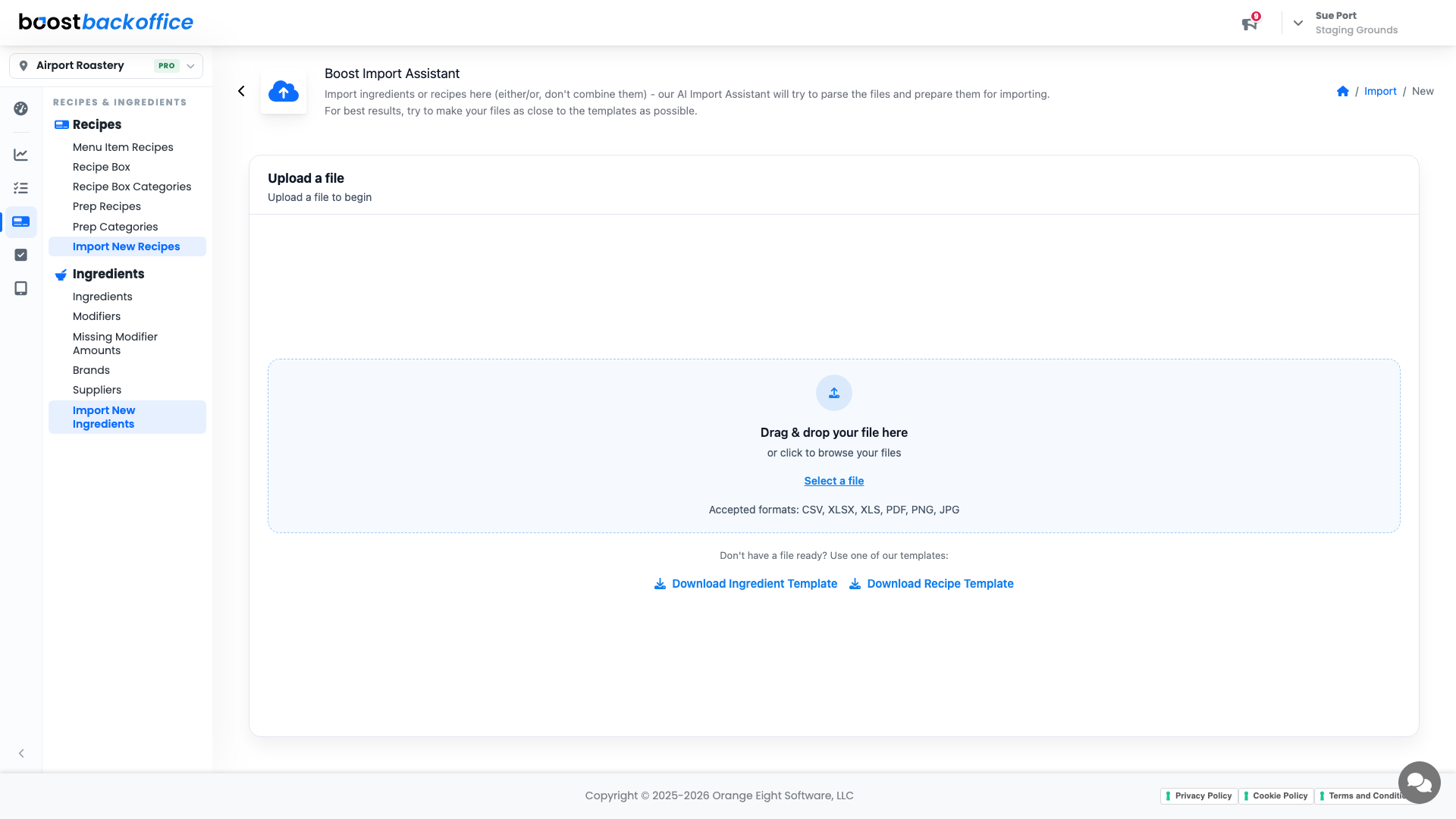
Drag your file onto the page or press Select a file. Accepted formats are CSV, XLSX, XLS, PDF, PNG, and JPG.
Important
Import ingredients or recipes, one or the other, not both in the same file. Mixing them in a single upload gives the parser two jobs at once and neither goes well.
If you are starting from scratch, use Download Ingredient Template or Download Recipe Template and fill it in. The closer your file is to the template, the better the parse.
Review before anything lands
Parsing does not touch your account. When it finishes you land on Review Finalized Import, where you confirm the recipes and ingredients before they are pushed in. Fix anything the parser guessed wrong here, while it is still a proposal.
Tip
Import ingredients first, then recipes. A recipe can only point at ingredients that already exist, so doing it in that order saves a second pass.
What you should see
Your shelf in Boost in minutes rather than an afternoon, with a review step where you caught the handful of rows the file got wrong.
Account Level: All