

Building Recipes in the Recipe Box
Contents6 sections
The Recipe Box is where a recipe can exist before the drink does. Work out the seasonal latte in January, see what it costs, and attach it to the menu item the day it goes on the board.
Open the Recipe Box
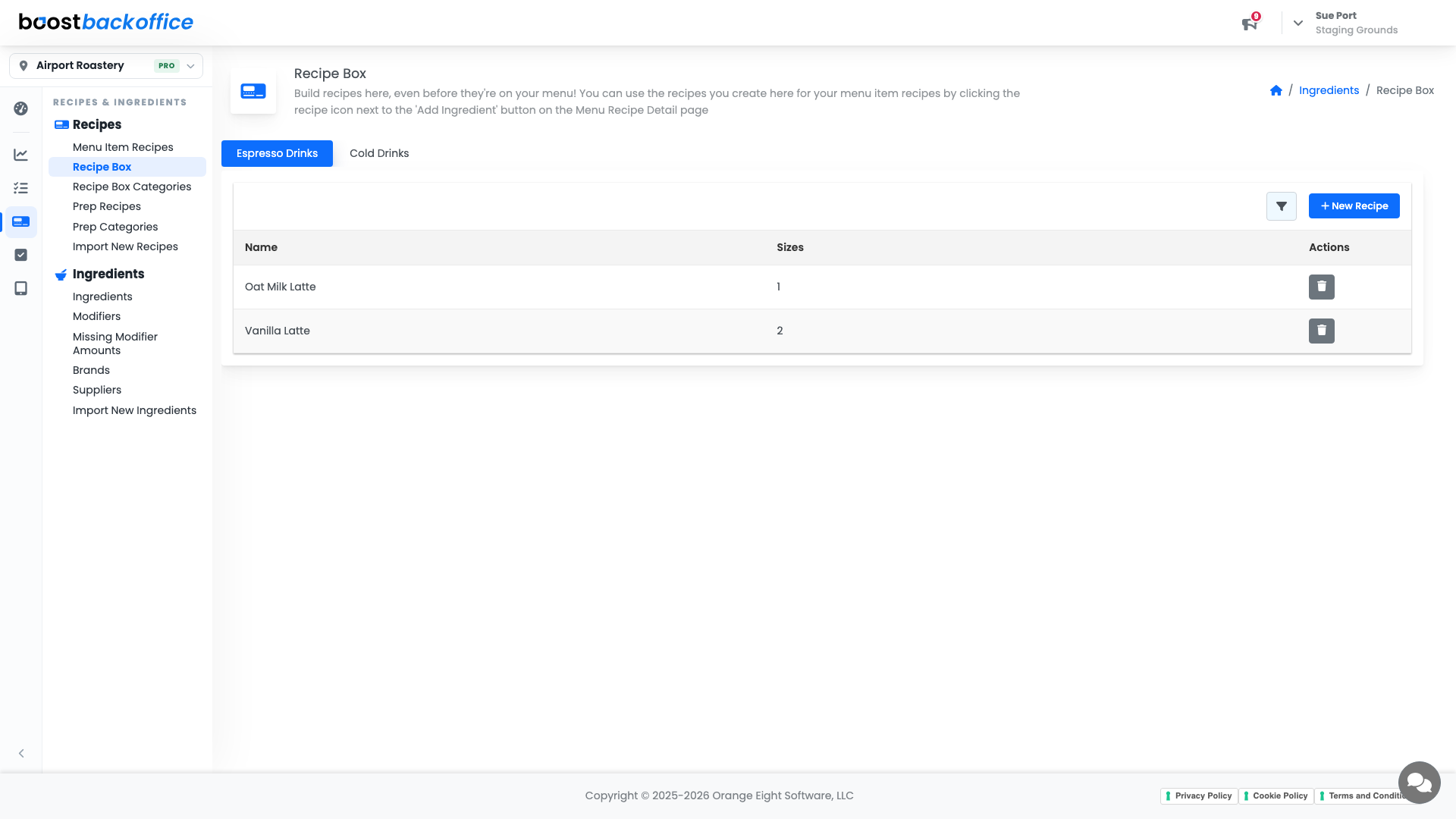
Go to Recipes & Ingredients > Recipes > Recipe Box. Recipes are grouped by category, with a tab per category across the top.
Start a recipe
Press New Recipe. The first step asks for the basics.
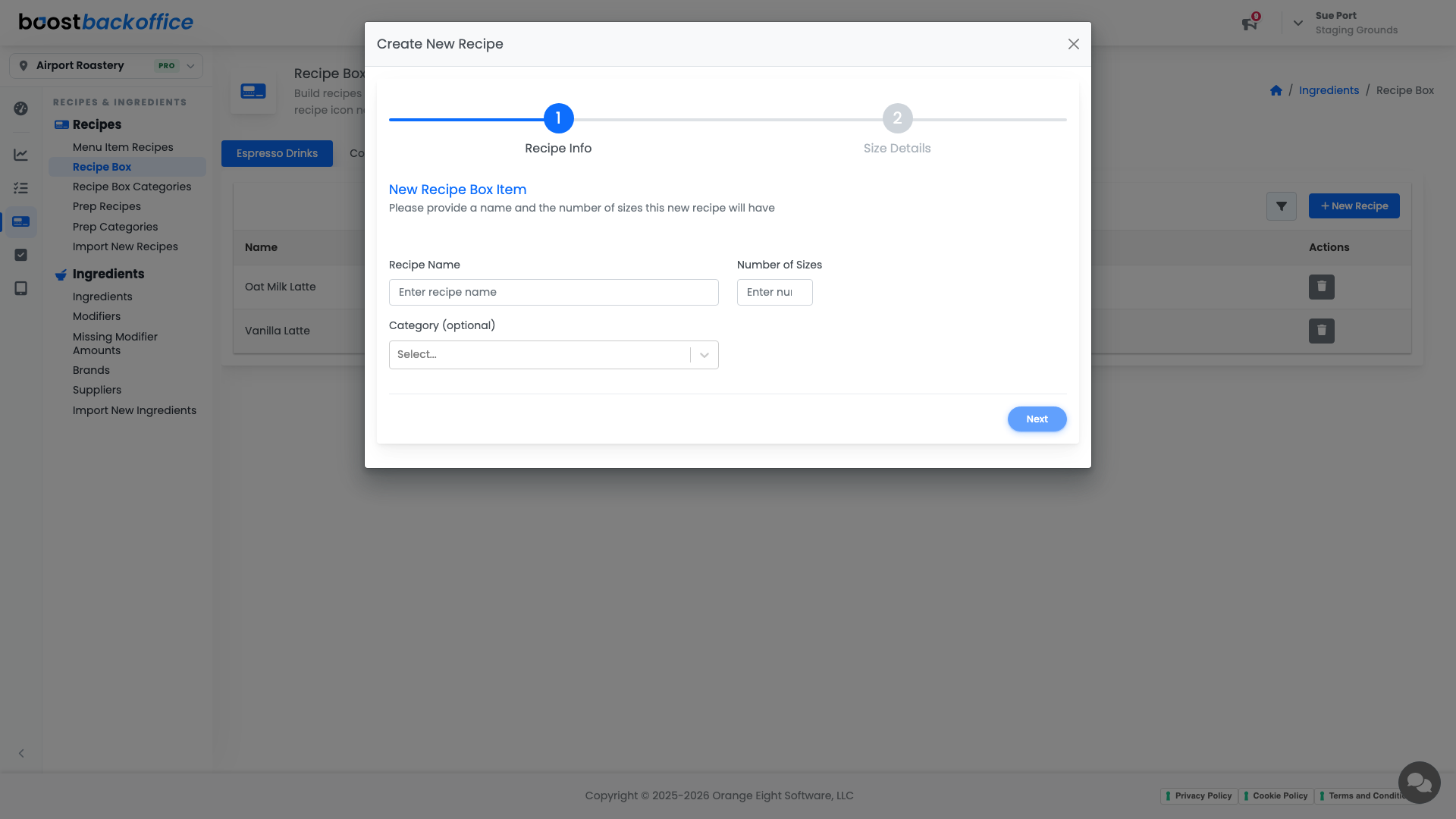
- Recipe Name is what your team will look for.
- Number of Sizes sets up a column per size, the same way a menu recipe works.
- Category is optional, and worth using once the box grows.
Step two collects the size details, and from there you get the same ingredient grid a menu item uses: a row per ingredient, a column per size, amounts and costs in every cell.
Tip
A Recipe Box recipe also carries its own price field, so you can see the margin on a drink before you decide to put it on the menu at all.
Put it on the menu
When the drink goes live, open the menu item under Menu Item Recipes and use the Recipe Box button next to Add Ingredient to pull the recipe in. You write it once and use it where it counts.
Keep the box tidy
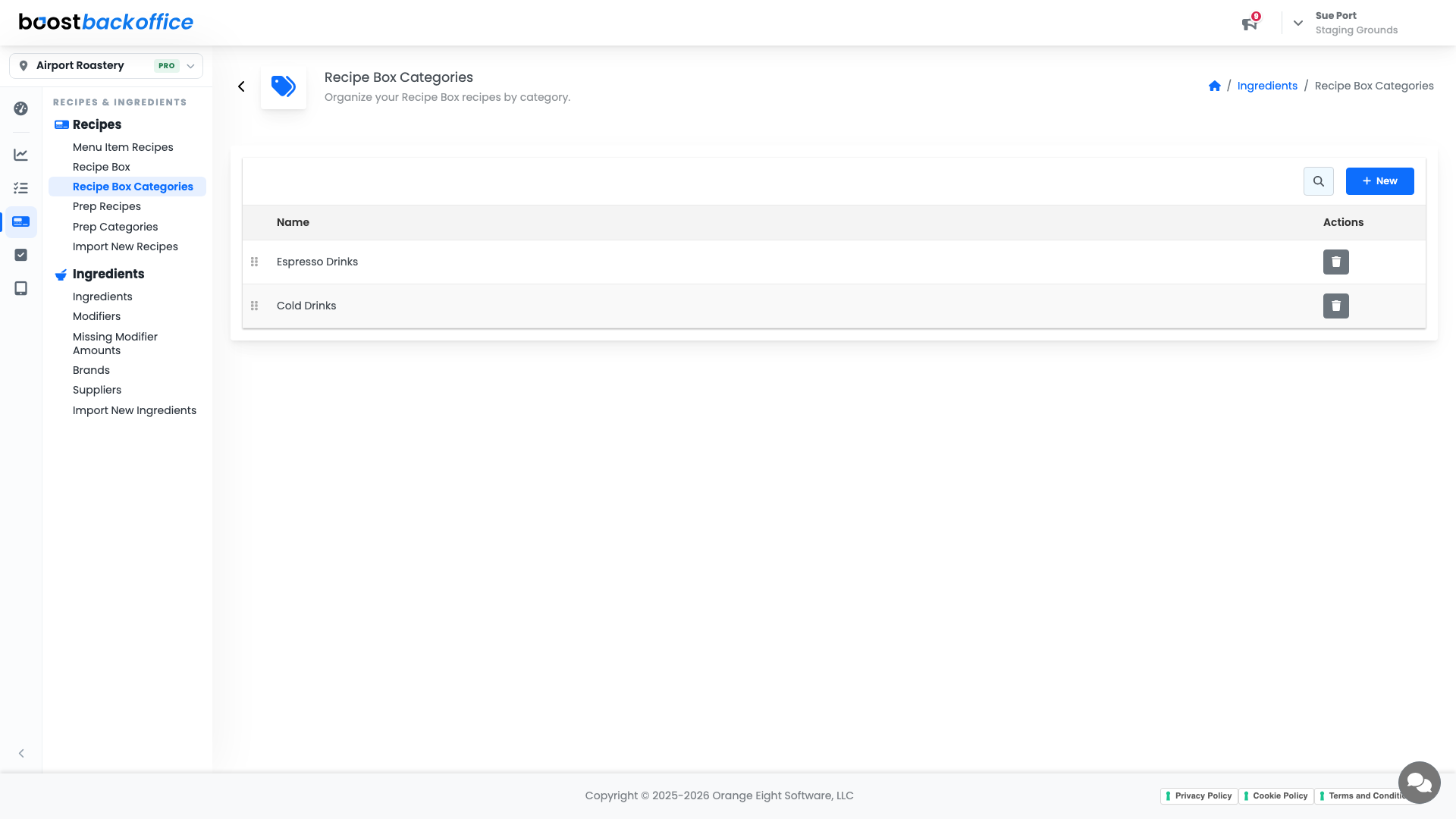
Recipes & Ingredients > Recipes > Recipe Box Categories manages the groups. Category names are click-to-edit, so renaming a season takes a second.
Print or copy a Recipe Box recipe
Recipe Box recipes print the same way menu recipes do. Open one and press the print button above the ingredient list for a preview of the recipe card, then print it or copy the whole recipe as Markdown. Sizes and costs are switched on and off before you print.
What you should see
A box of recipes your team can actually browse, each one costed from your real ingredient prices, ready to attach to a menu item the moment you need it.
Account Level: All