Counting a Few Items with a Limited Count
Contents4 sections
Not every count is a full count. When you miss one item on the sheet, or you have a syrup that keeps running out between counts, a limited count gets that ingredient back to the truth in about a minute.
Open a limited count
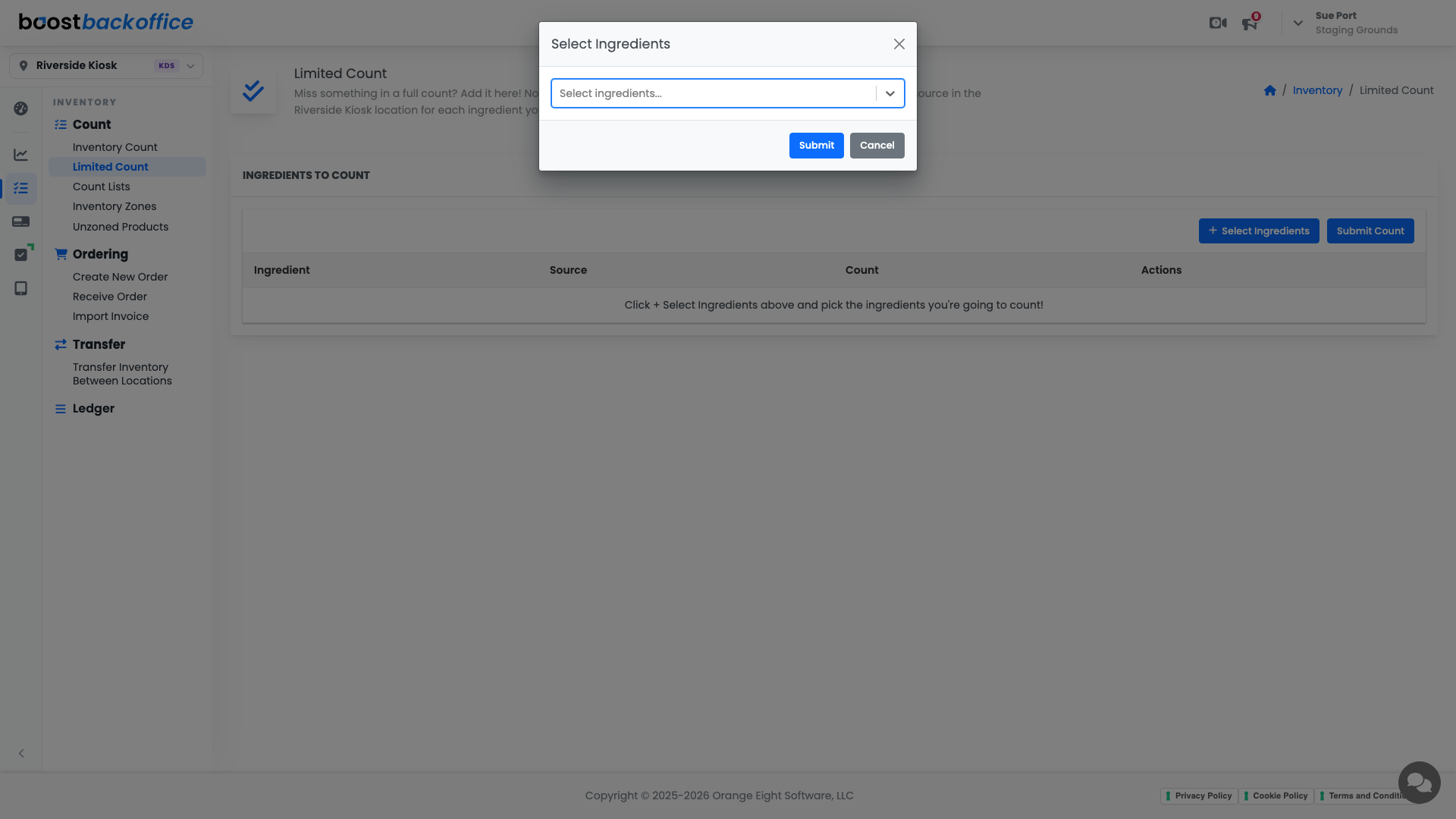
Go to Inventory > Count > Limited Count. The sheet starts empty on purpose: you decide what goes on it.
Pick what you are counting
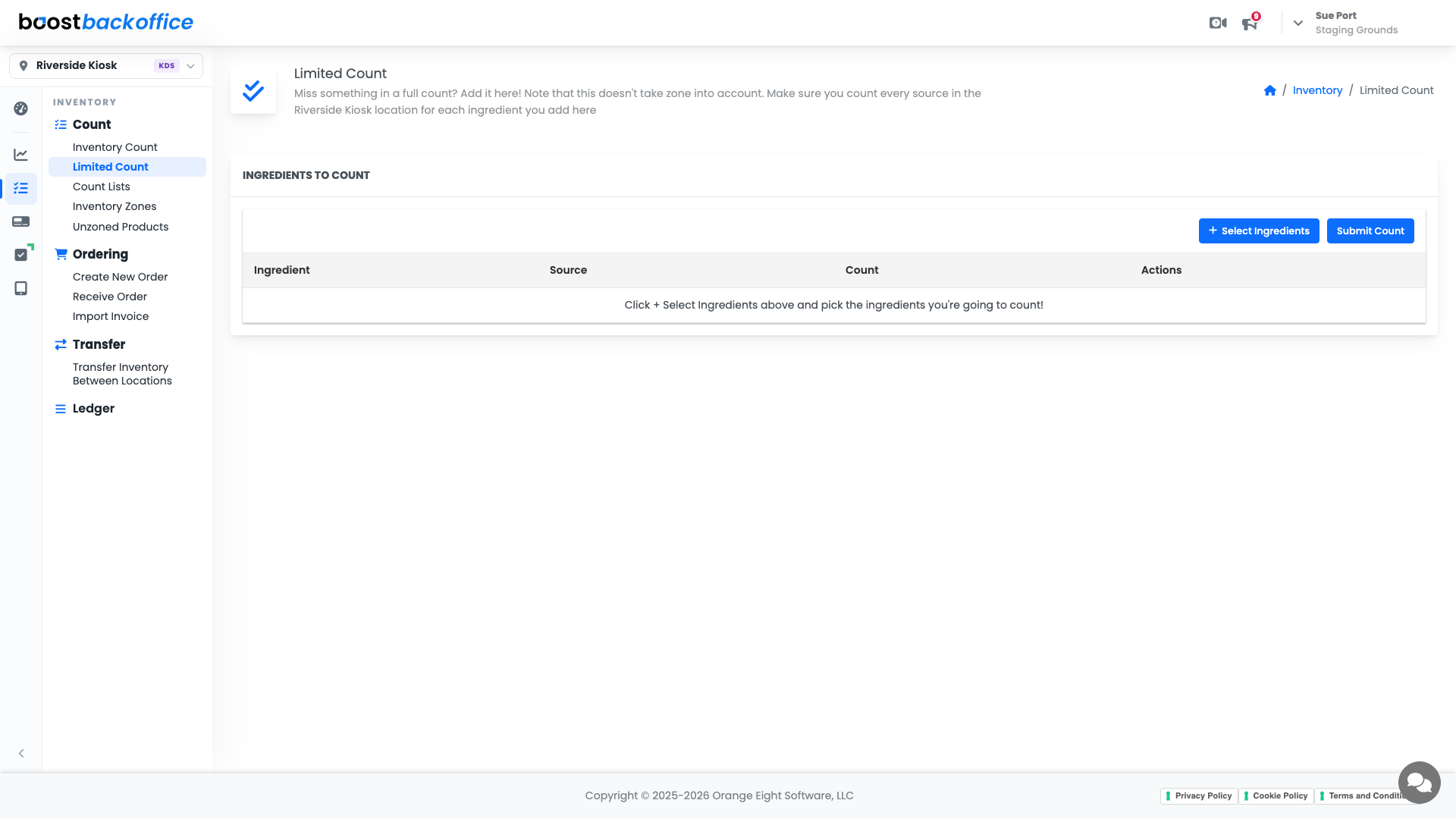
- Press Select Ingredients.
- Start typing. Boost narrows the list as you go, so finding an ingredient takes a couple of keystrokes rather than a scroll.
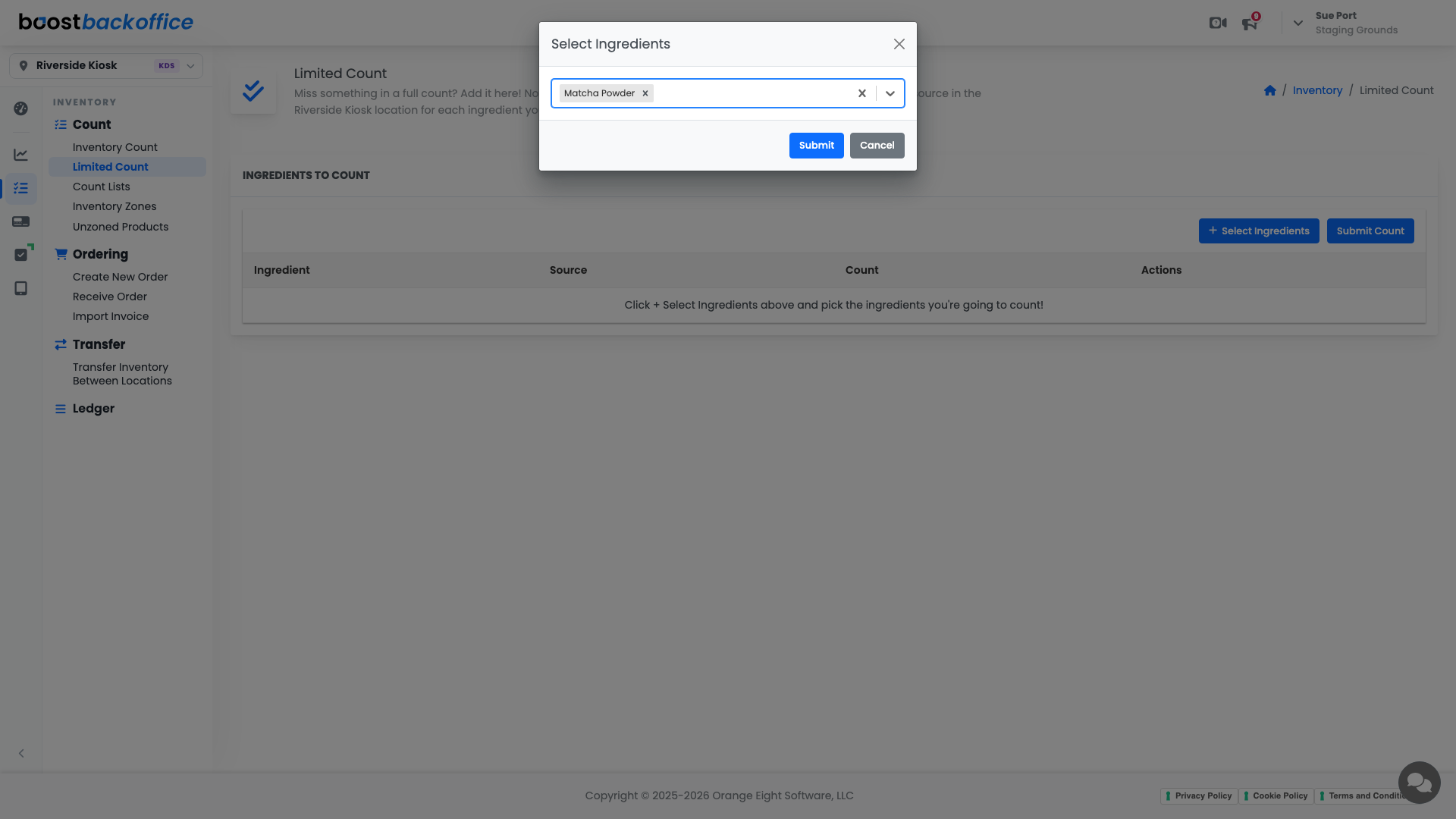
- Pick as many ingredients as you want to count, then press Submit to drop them onto your sheet.
Enter the count and post it
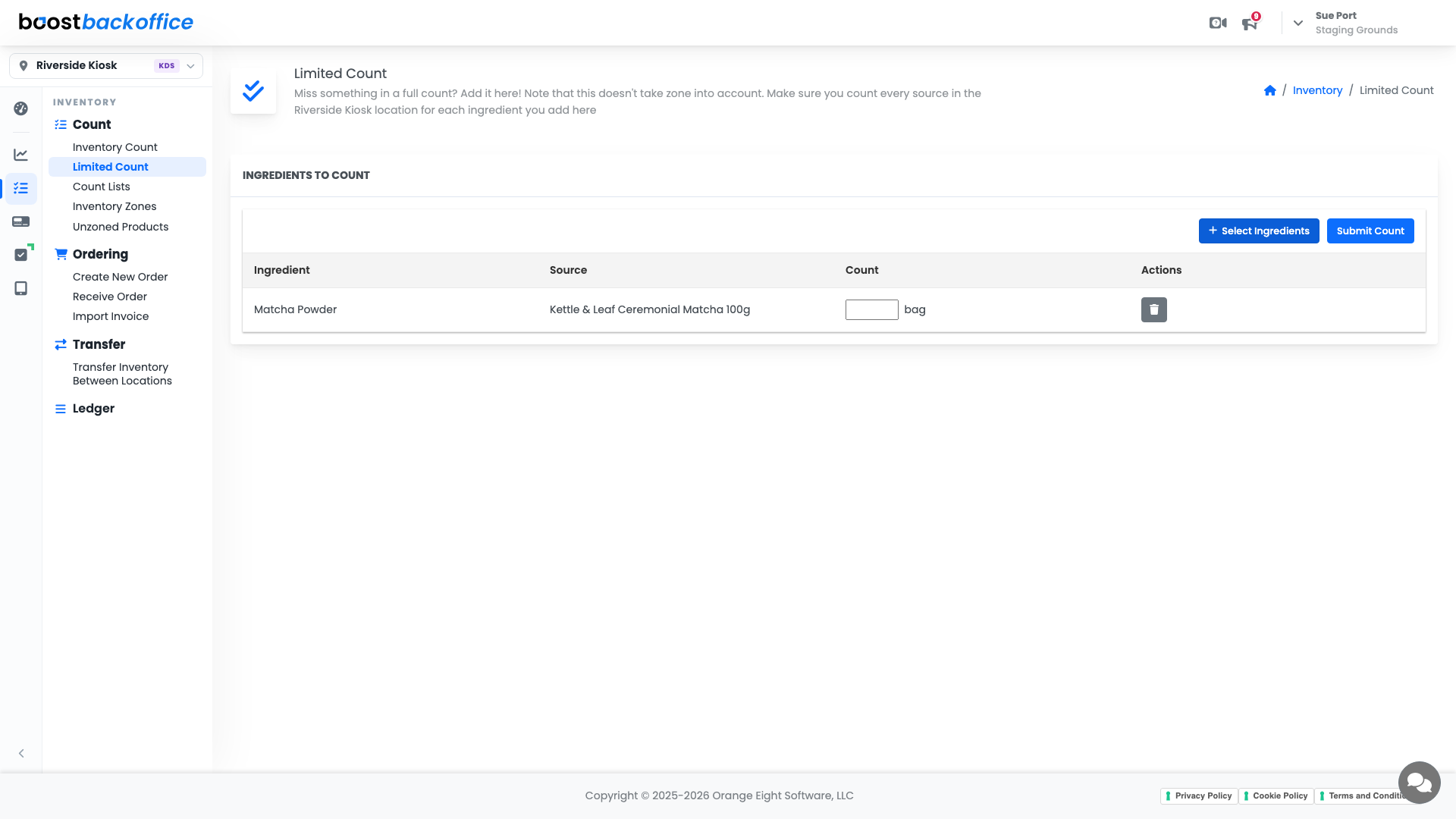
Each ingredient lands on the sheet with the product it comes from and the unit you buy it in, so you are counting bags rather than guessing grams. Type your number into the Count box, then press Submit Count.
Important
A limited count ignores zones. Boost records one number for the whole location, so count every place that ingredient lives before you submit, including the back storage you would normally do as its own zone.
Anything you added by mistake comes off the sheet with the trash button in the Actions column, and nothing is recorded until you press Submit Count.
What you should see
The ingredients you counted are back in line with the shelf, and the rest of your inventory is untouched. If several items are off at once, that is your sign to do a full count instead.
Account Level: All