

Asking the Underground a question
Contents3 sections
Not everything is a problem to fix. Sometimes you just need to know how other operators handle it: how they set a par for three-day prep, which scheduling tool they actually like, what to ask before signing an equipment loan. That is a Question.
Ask it
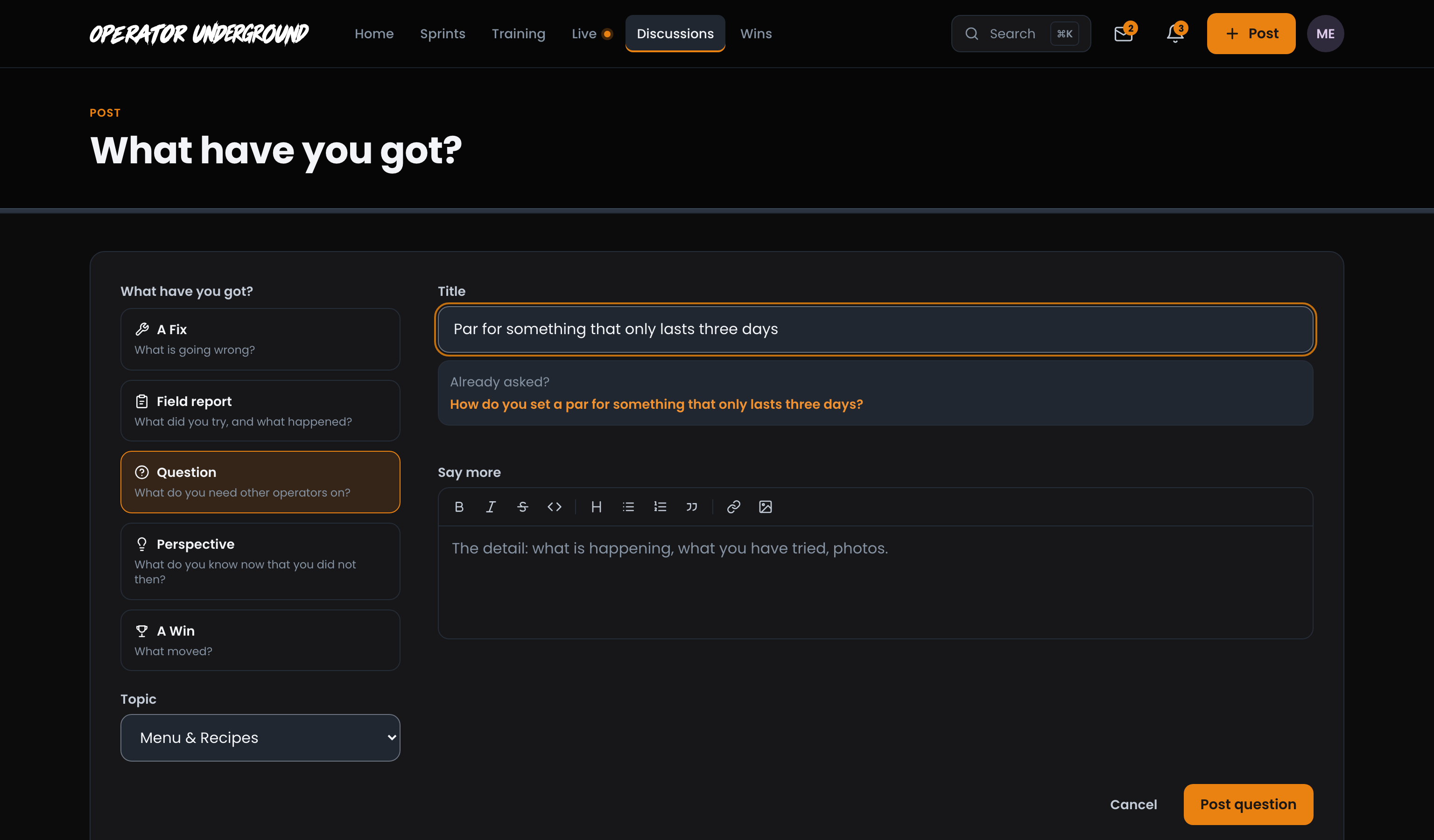
Ask the Room: Press Post in the header (or the Question tile on Home) and pick Question. Choose a Topic, write a Title, and use Say more for the detail: what is happening, what you have tried, a photo. Say more is required, because "any thoughts?" gets you nothing useful. Press Post question.
Check Before You Ask: Once your title has three words, Already asked? lists up to three threads that match it. Each opens in a new tab, so you can read the answers that already exist without losing what you have typed.
Questions are open to everyone, signed in or not, so a good answer keeps helping the next operator who searches for it.
Pick the answer
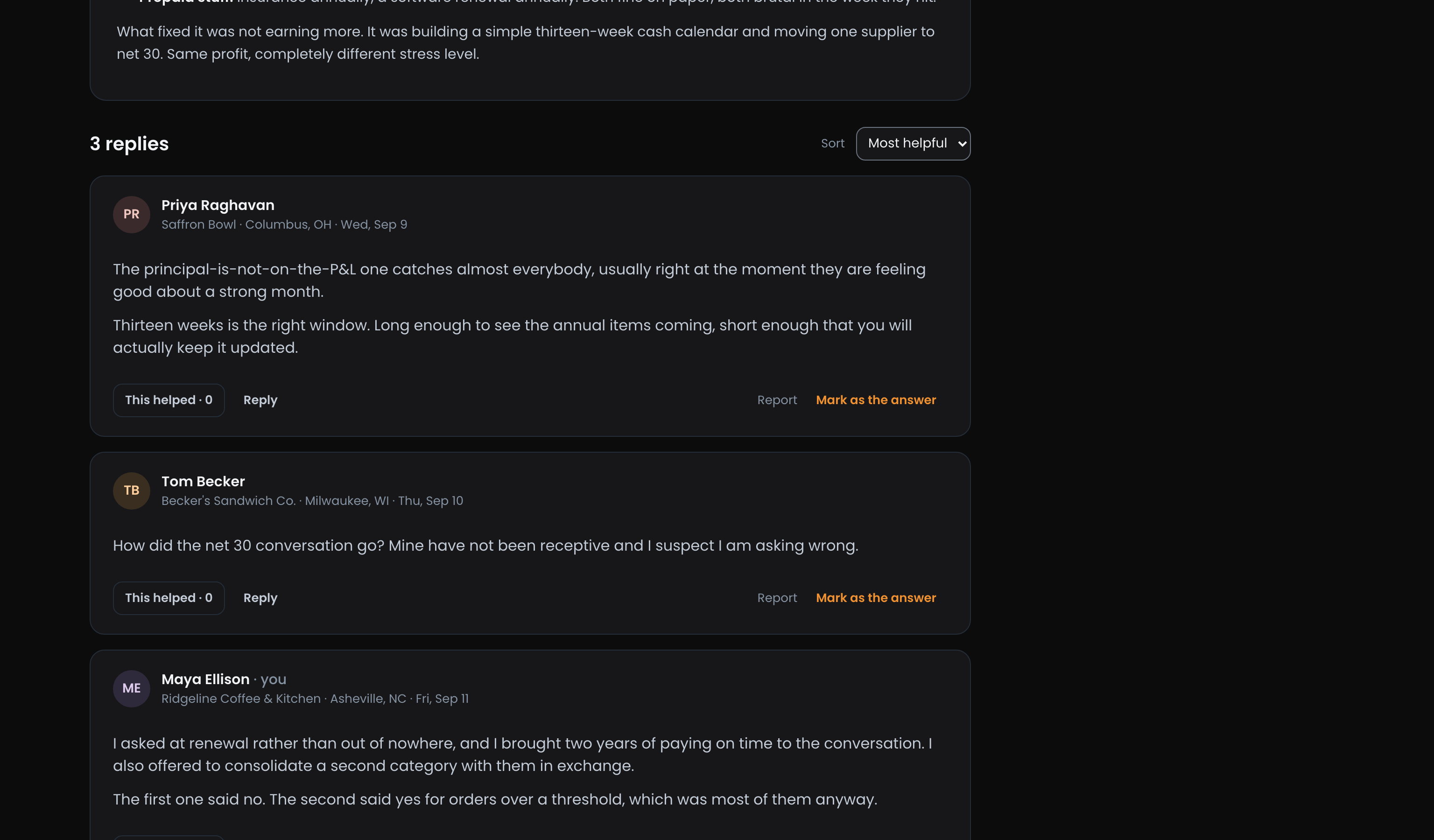
Say What Worked: On your own question, every reply someone else posted directly under it has Mark as the answer. Press it on the one that solved it. You can pick a different reply later if a better answer comes in.
The Answer Leads: The reply you picked moves to the top of the replies, with an orange The answer badge, so the next person to land on your question sees it first. It also counts toward Operators helped on that operator's profile, which is how people get known for being the one who actually answers.
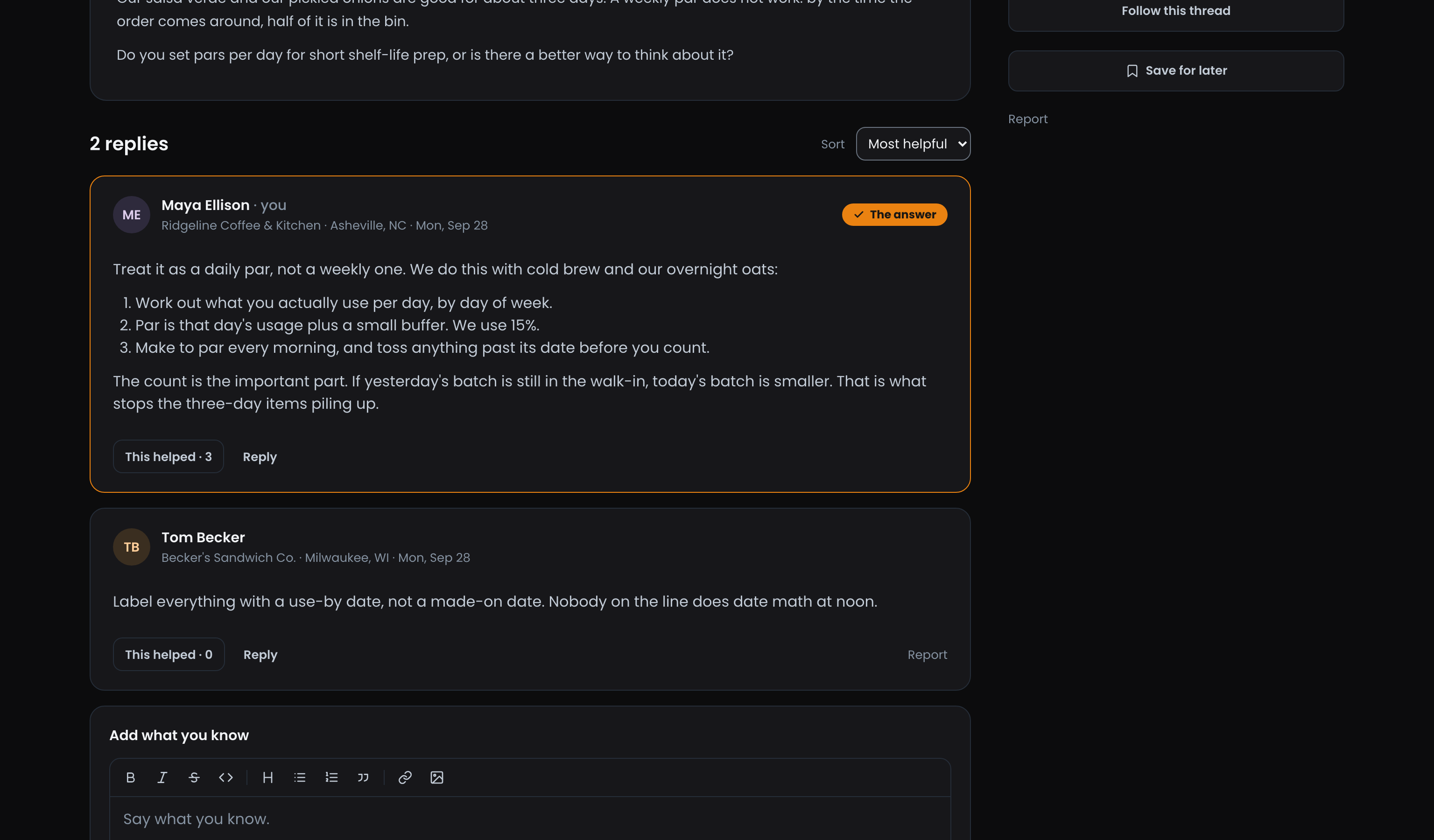
Every reply can also be marked This helped, by anyone. Replying and This helped on the Underground covers replies, sorting and following a thread.
Ready to dig in?
Sign in to the Operator Underground, press Post, and ask the thing you have been wondering about.
Access: All members