

Messaging and friends on the Underground
Contents4 sections
Some questions are better asked one to one. Message any operator directly, keep the people you trust close as friends, and block anyone you would rather not hear from.
Your messages
One Inbox, Every Conversation: The envelope in the header opens Messages, and shows how many messages are waiting for you. Your conversations are on the left, newest first, each with its own unread count and a green dot when that operator is online. Search by name finds an older one.
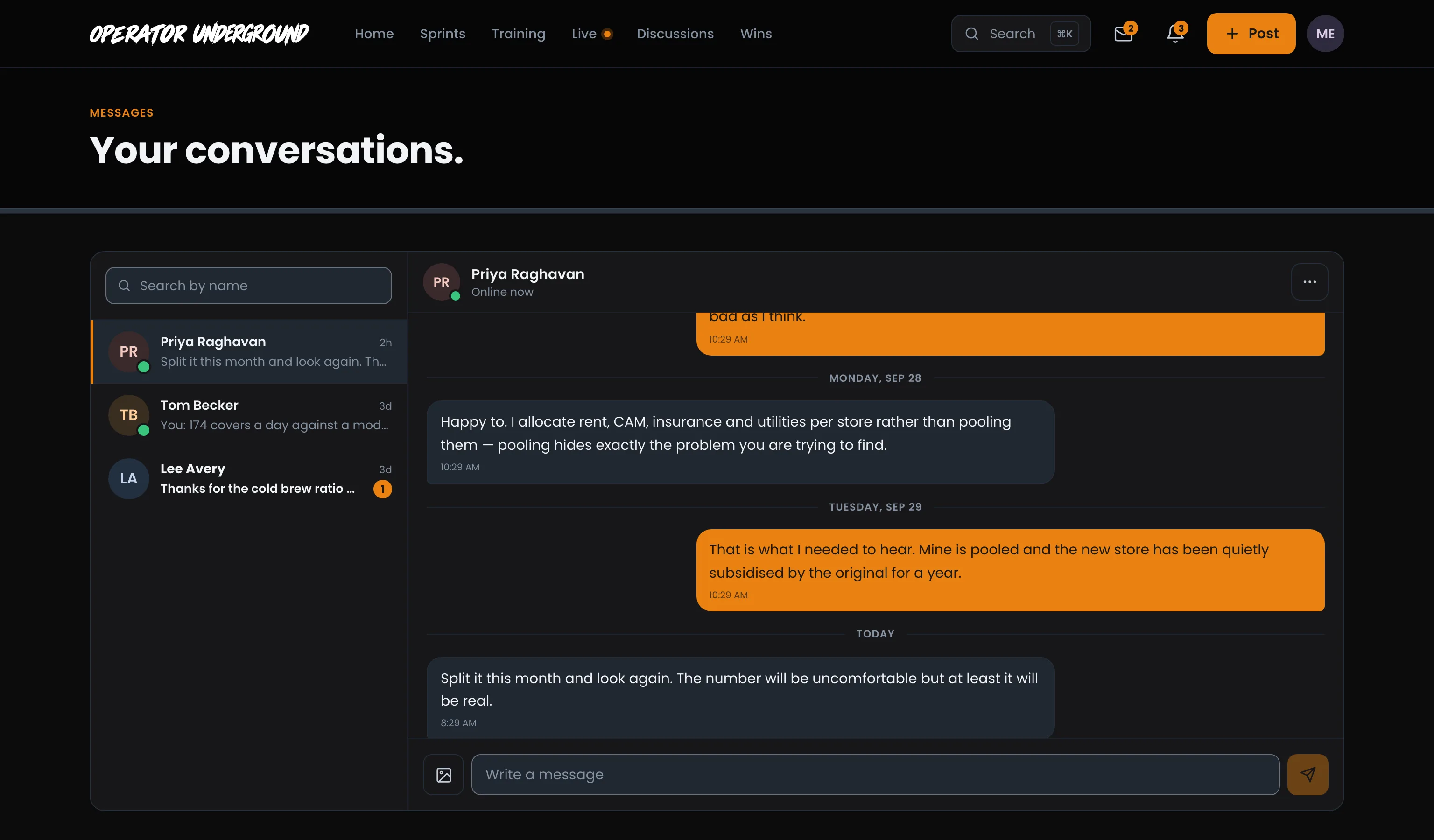
Pick a conversation and it opens on the right, grouped by day.
- Press Enter to send. Shift+Enter starts a new line.
- The photo button next to the box sends a photo.
- You can see when the other operator is typing.
Start a conversation
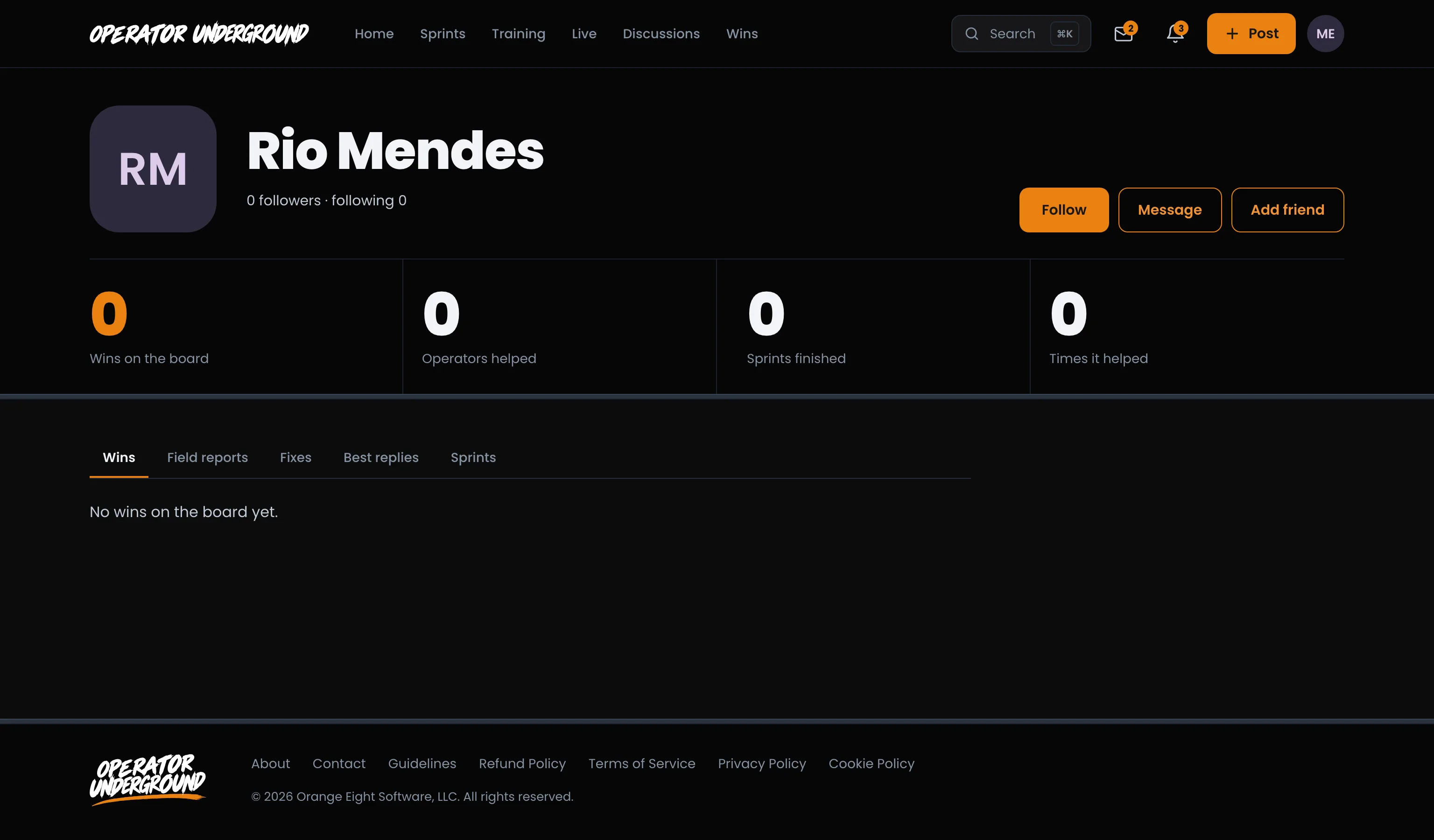
Ask the Operator Who Did It: Open anyone's profile and press Message. If you have talked before, you land back in that conversation. You can also press Message next to anyone in your friends list.
Friends
Follow Is One-Way. Friends Is Mutual: You can follow anyone without asking. A friend is someone you have asked, and who said yes.
- On their profile, press Add friend. The button changes to Request sent.
- They see your request in the bell and in Settings → Friends → Requests, and press Accept or Not now.
- Once you are friends, the profile button reads Friends. Press it for Remove friend.
When someone asks you, their profile shows Accept friend request and Not now, and the request waits under Settings → Friends → Requests.
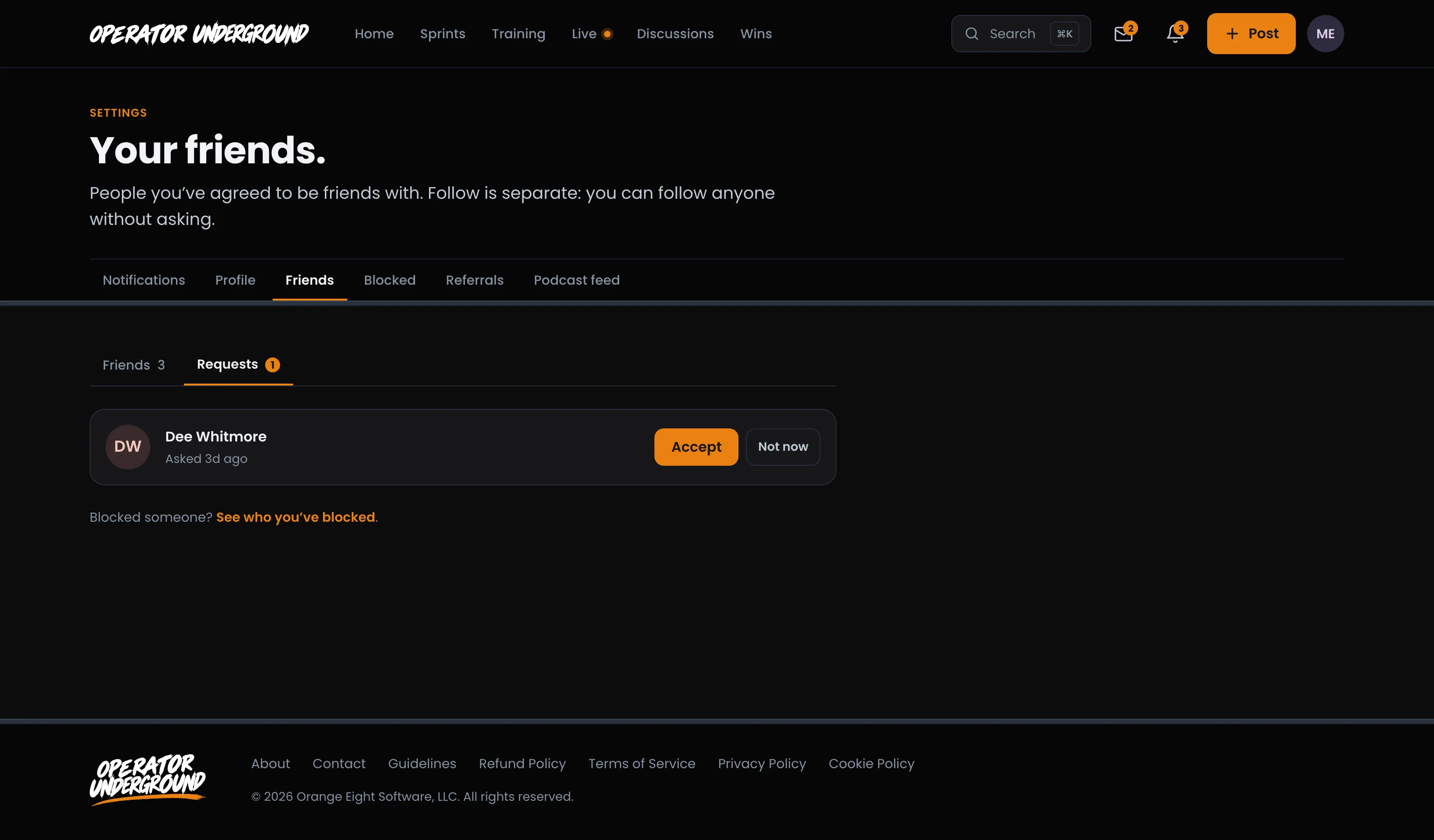
Settings → Friends also lists everyone you are friends with, with Message and Remove on each.
Block someone
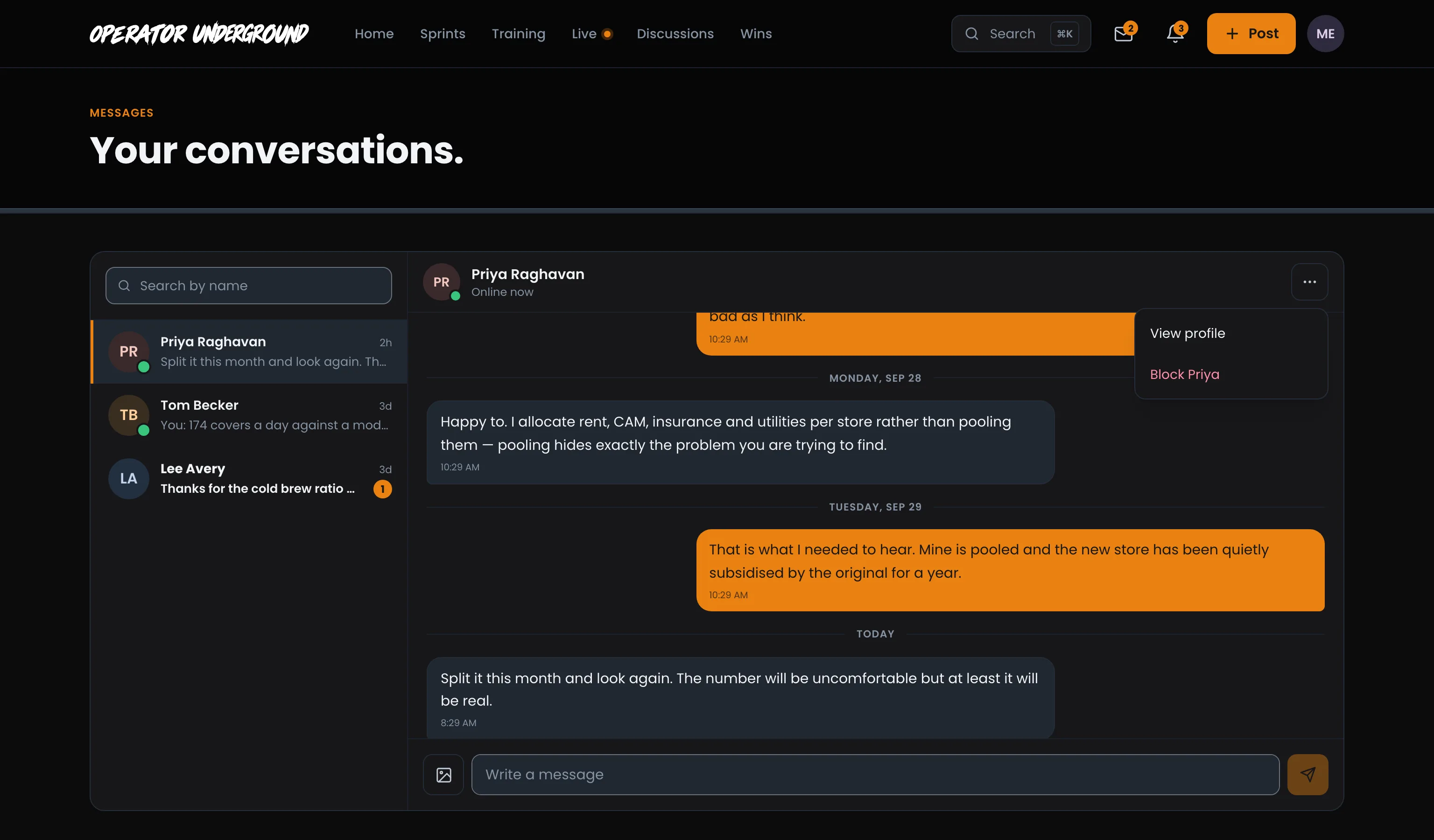
Keep Your Feed Yours: Open a conversation with them, press the three dots at the top right, and choose Block (it carries their first name).
Once you block someone:
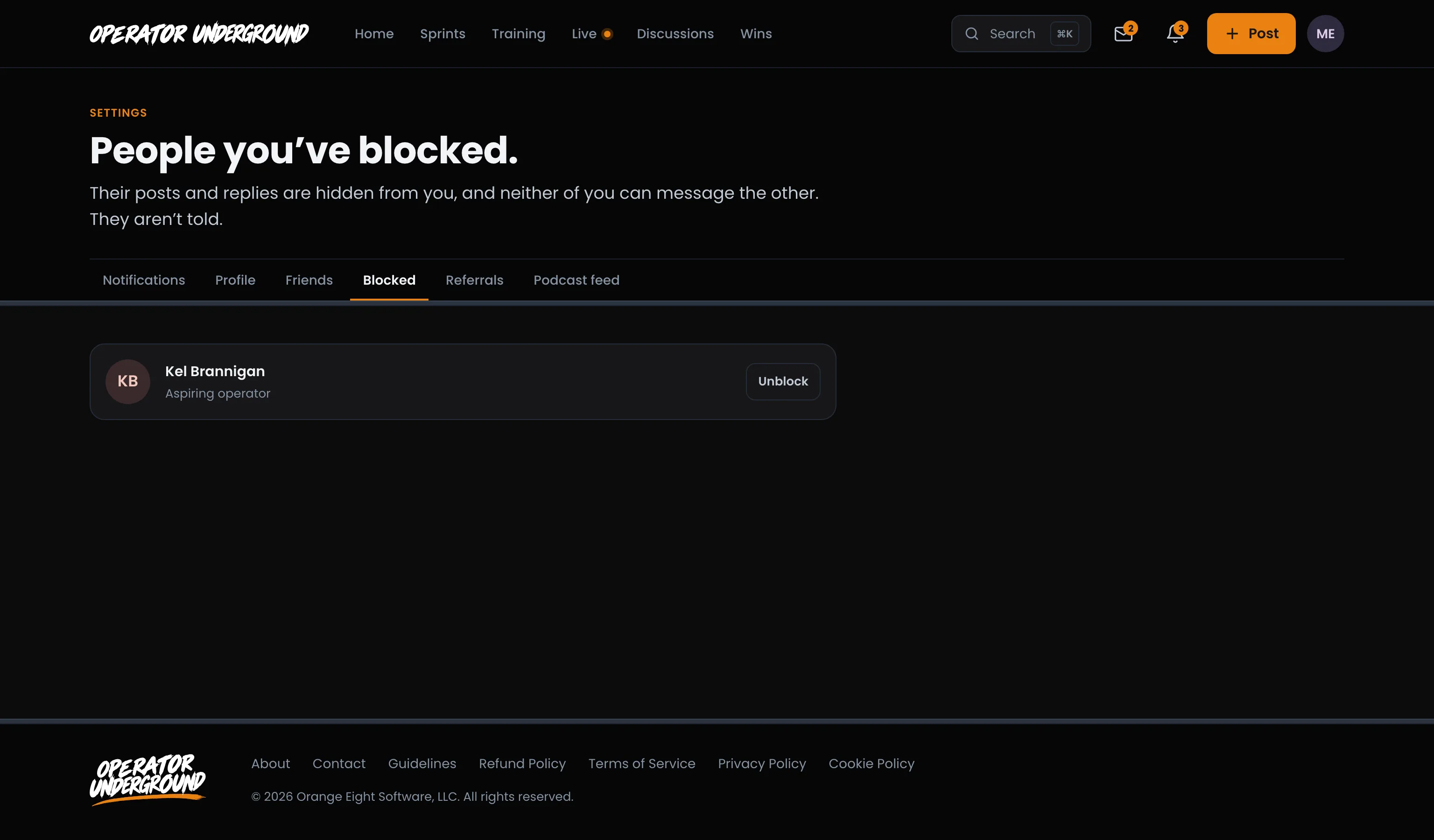
- Their posts and replies are hidden from you.
- Neither of you can send messages in that conversation.
- They are not told.
Changed your mind? Choose Unblock (with their name) from the same menu, or press Unblock next to them in Settings → Blocked.
Tip
Want fewer pings, not fewer people? Settings → Notifications switches off direct message and friend request notifications without blocking anyone.
Ready to dig in? Sign in to the Operator Underground, open someone's profile and say hello.
Access: All members