Taking the Operator Audit
Contents6 sections
Every operator knows something is leaking. The hard part is knowing where to look first. The Operator Audit takes about five minutes and points at the one area with the most room to improve, whether that is profit, inventory, shift flow, systems or how much of the place runs through you. No account needed, and you see your results before anyone asks for an email.
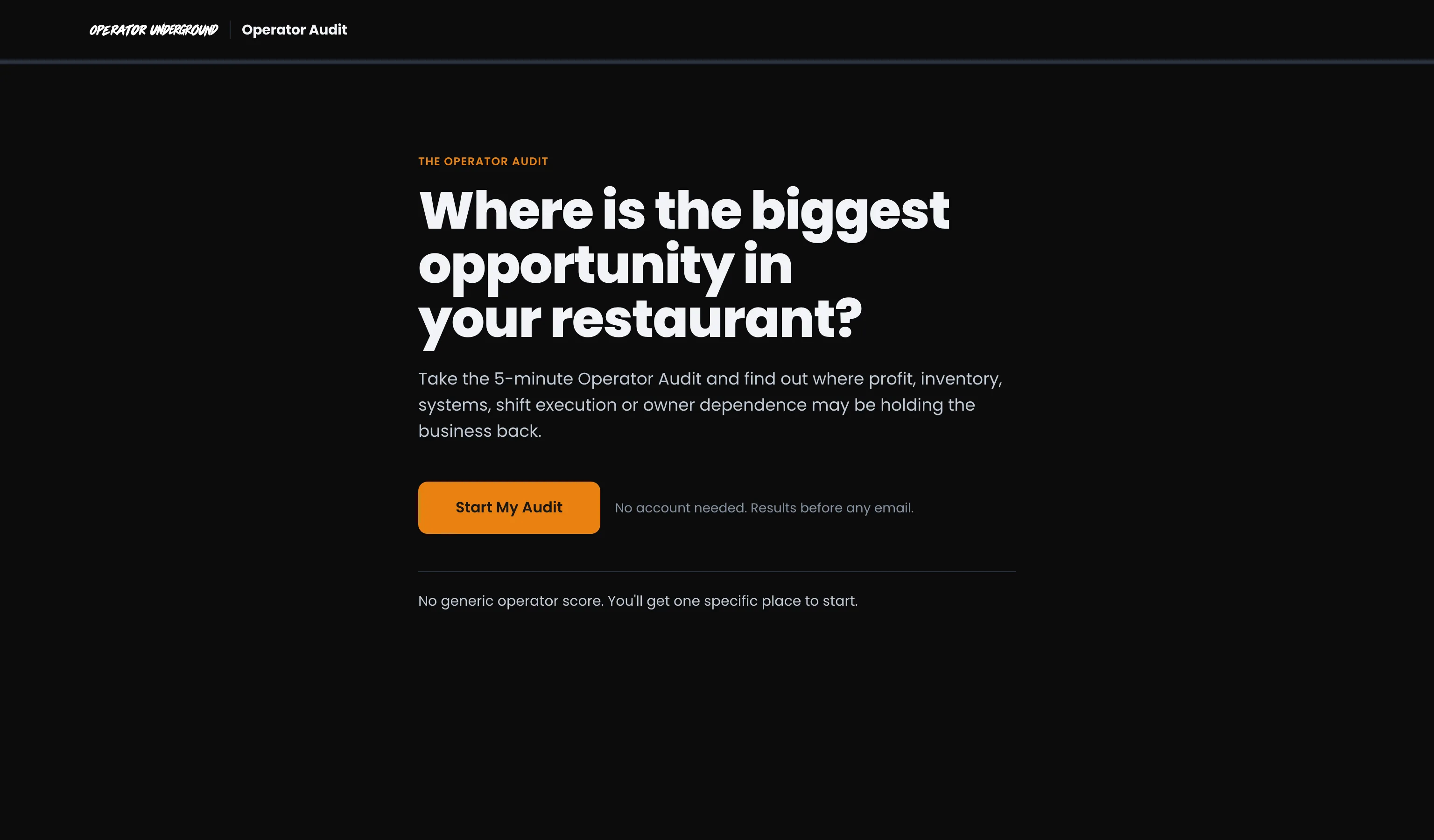
Take the Audit
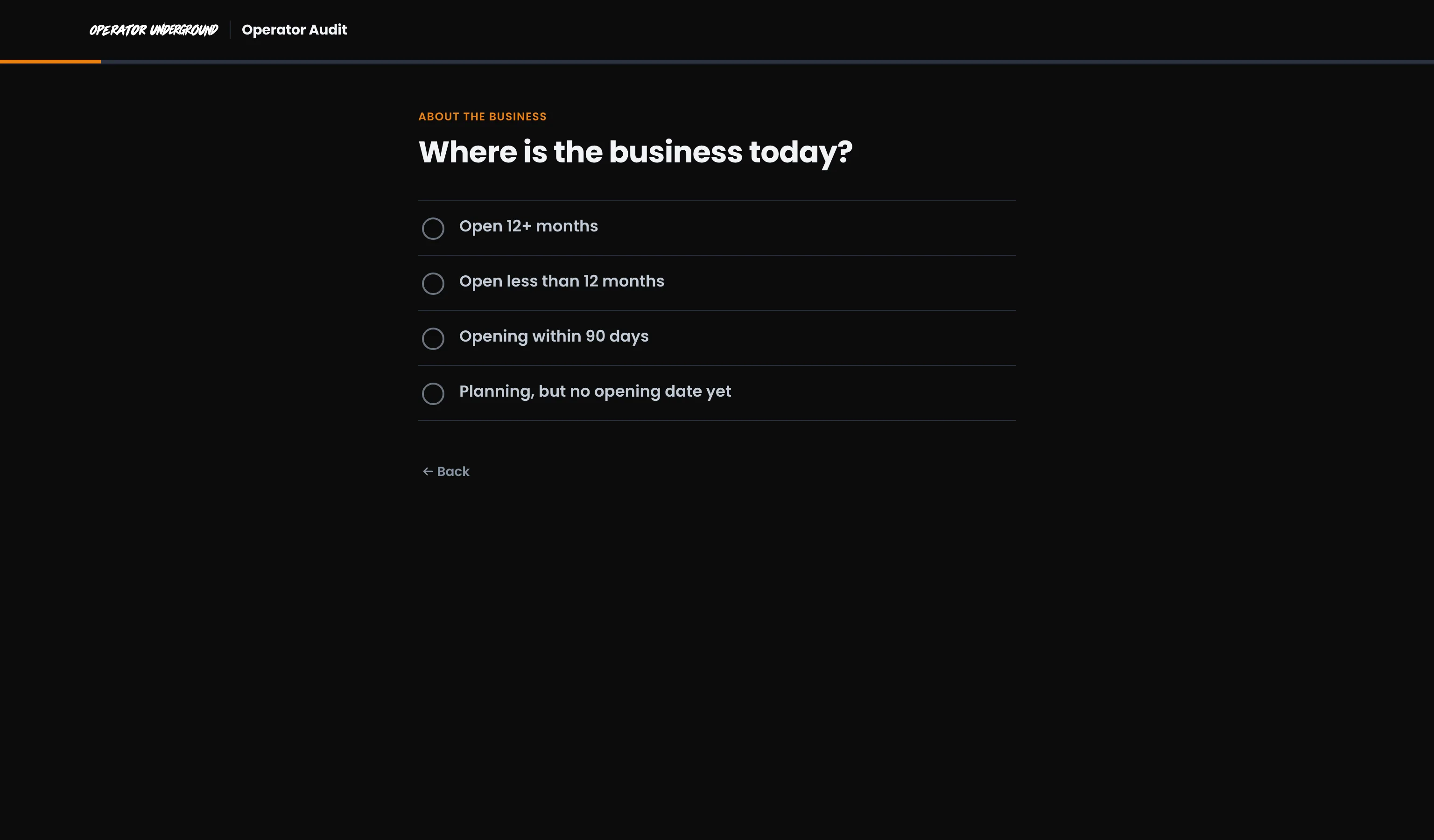
One Question at a Time: Press Start My Audit. Each screen asks one thing. Tap an answer and it moves straight on, and the orange bar across the top shows how far along you are. Tapped the wrong one? Back (or your browser's back button) returns you to the last question with your answer still selected.
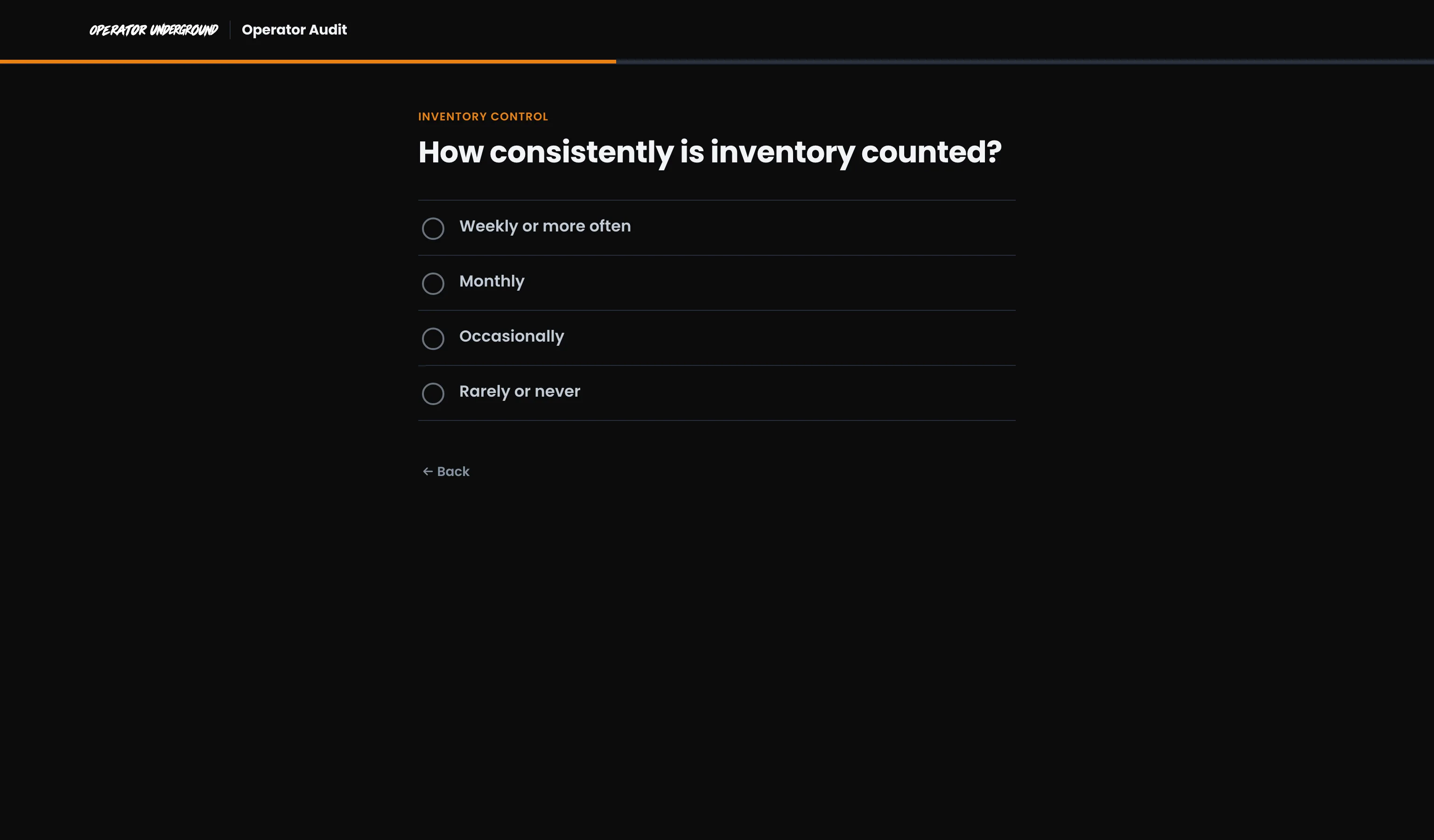
It Starts With Your Shop: The first questions are where the business is today, how many locations you run and which POS you use. Then come the questions that matter: counting, pricing, how shifts run, how your team is trained, and what happens when you are not there. It finishes by asking what would create the most value over the next 90 days.
Opening Soon? If you are opening within 90 days, or still planning, you get a set of readiness questions instead. None of them assume the doors are already open.
Life Happens: Close the tab or reload mid-Audit and you pick up on the same question, answers kept. Start over on the results clears everything.
Put a number on it
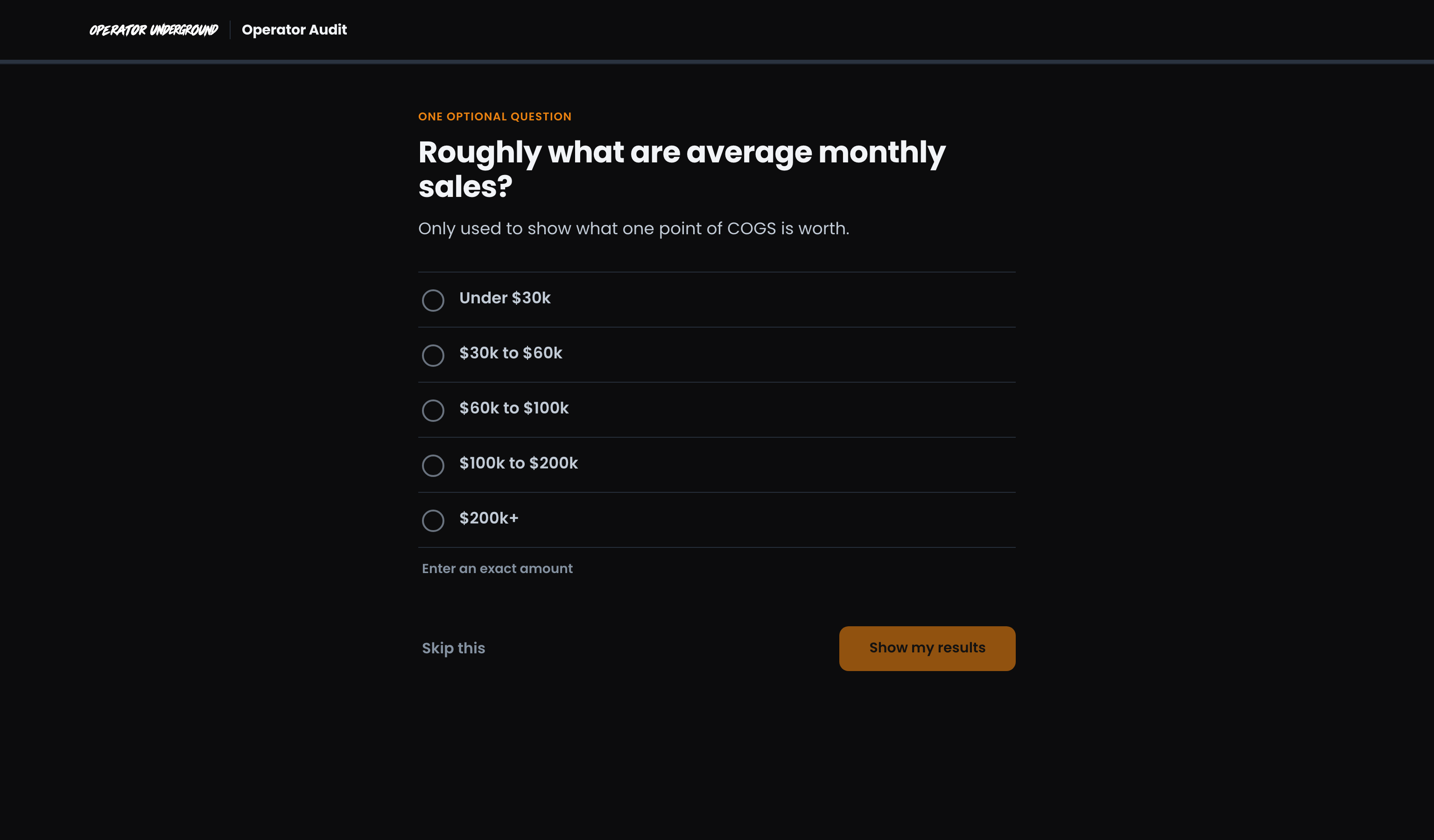
See What a Point Is Worth: When inventory or profit comes out as the biggest opportunity, one optional question asks roughly what you sell a month. Pick a range, Enter an exact amount, or Skip this. It is only used to show what one percentage point of food cost is worth over a year.
Read your results
Your Biggest Opportunity: Results lead with the area that has the most room, in plain words, and what the real opportunity is.
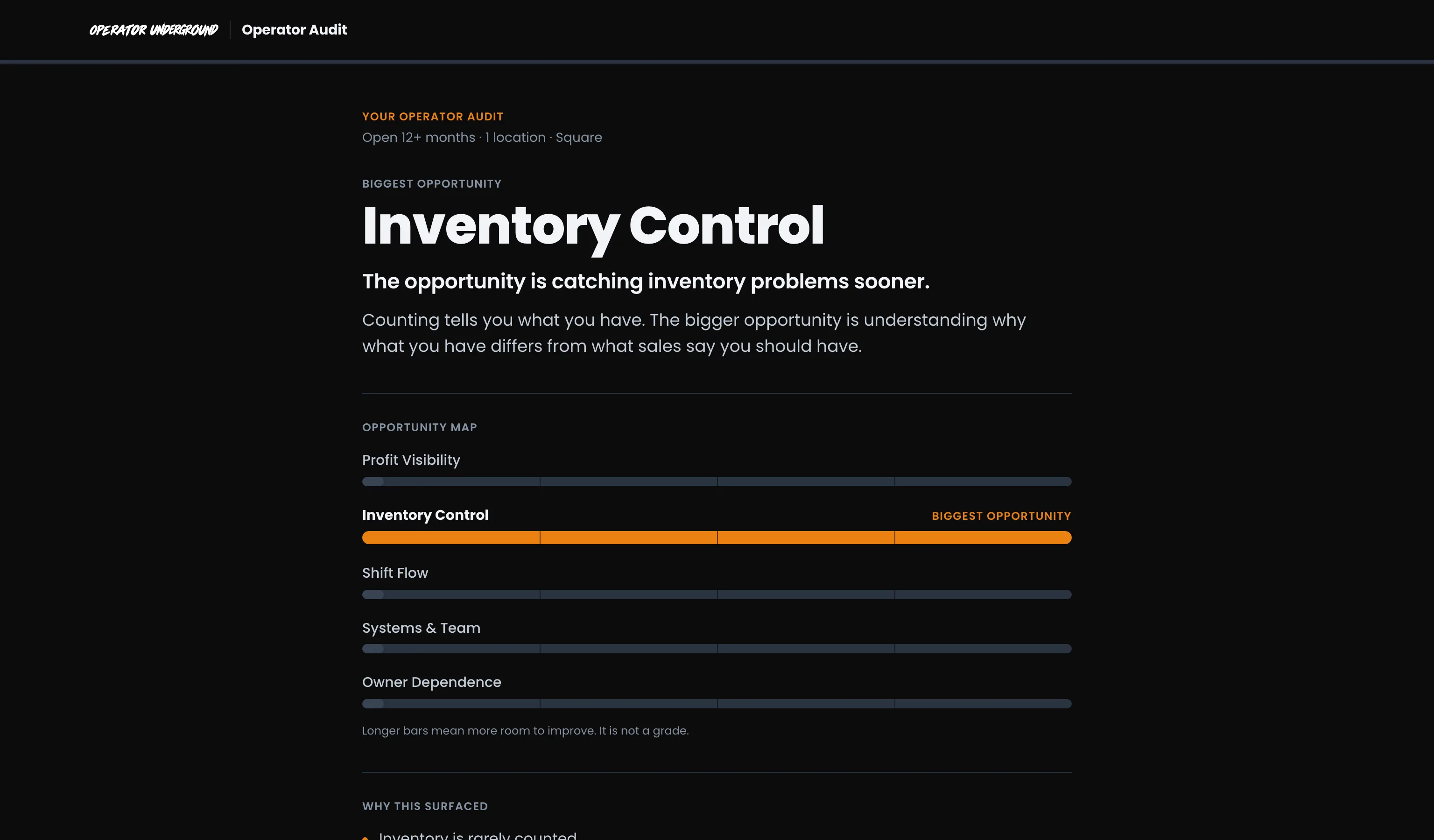
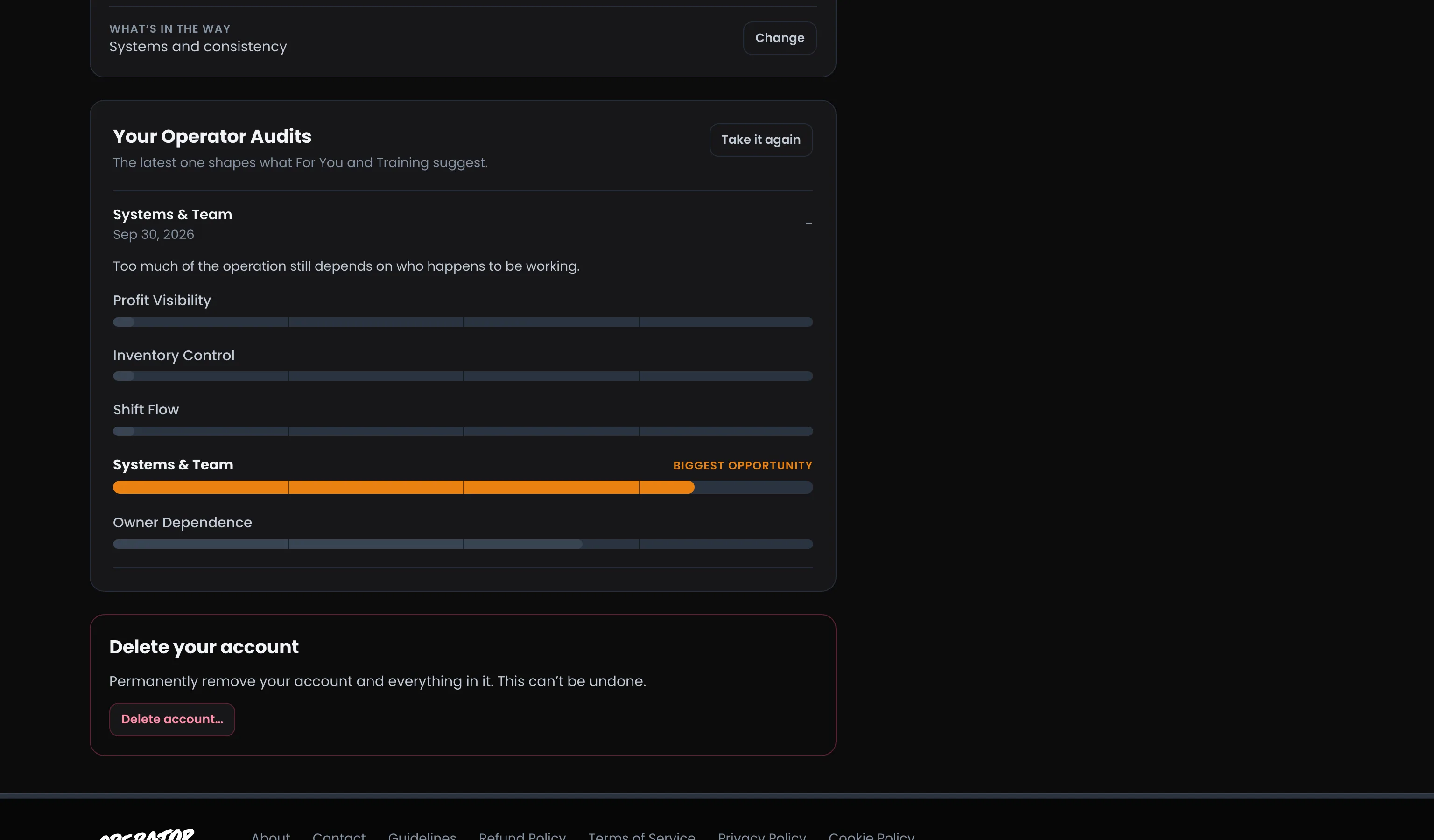
The Opportunity Map: Five areas side by side. Longer bars mean more room to improve. It is not a grade, and there is no score to compare with anyone else.
Why It Surfaced, and Where to Start: A couple of lines tie the result back to your own answers, then Start here gives you one specific thing to do this week, like tracking expected against actual usage for five high-cost ingredients.
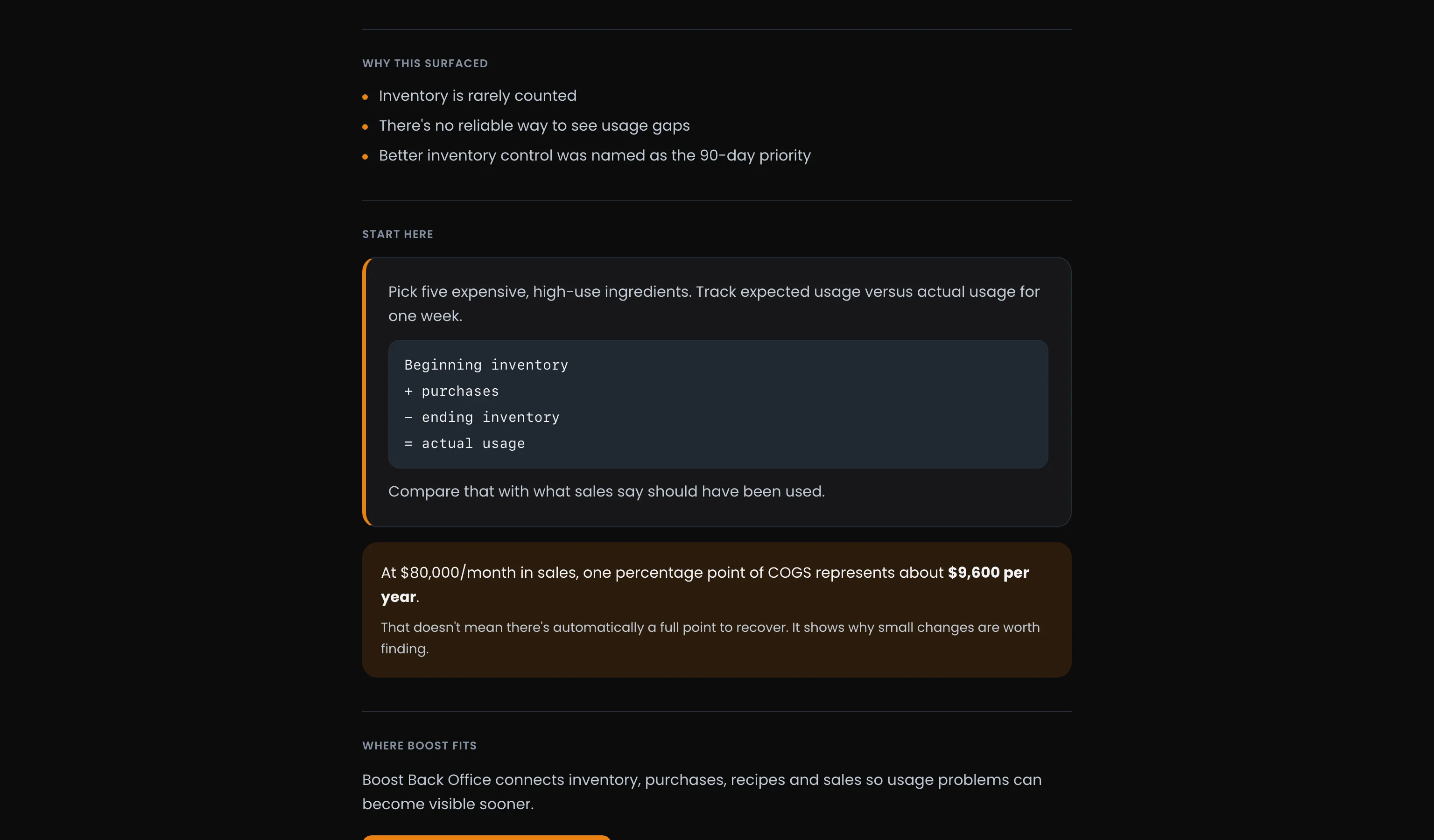
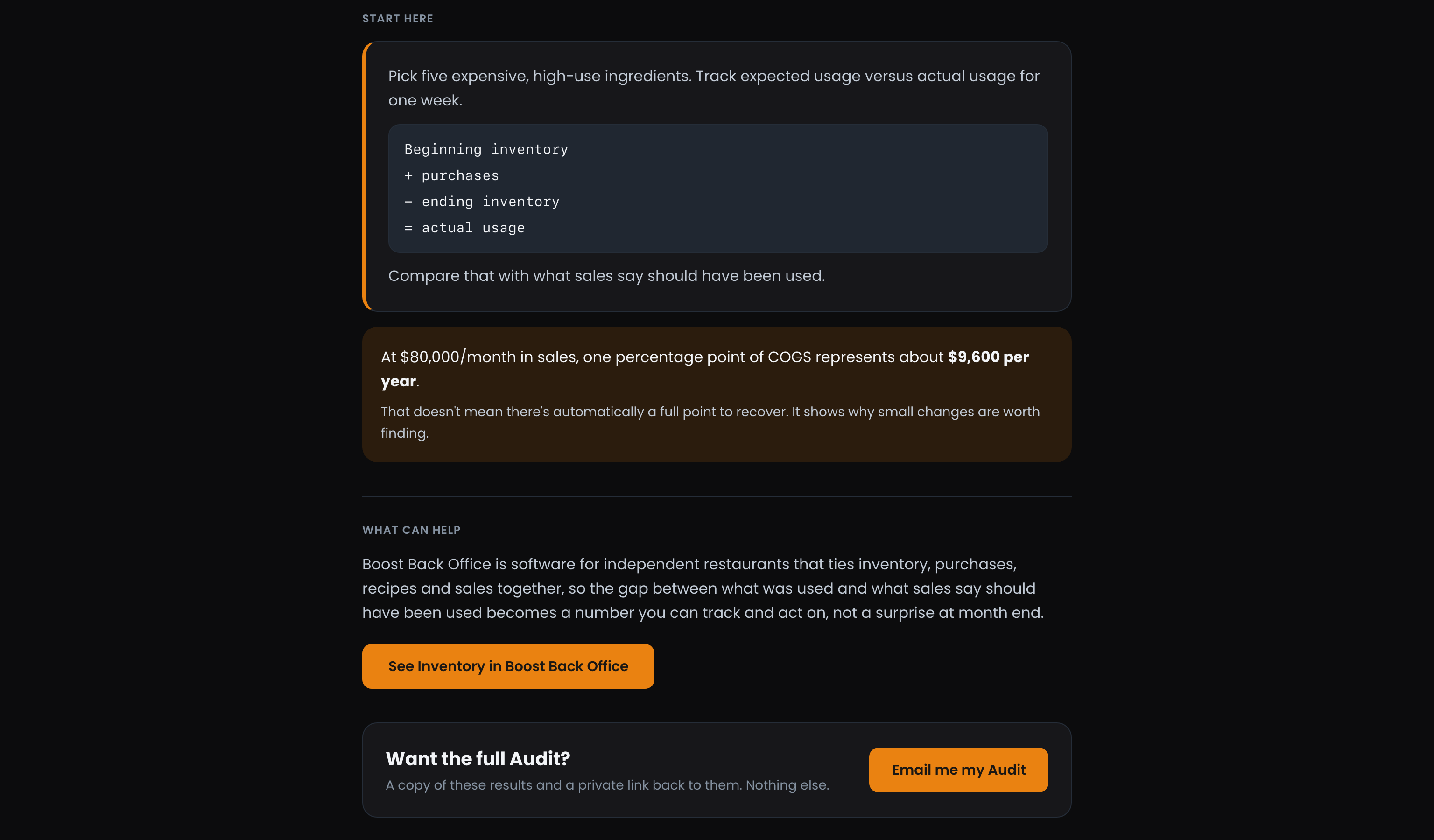
What Can Help: When there is a tool built for the problem you have, the results introduce it. For profit, inventory and the rush, that is Boost Back Office, software for independent restaurants that keeps food cost, inventory and order flow in view. It is suggested when it fits and you are on Square. Otherwise the results point you to the Operator Underground, where operators work through the same problems together.
Tip
Everything scored well? The results say nothing is screaming for attention, and name the area worth tightening next instead.
Keep your Audit
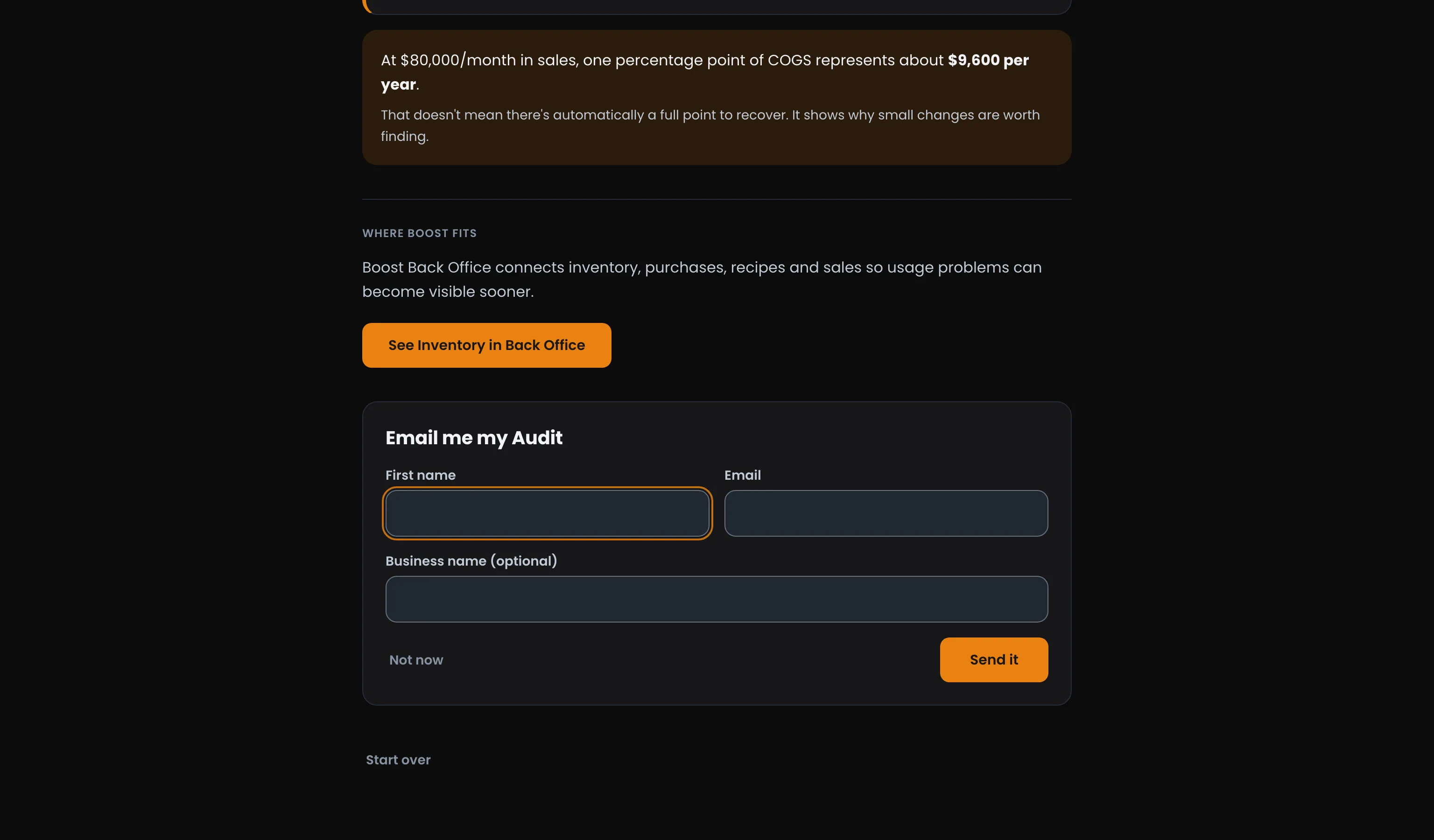
Send It to Yourself: Email me my Audit asks for your first name and email, plus your business name if you like. You get a copy of the results and a private link back to them. Nothing else.
Bring It Into the Underground: Press Join Operator Underground from your results and the Audit comes with you. Your name and email are already filled in, and when you get to setting up, the step that asks what is in the way is skipped, because the Audit already answered it. See Joining the Operator Underground.
Already a Member? Signed in, your Audit saves to your account as soon as you finish, with no email needed. Opened a private Audit link while signed in? Press Save to my account to keep it.
Take it again later
Businesses change. Open Settings and Your Operator Audits lists every Audit you have saved. Open one to see its headline and map again, or press Take it again to see what has moved.
Ready to dig in?
Head to Operator Audit on the Operator Underground and press Start My Audit. Five minutes from now you will know where to look first.
Access: Free. No account needed