

Joining the Operator Underground
Contents9 sections
Joining the Underground takes a few minutes, and most of them are about your business, not a form. You say what you want out of the shop, what is standing in the way, and you leave with one real thing to fix.
Start with the mantra
Hear What We Believe: Head to Join in the top right of the Underground. The page opens with what the place is about: sacrifice is not a business model. Running a restaurant is hard, and some of that is just the job. A lot of it is the Grind, and the Underground is for operators who would rather fix the business than keep enduring it. When there is a short video from the founder, it sits right under that.
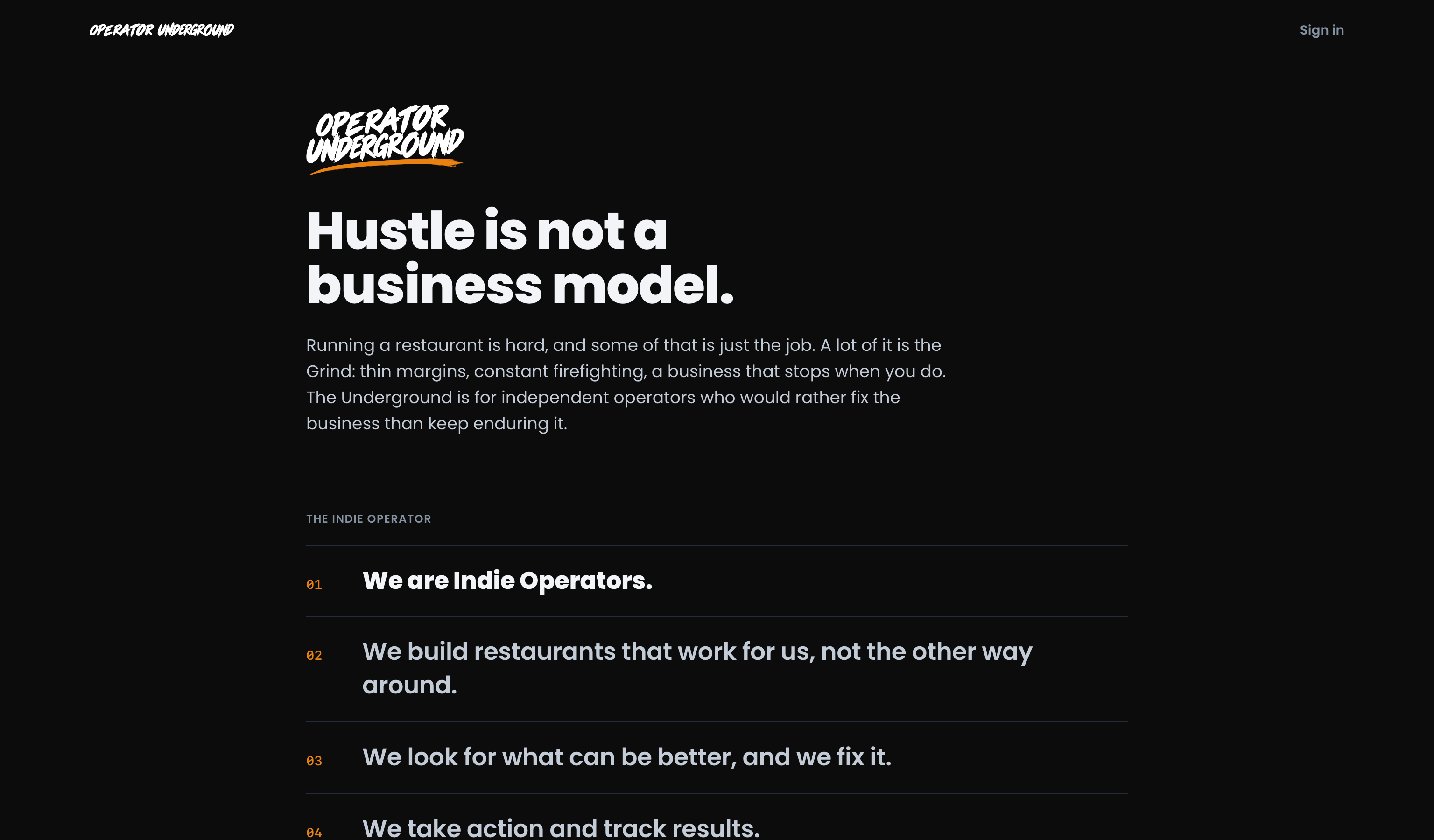
Decide If It Fits: Below that is the Indie Operator mantra, a few short lines about how members run their shops. Then one question: Does this sound like you?
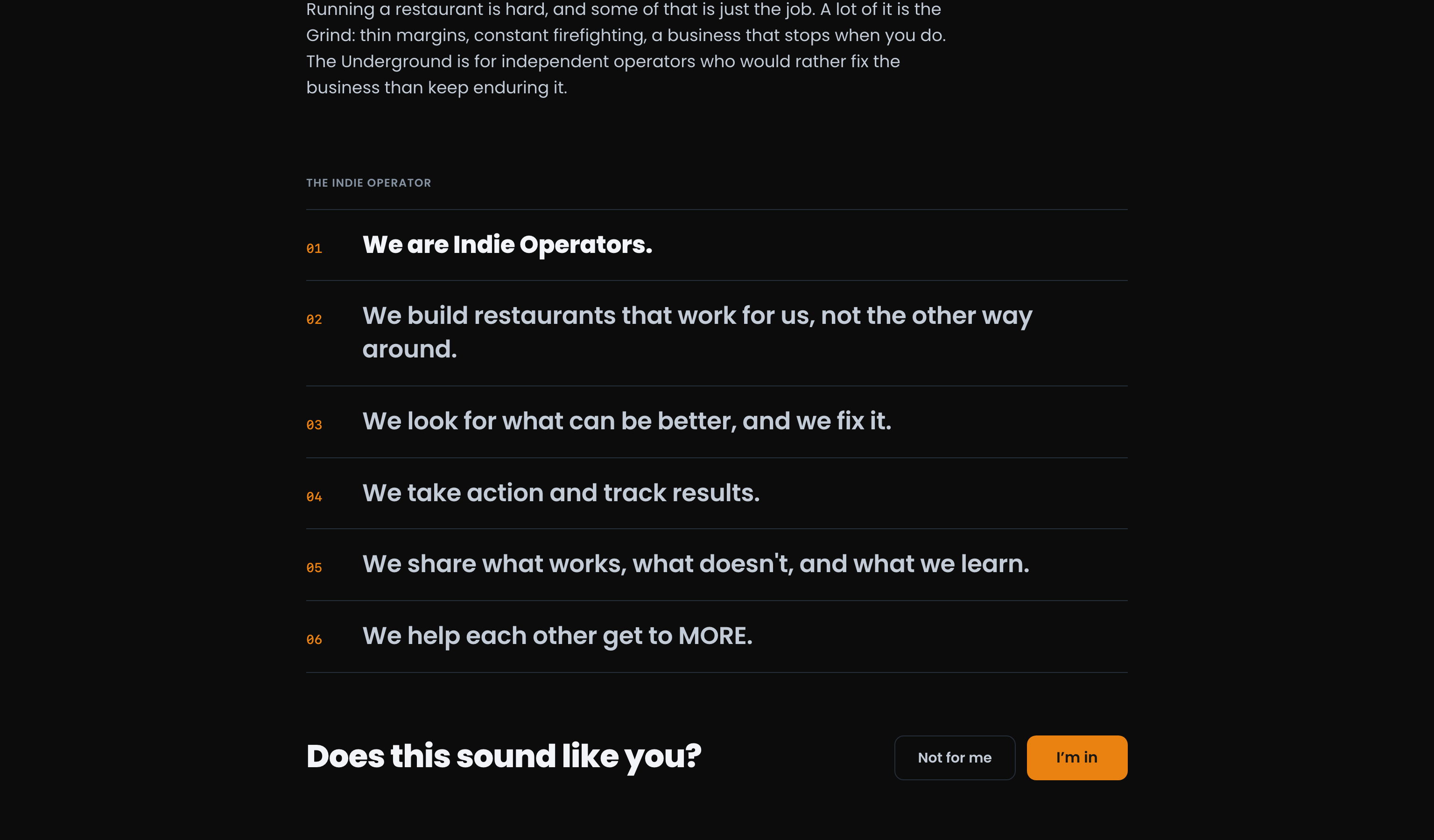
- I'm in takes you to the next step.
- Not for me is a fine answer. Nothing is created, and you get a pointer to Boost Academy's courses instead. Changed your mind? Take another look brings the mantra back.
Create your account
No Password, No Fuss: After I'm in, the page asks for your first name, last name and email, plus the Terms box and an optional box for the Underground newsletter, new training, tools and offers by email. We email you a link that finishes the job. The same email carries a 6-digit code, so if you opened it on your phone, type the code on the page you started on.
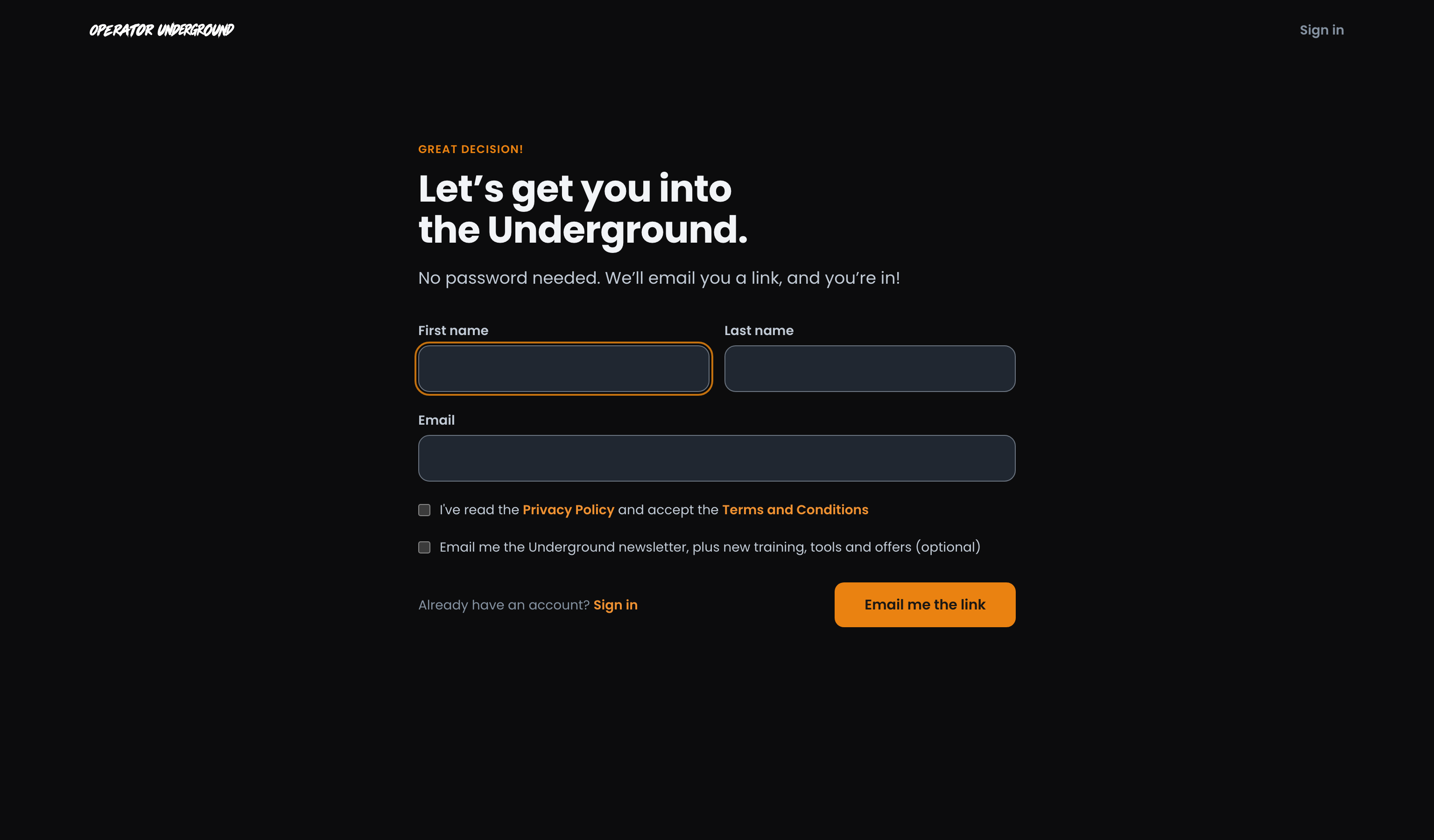
It is the same account you use on Boost Academy.
Coming From the Operator Audit: Pressed Join Operator Underground from your Audit results? Whatever the Audit already has, your first name and email, is filled in for you, and the Audit is saved to your new account. See Taking the Operator Audit.
Already on Boost Academy?
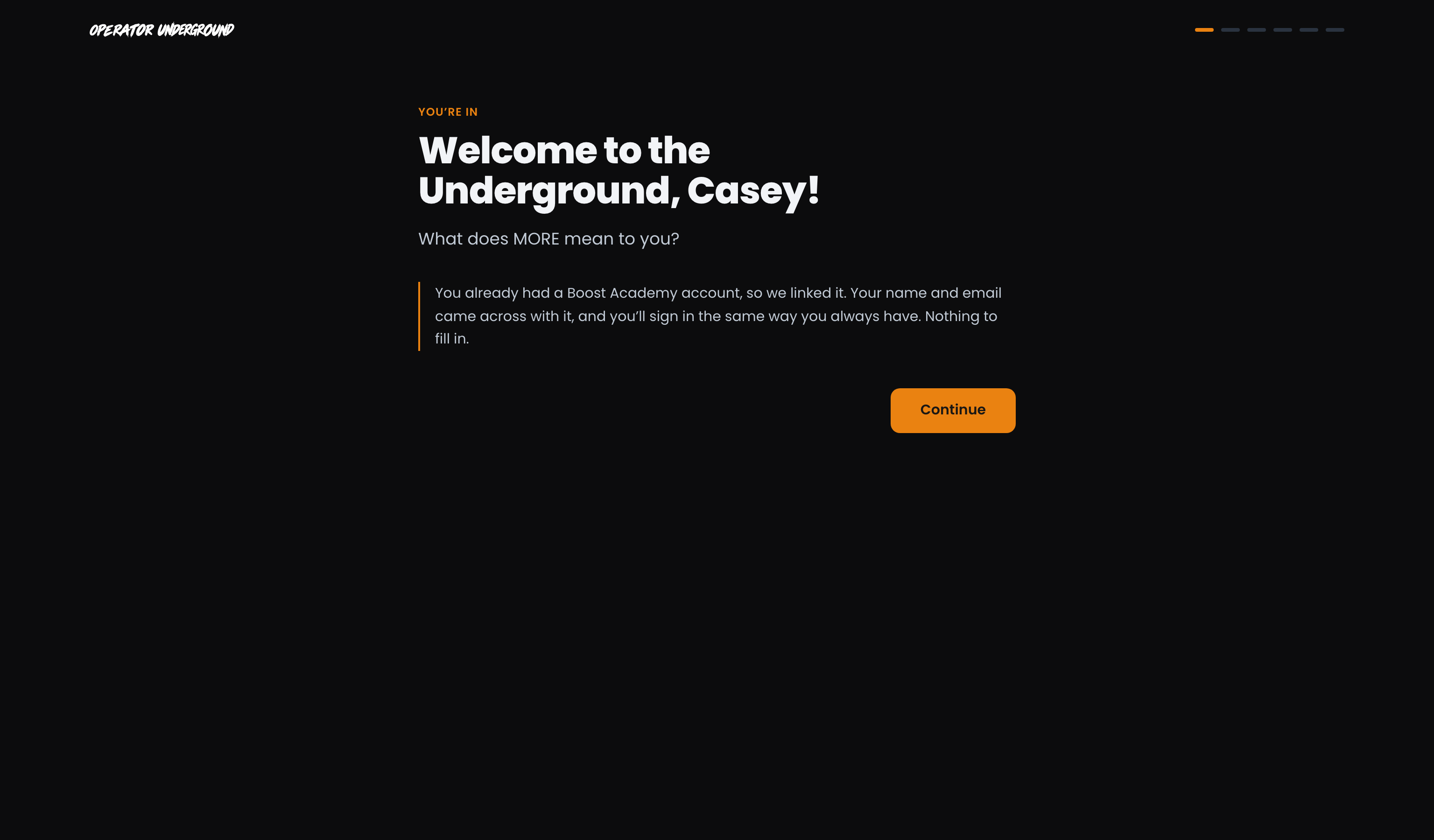
Sign in to the Underground and it brings you to the same page. Press I'm in and you skip the form and the email completely: your account is linked, with your name and email already on it.
Set your MORE
Welcome In: The first screen welcomes you by name and shows six short marks across the top, one per step. There is a short welcome video there too, when one is set, and watching it is up to you.
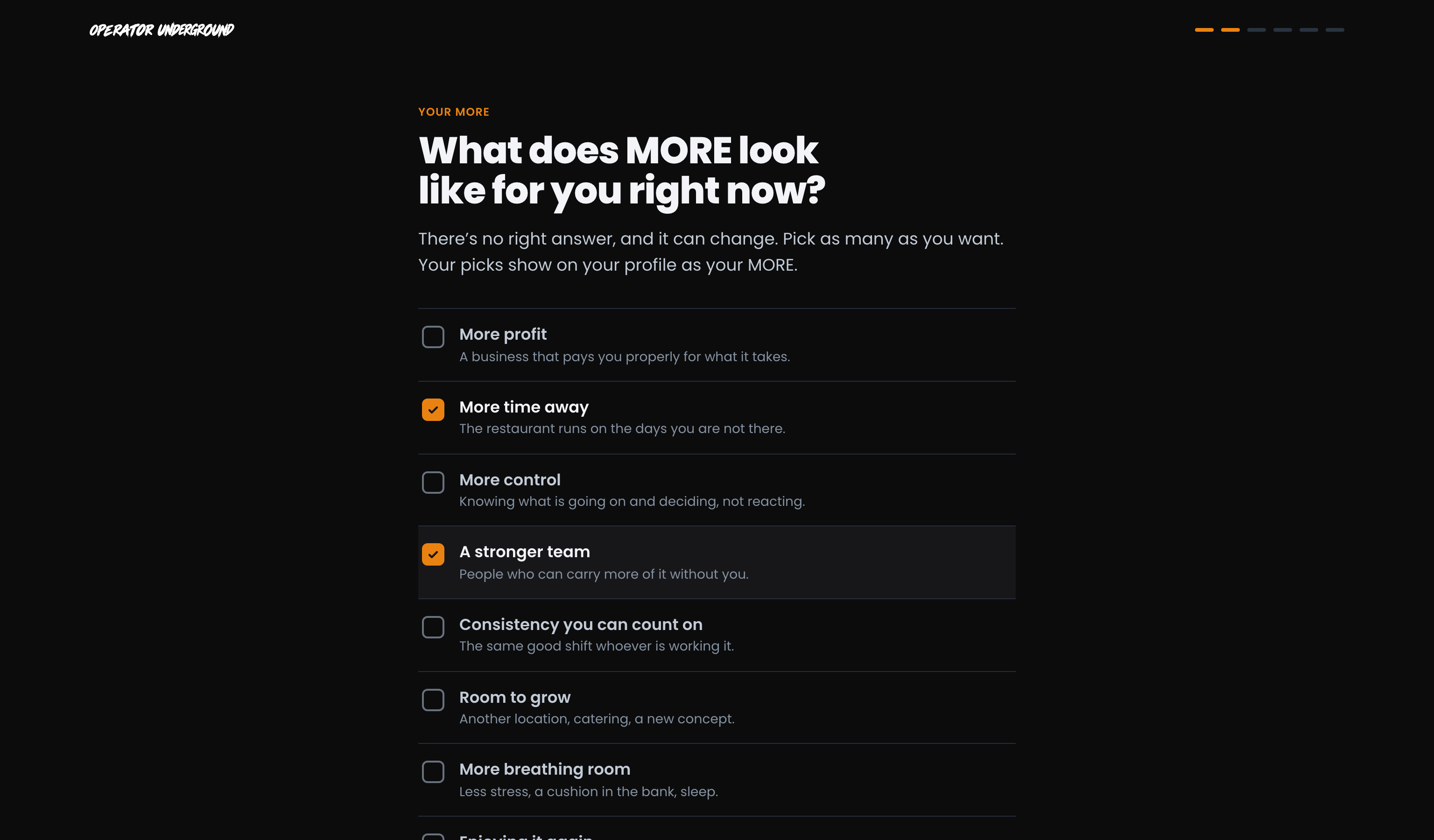
Say What You're Working Toward: What does MORE look like for you right now? More profit, more time away, a stronger team, room to grow, enjoying it again, and more. Pick as many as you want. There is no right answer, and it can change. Something else lets you say it in your own words, and What would MORE change for you? is there if you want to add a line.
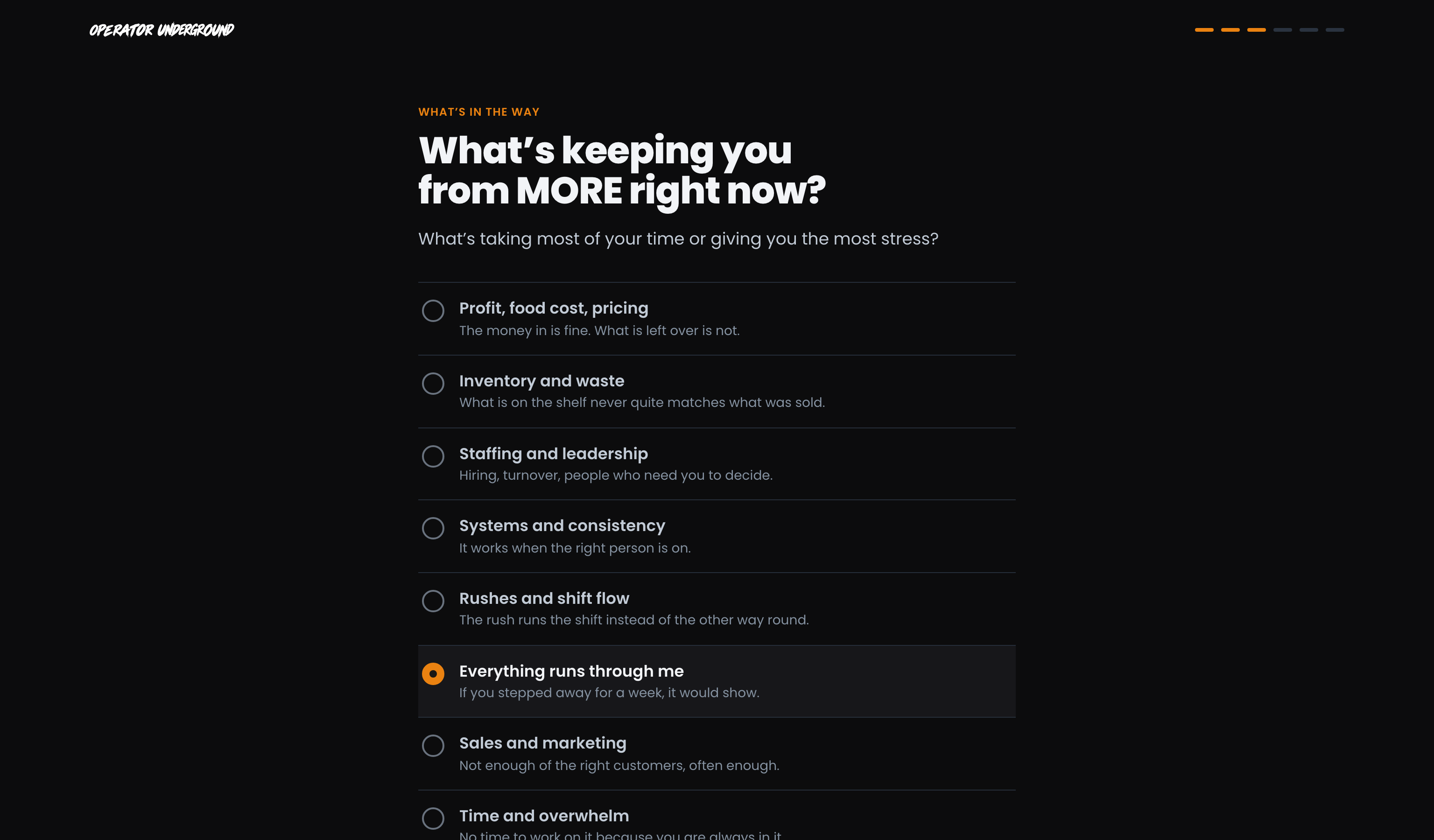
Name What's in the Way: What's keeping you from MORE right now? Pick the one that's taking most of your time or giving you the most stress, like food cost, staffing, or everything running through you. If more than one thing is getting in the way, add the others after.
Took the Operator Audit first? It already found what's in the way, so this step is skipped and you go straight from MORE to your first fix.
Make your first fix
One Real Thing to Fix: Based on what's in the way, you get one action. For example, "Find one thing that doesn't have to run through you." Under it:
- Learn something: a few sentences on why it matters, and a course to go deeper where there is one.
- Fix something: a question that makes you name the actual thing, like "What do you handle that someone else could, with the right setup?"
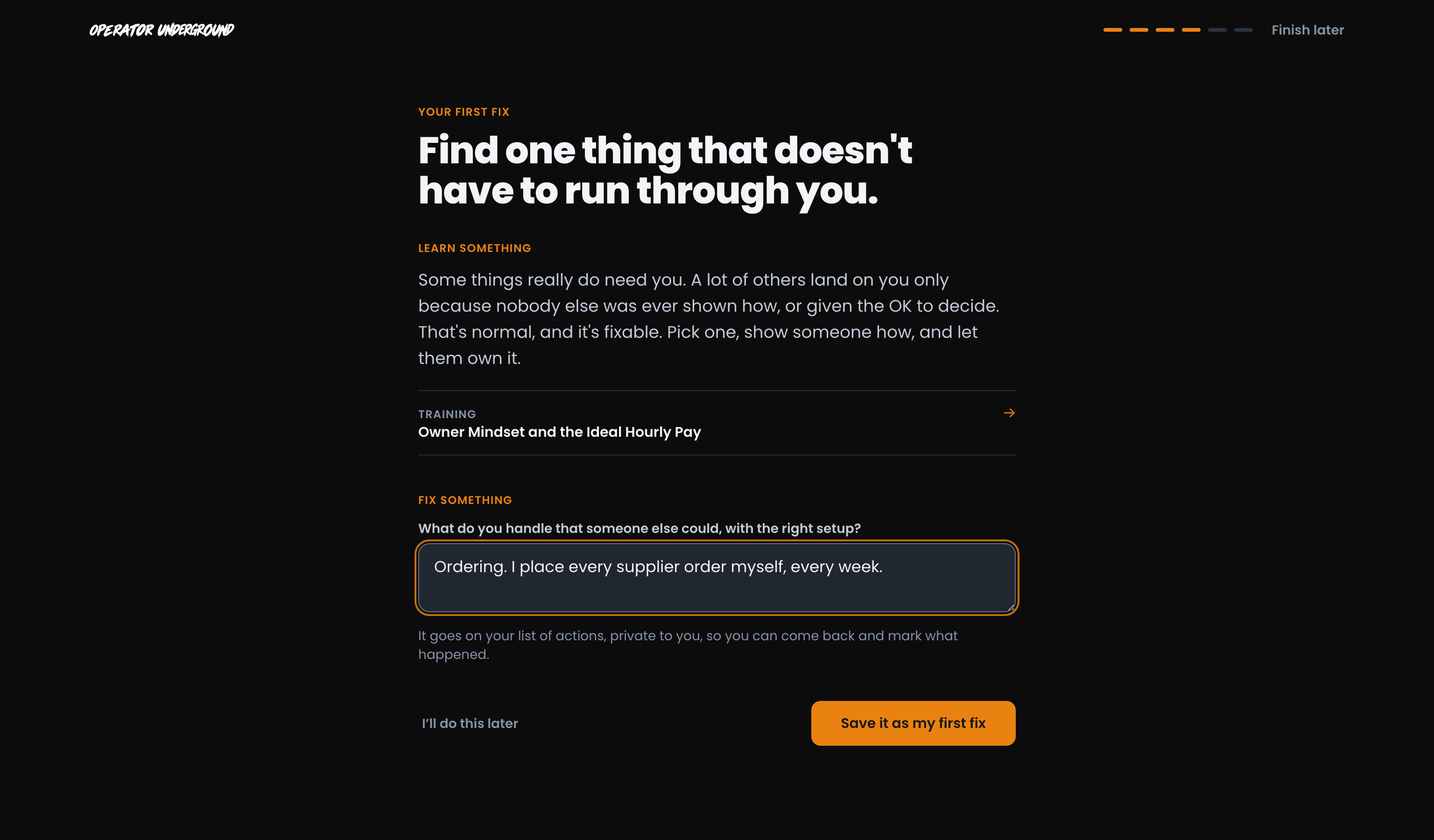
Save it as my first fix puts it on your actions, private to you, so you can come back and mark what happened. Not ready? I'll do this later moves you on.
Not Sure What's in the Way? Pick Not sure yet and your first fix asks what you would fix first with a free week, with a link to the Operator Audit right under it. It takes about five minutes to find your biggest opportunity, and it opens in a new tab so you keep your place. See Taking the Operator Audit.
Say hello by getting to work
Start With a Win: Bring it to the Underground offers two ways in. Post a win, even a small one: a win is a win! Or Share what you're working on and ask the room for a hand with what you're fixing. Either way it's your post, in your words. Stuck on where to start? Need an idea? sits right above it with three prompts drawn from your answers, like what you've already tried on the thing you named in your first fix.
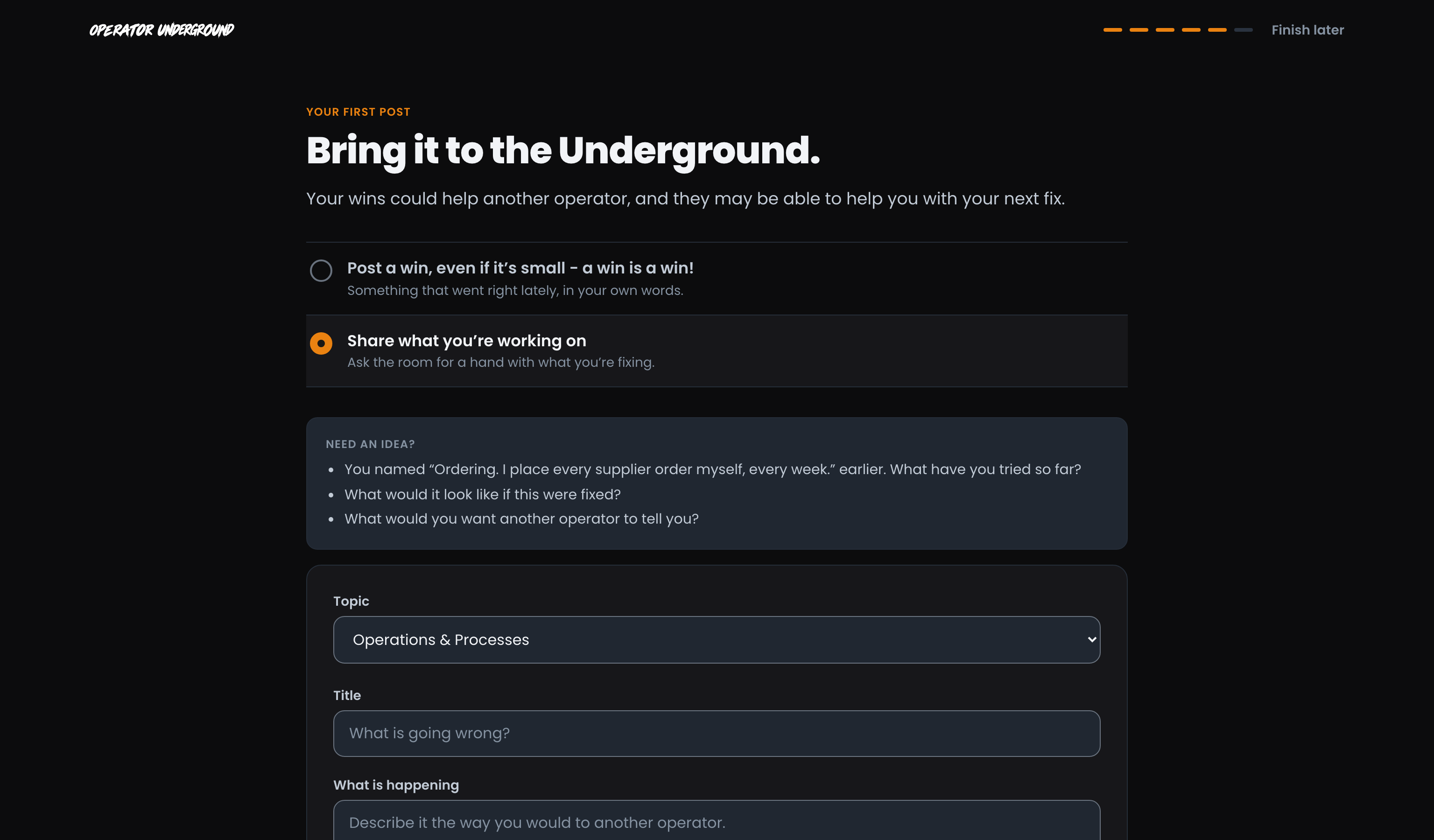
Not ready to post yet? Skip for now is always there.
Find your way around
Where Things Are: A quick look at Discussions, Training, Sprints, Wins, Live and your actions, one line each, with your MORE repeated back to you. Take me to Discussions finishes.
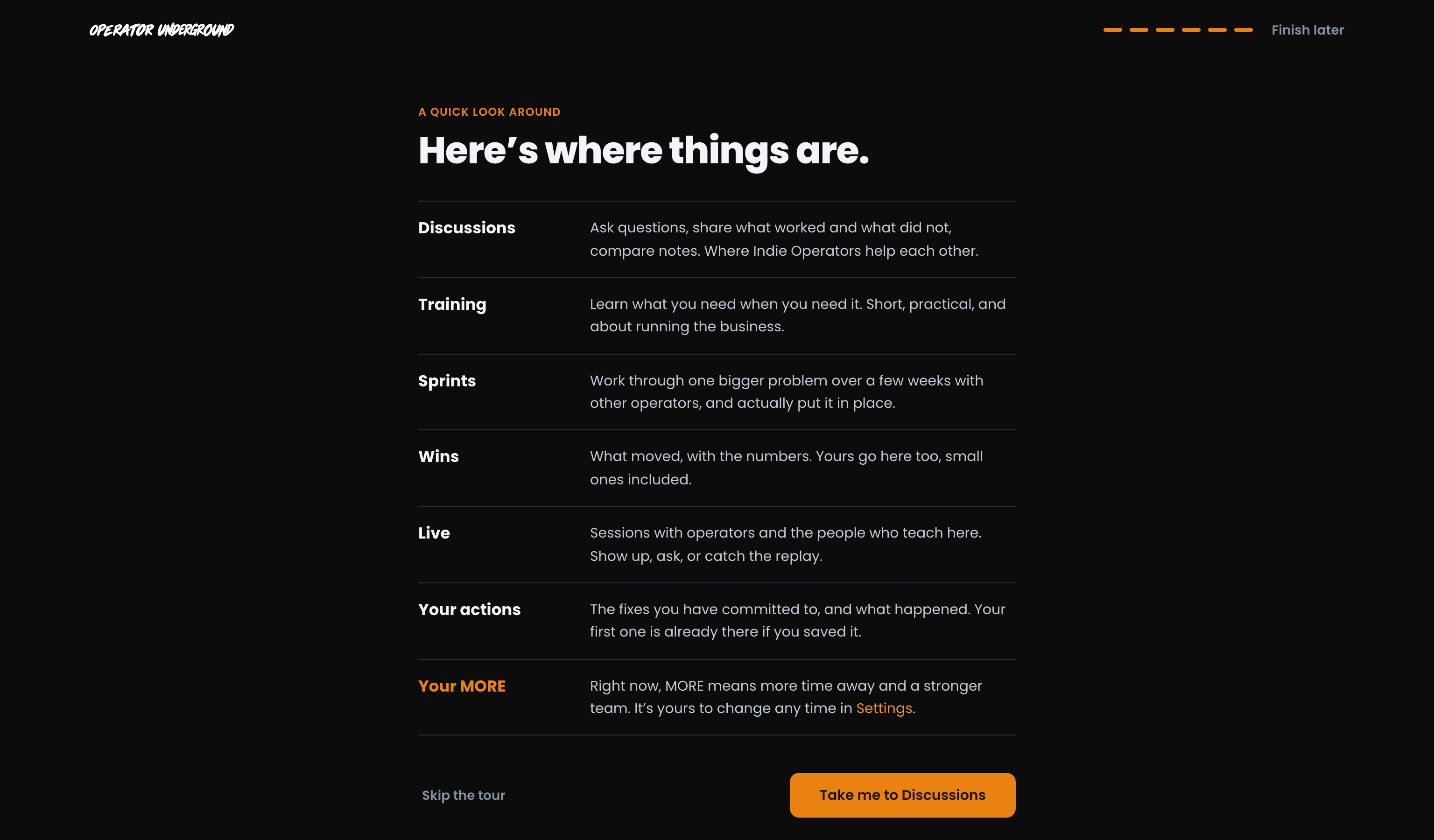
You land on Discussions with a one-time welcome. Close it and get stuck in.

Pick up where you left off
Every step saves as you go. Close the tab before you have answered MORE and what's in the way, and the main pages bring you back to the step you were on. A link someone sends you to a specific post, sprint or lesson still opens in the meantime.
Once those two are answered, the rest is optional: Finish later in the top corner takes you straight to the site.
Change your MORE any time
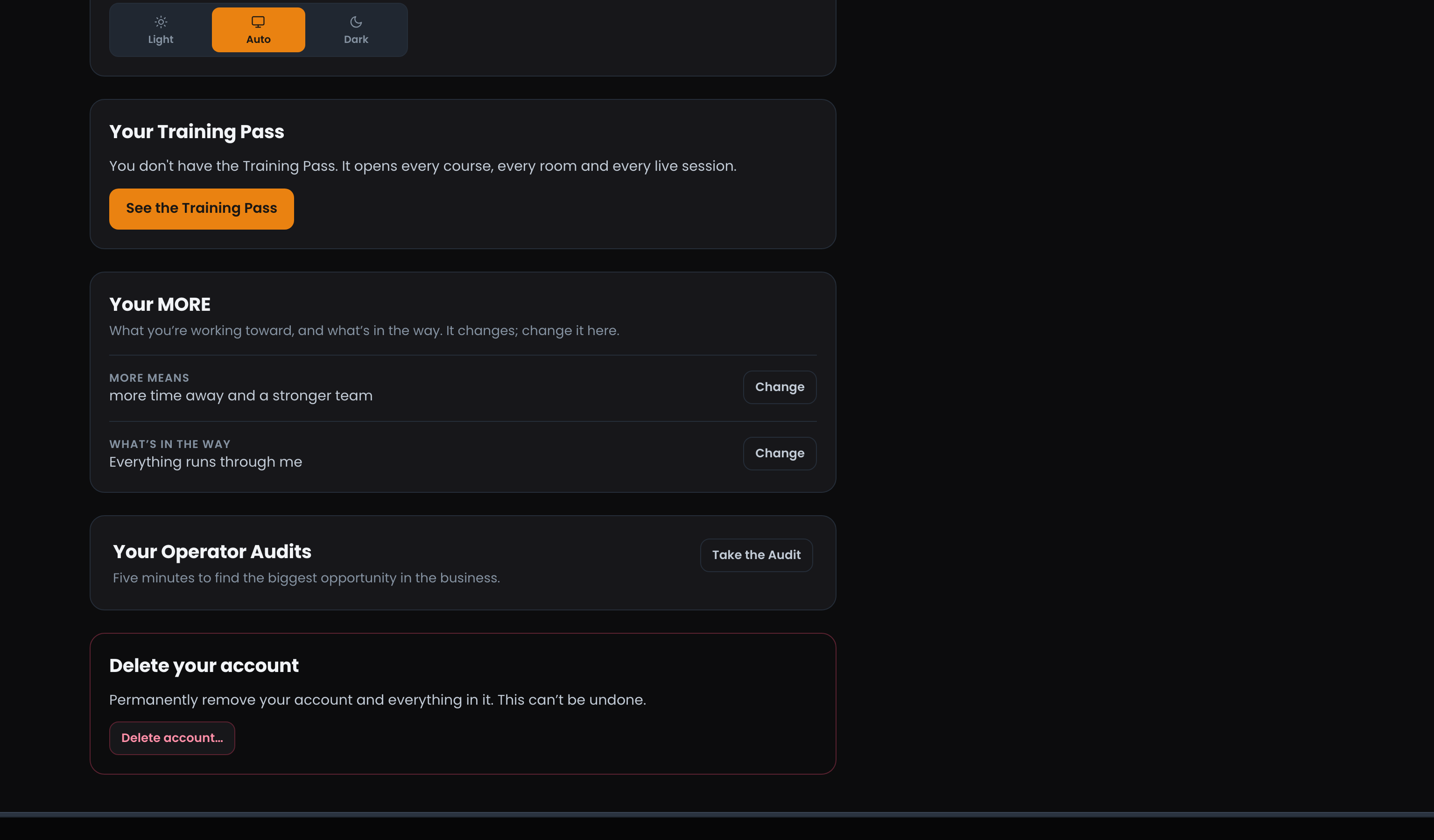
What you want out of the business moves, and that's the point. Open Settings (press Cmd/Ctrl+K and choose Settings, or use the link on the quick look around) and the Your MORE card is near the bottom: press Change next to either answer to update it.
Under it, Your Operator Audits keeps every Audit saved to your account, with Take it again whenever you want a fresh read.
Ready to dig in?
Head to the Operator Underground, press Join, and see if it sounds like you.
Access: All members