

Searching the Underground
Contents2 sections
Somebody posted how they set pars for a new sandwich. You remember the answer, not the title. Search on the Underground is built for exactly that.
There are two ways in: the search page, for a proper look, and Cmd/Ctrl+K, for a quick jump without leaving the page you are on.
The search page
Everything in One Place: Press Search in the top bar, type what you are after and press Enter. Results come back grouped, each group with its count, and the total sits above them:
- Discussions: Fixes, field reports, questions and perspectives, each labelled with its type and topic.
- Wins: wins from The Board.
- Operators: people, found by their name or their shop's name.
- Sprints: found by name and description.
- Training: courses from Boost Academy, which open in Training here.
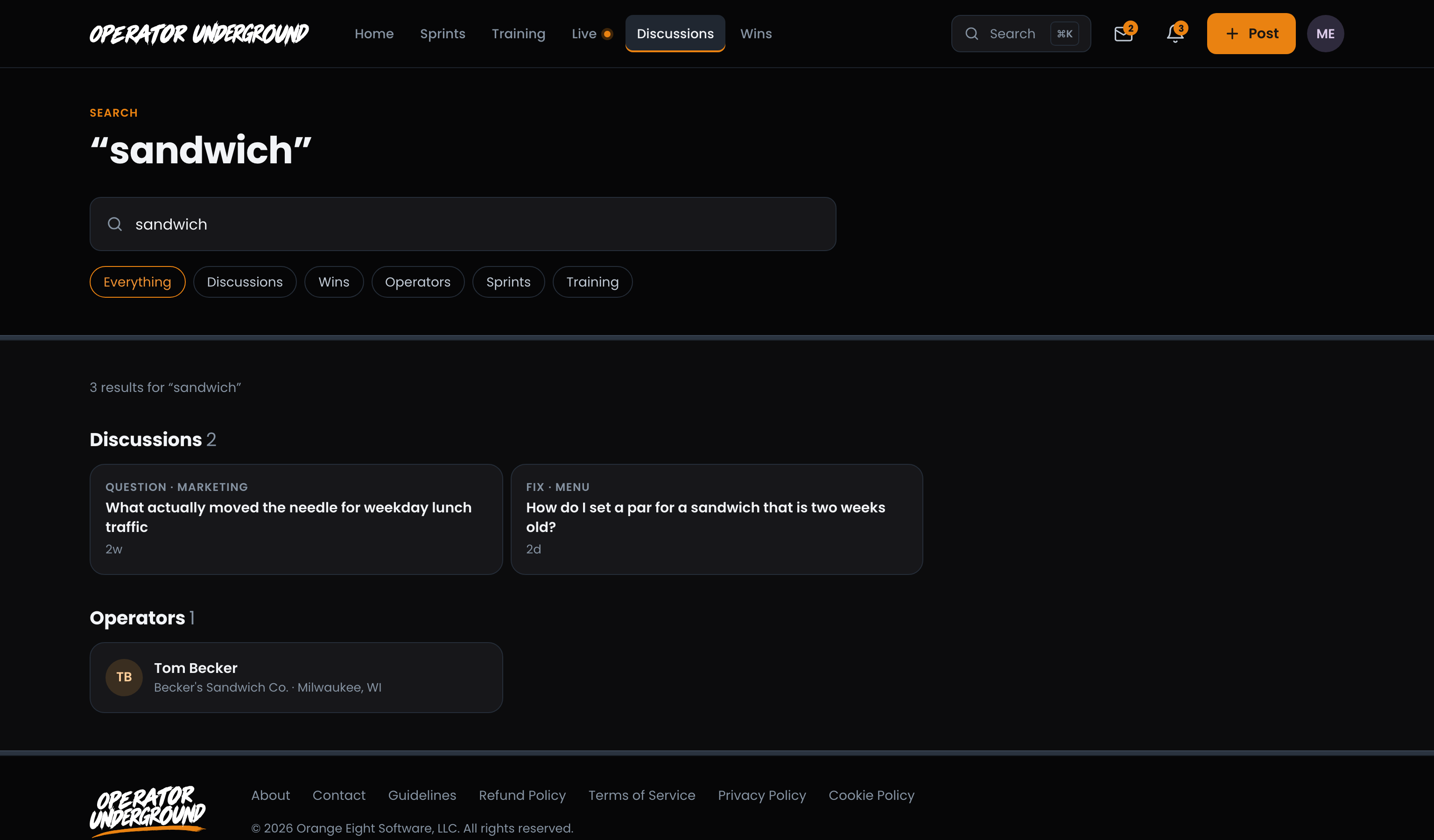
Remember the Answer, Not the Question: A discussion is found by a word in its title or body, and also by a word that appears only in one of its replies. If the tip you are hunting for was a reply, search for the tip.
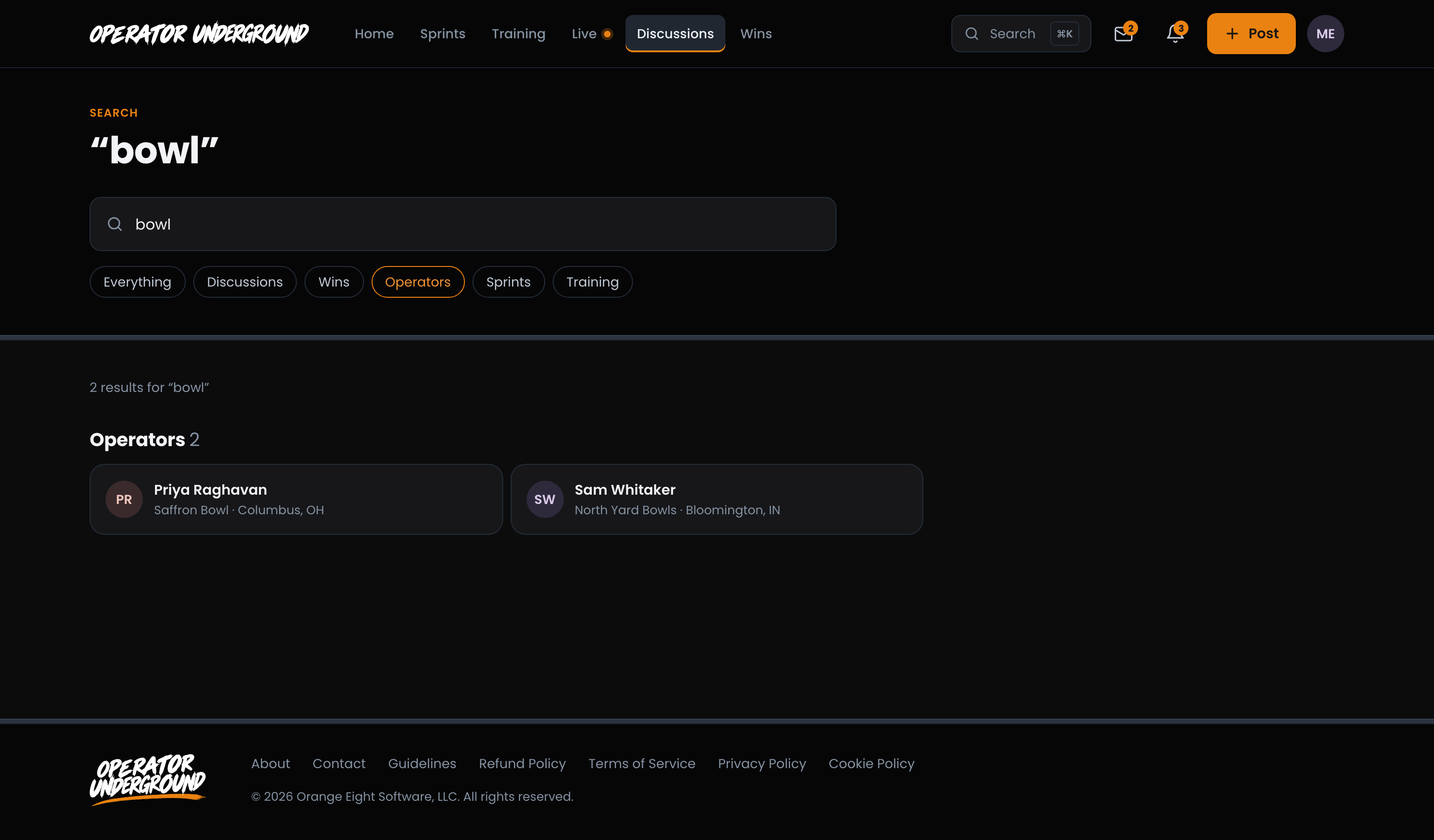
Narrow It Down: Once you have searched, the chips under the box narrow the results to Discussions, Wins, Operators, Sprints or Training. Everything takes you back to the lot.
Tip
Operator search matches names and shop names, so a word like tacos or pizza finds shops with it in their name. Narrow to Operators to see just people. Finding operators on the Underground covers the full directory.
Note
Search only shows what you can open. Fixes and some rooms are for members only, so they never turn up for someone who could not read them.
Cmd/Ctrl+K: search without leaving the page
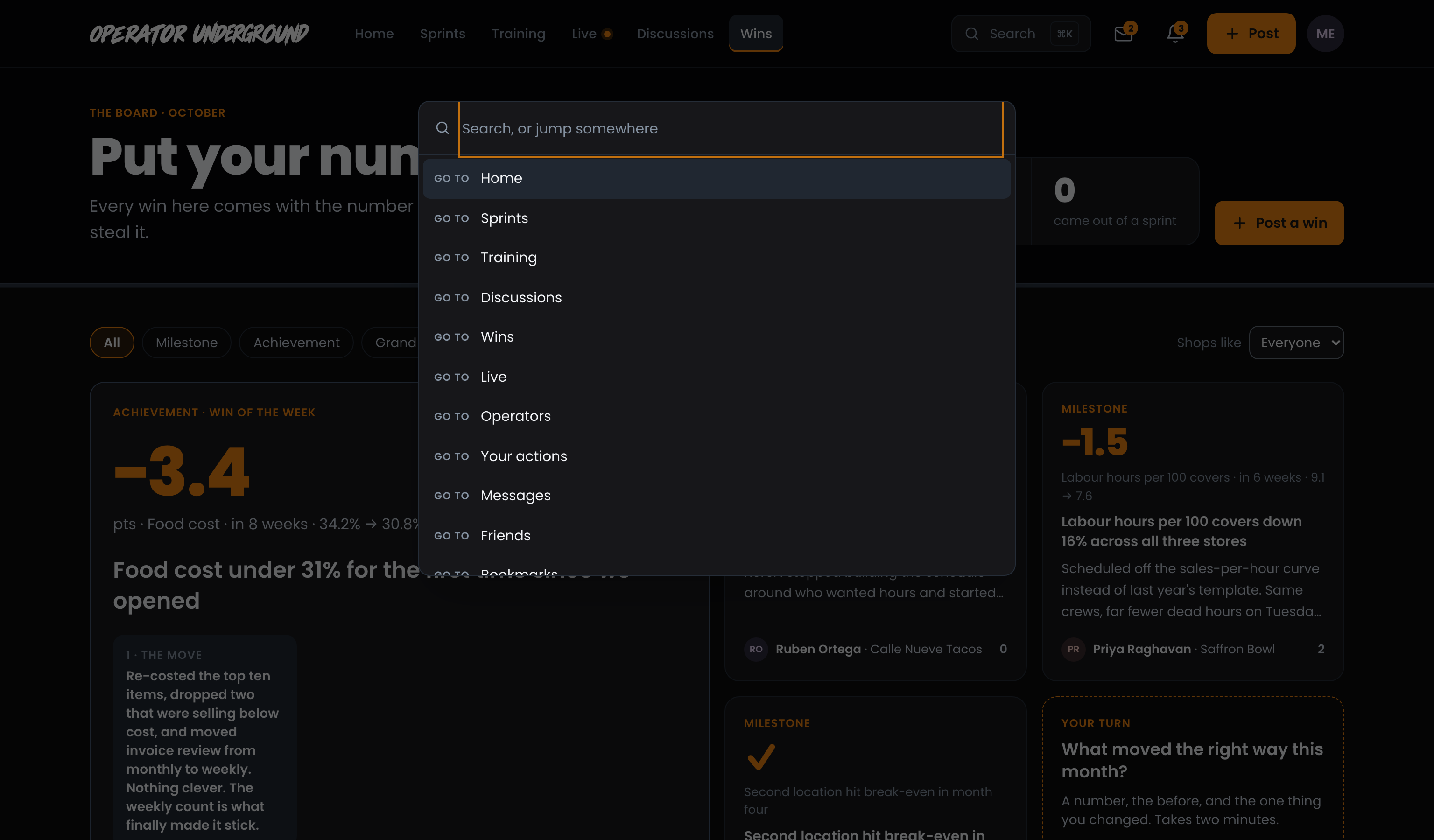
Jump, Don't Browse: Press Cmd+K on a Mac or Ctrl+K on Windows from any page. A search box opens over the page you are on.
Places, Before You Type: With nothing typed, it lists places to go: Home, Sprints, Training, Discussions, Wins, Live, Operators, Your actions, Messages, Friends, Bookmarks, Your goals, Edit profile and Settings. It is the quickest way to the Operators directory, which is not in the top nav.
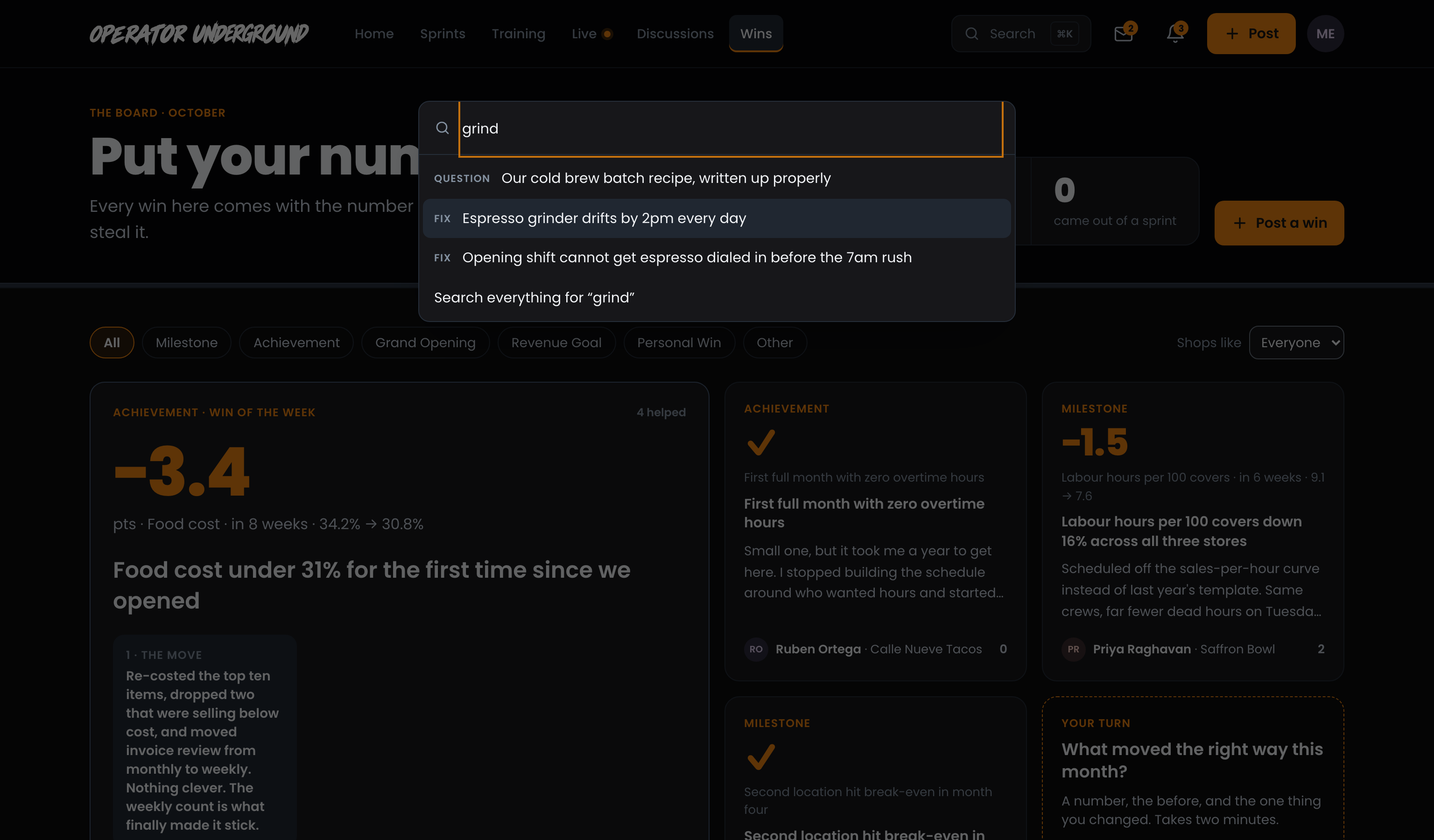
Results as You Type: Type two letters or more and it searches as you go, showing up to four of each kind, each labelled (Fix, Question, Win, Operator, Sprint, Training and so on). The last line, Search everything for, opens the full search page with what you typed.
| Key | What it does |
|---|---|
| Up / Down arrows | Move through the list |
| Enter | Open the highlighted result |
| Esc | Close it, or click anywhere outside |
Ready to dig in? Sign in to the Operator Underground, press Cmd/Ctrl+K and type the thing you half remember.
Access: All members